5 Touch screen display
5.5 Other sections
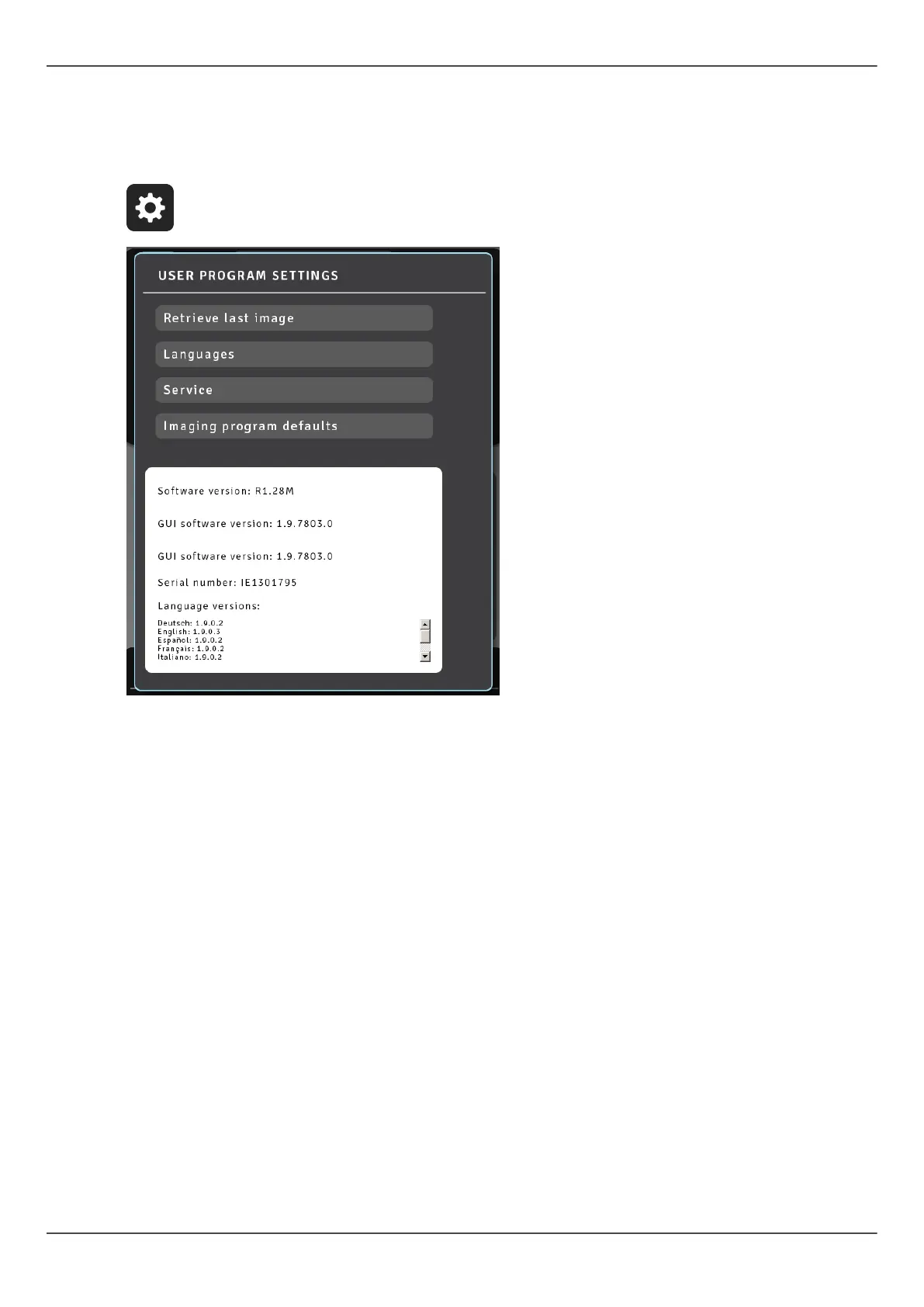
General settings
● Retrieve Last Image - Use this to retrieve the last image from the device memory
e.g. after a system error.
● Languages - Use this to select language on the touch screen.
● Service - Use this to reach the programs for periodical maintenance.
● Imaging program defaults - Use this to customize imaging programs with the mA
and default imaging programs.
44 ORTHOPANTOMOGRAPH
™
OP 3D Pro















 To Next Page