9 Calibration and adjustment
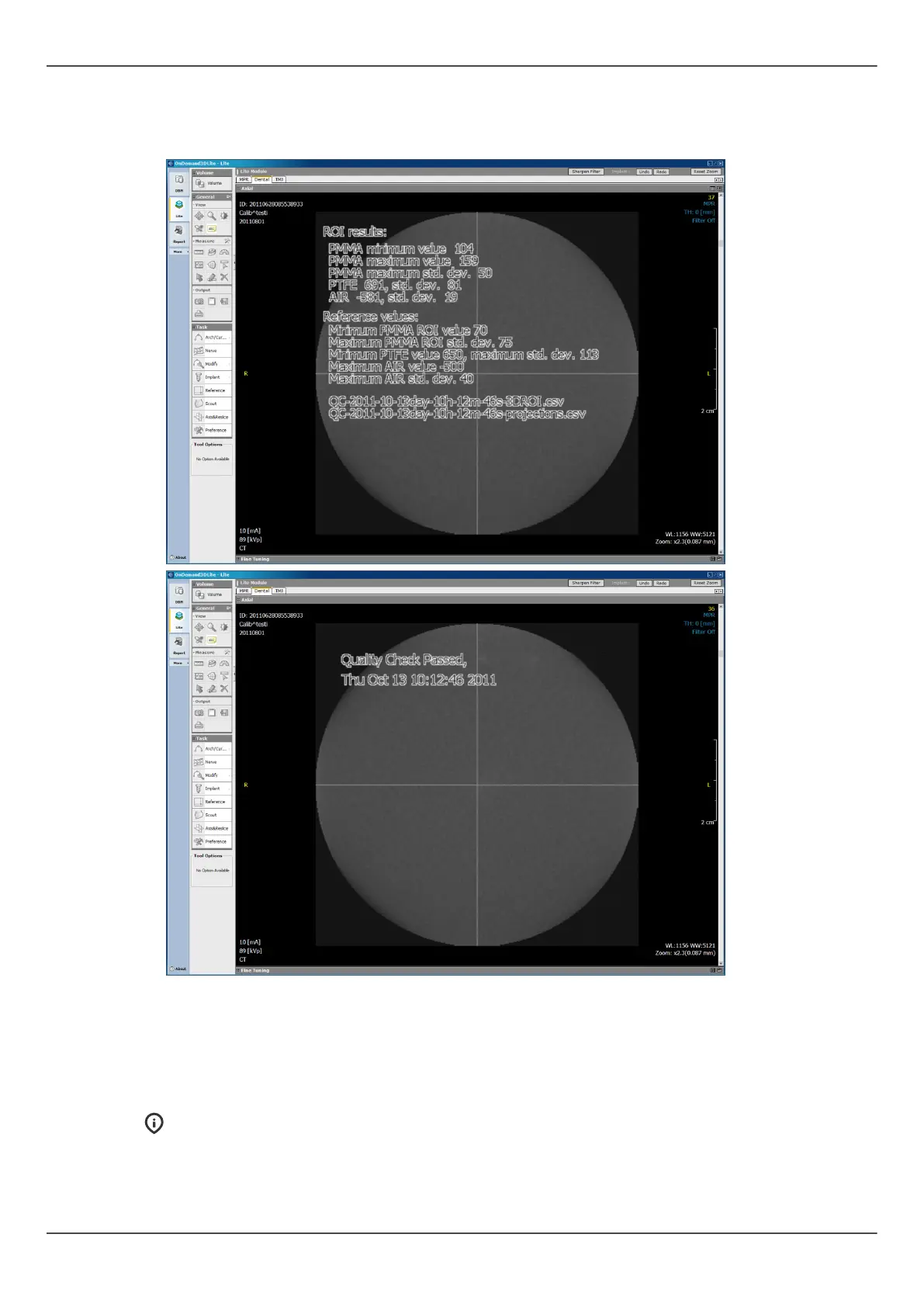
6. Review the info about the calibration result by scrolling the axial slices using the 3D
viewing software. The resulting image contains information on whether the quality
check was passed. Repeat until quality check is passed.
9.5 Cephalometric calibration
9.5.1 Ceph pixel calibration
NOTICE! The pixel calibration results are sensor specific. If the x-ray unit is
equipped with separate panoramic and cephalometric sensors, the cephalometric
sensor cannot be used for panoramic imaging without re-calibration (and vice
versa).
ORTHOPANTOMOGRAPH
™
OP 3D Pro 89















 To Next Page