7 Troubleshooting
7.3 Artefacts
Problem Possible cause Solution
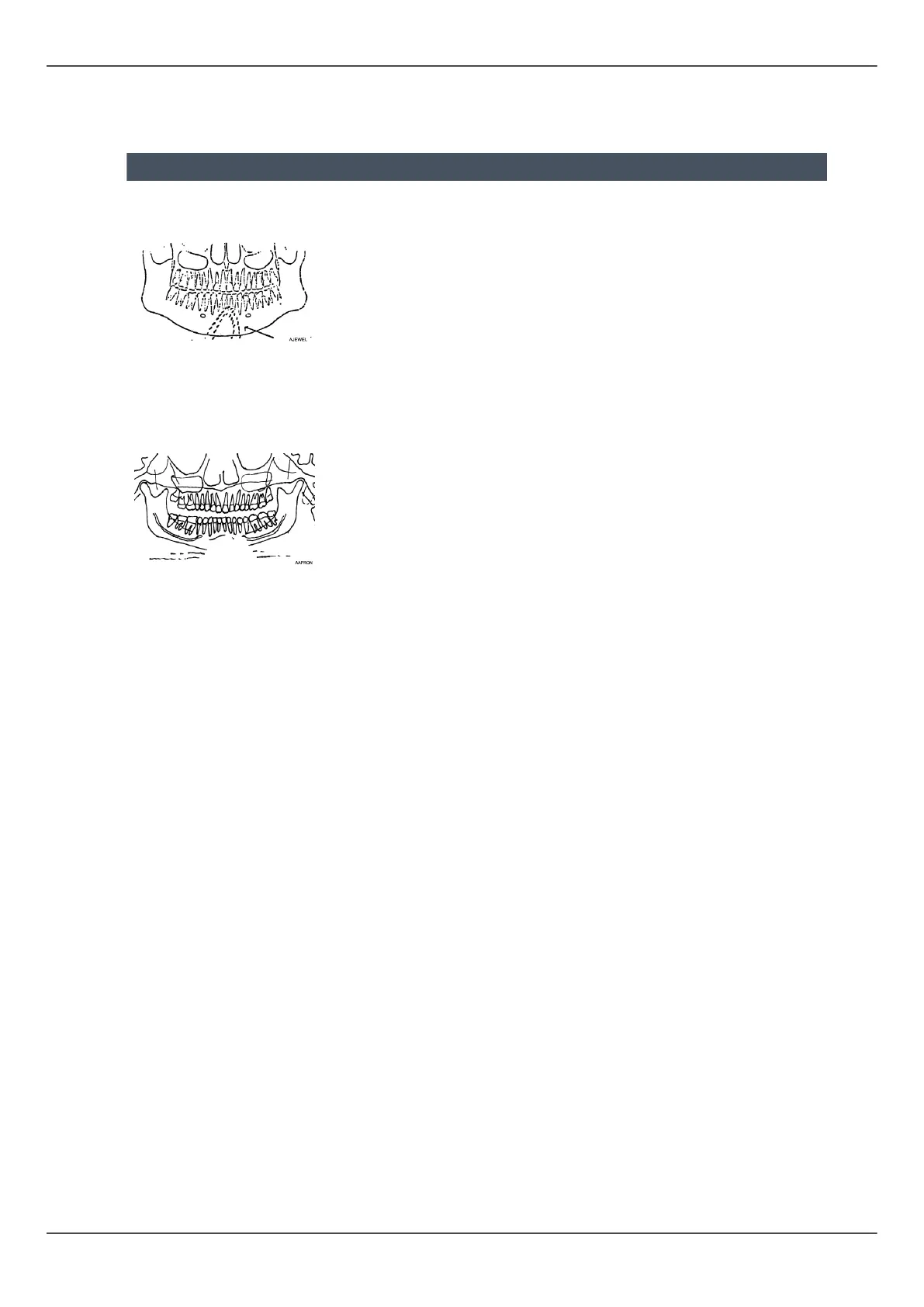
Irregular, bright shadows
or artefacts.
Patient is wearing metal
objects, such as earrings,
necklace etc.
Ask patient to remove
objects.
An unexposed area is
shown down in the lower
middle section of the
image.
Lead apron misplaced. Check the lead apron
positioning.
Partial lack of detail and
motion artefacts. Irregular
vertical bright lines on
image.
Patient has moved during
the exposure.
Retake the image.
Vertical dark lines on
image.
Patient's shoulder in touch
with machine parts.
Check patient
positioning.
Patient's right side tooth
are not exposured.
Exposure button released
prematurely.
Retake the image.
Right and left image sides
are uncomplete. TMJ's are
not shown.
TMJ areas in sectional
images where deselected.
Select all sections in
panoramic image.
A light horizontal line on
QA image.
Bite block was left on
place.
Remove the bite block
and retake QA image.
Horizontal lines on image. Sensor problem. Consult the dealer.
CEPH: Lateral view has 2
ear rod pins.
1. Cephalostat lock not
locked
2. Ear rods misaligned
1. Lock it
2. Call service
78 ORTHOPANTOMOGRAPH
™
OP 3D Pro















 To Next Page