9 Calibration and adjustment
2. Select the program.There is a calibration procedure for both 3D imaging modes,
standard and high resolution. Standard geometry calibration has to be done first.
3. Press Patient Positioning.
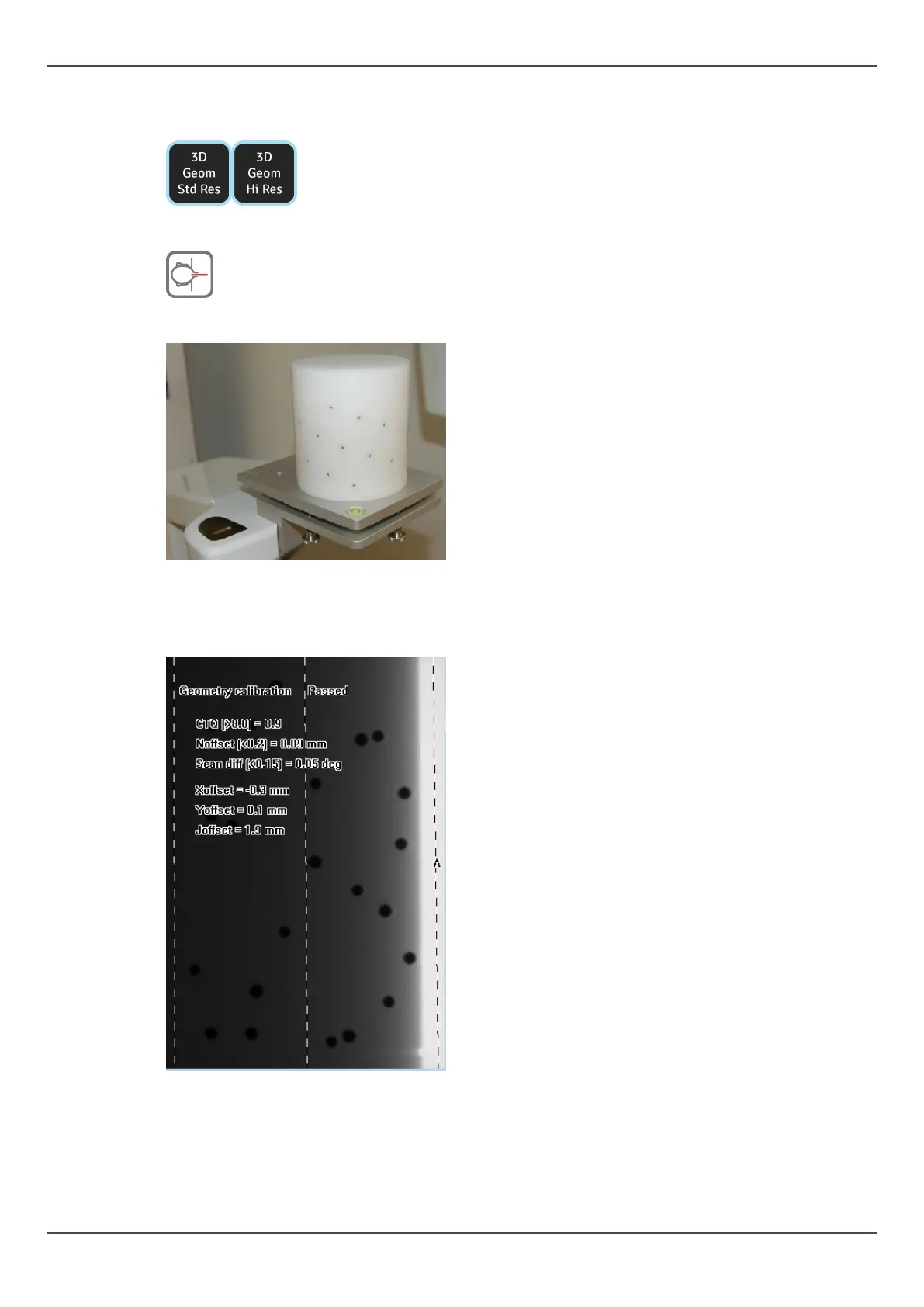
4. Install the 3D calibration phantom.
5. Take an exposure.
6. Repeat the calibration until calibration result “passed” is achieved. This calibration is
only needed with 3D units.
9.4.2 3D pixel calibration
1. Remove the 3D calibration phantom.
ORTHOPANTOMOGRAPH
™
OP 3D Pro 87















 To Next Page