6 Using the unit
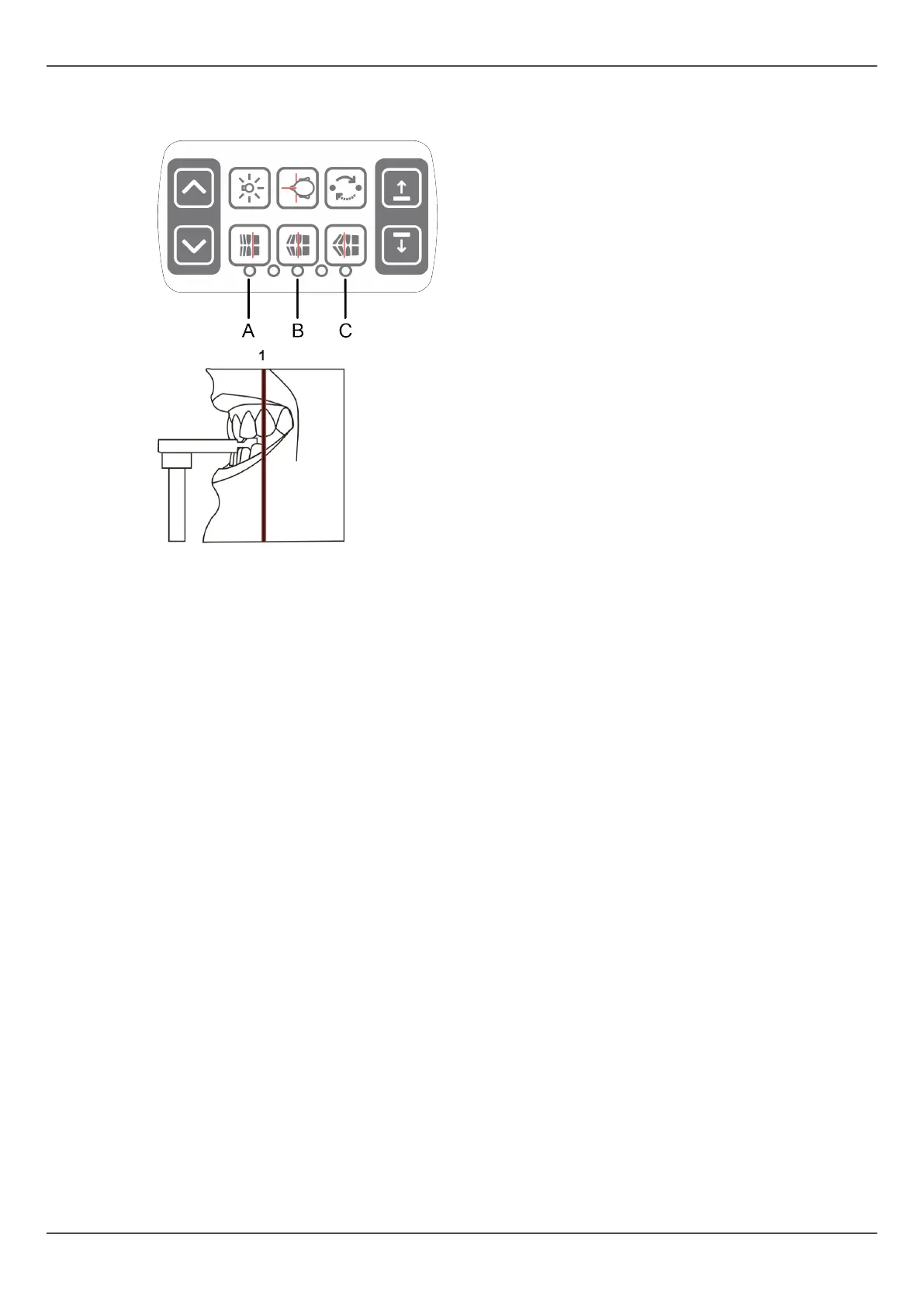
8. Check the position of the image layer light. If it is not on middle of the maxillary
canine (or base of the nose, if edentulous), adjust the image layer.
Image layer adjustment buttons:
● A) Retrusion, 3 mm anterior
● B) Normal occlusion (default), center
● C) Protrusion, 3 mm posterior
9. Ask the patient to press their tongue against the roof of their mouth, swallow and
remain still for the duration of the exposure.
52 ORTHOPANTOMOGRAPH
™
OP 3D Pro















 To Next Page