9 Calibration and adjustment
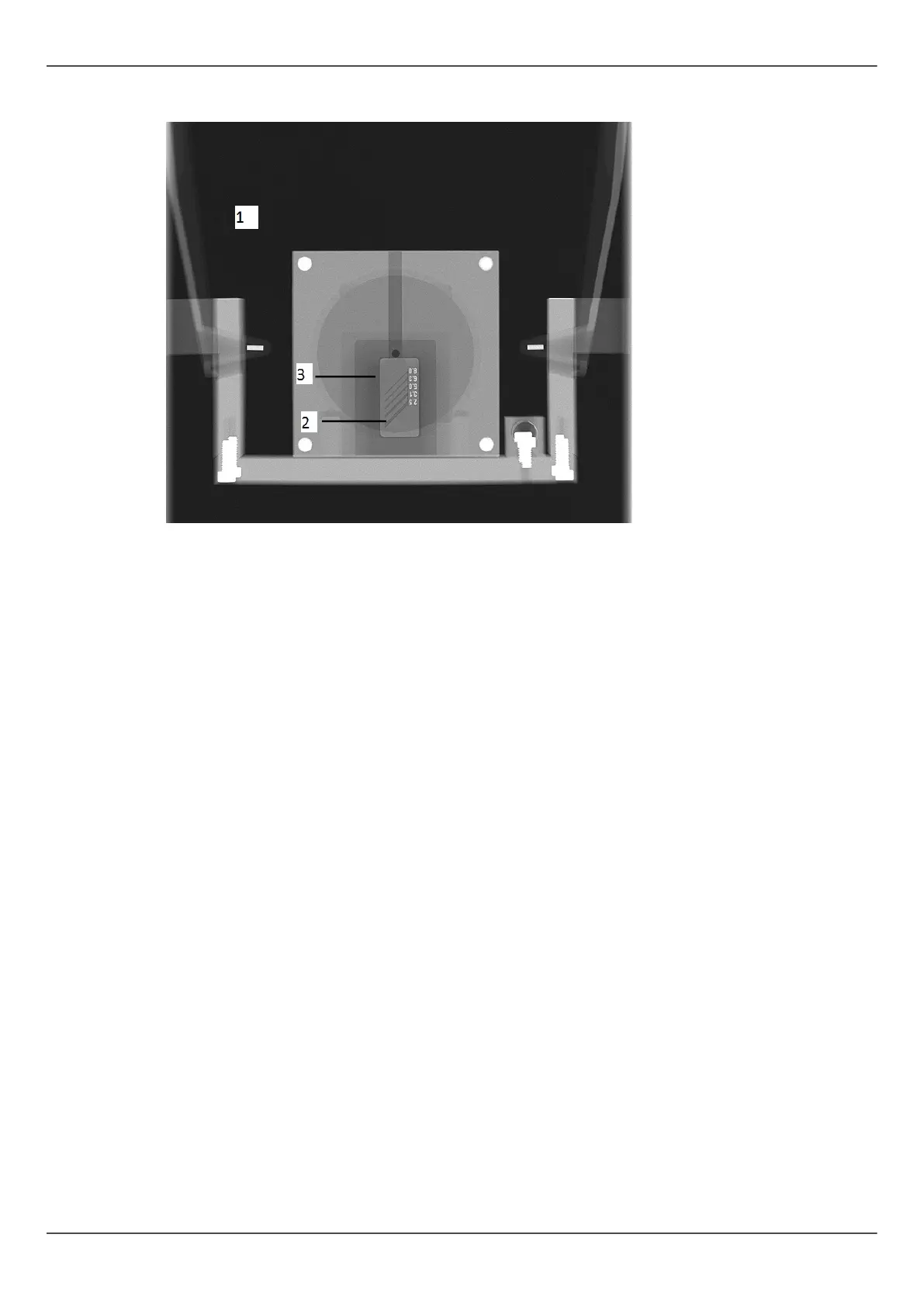
5. Visually evaluate the result using the installed imaging software.
Subjects to be evaluated:
1. Smoothness of the exposed area. Non-exposed area surrounds the whole image.
2. High contrast resolution; minimum 3.1LP/mm must be distinguishable.
3. All four low contrast holes must be visible.
ORTHOPANTOMOGRAPH
™
OP 3D Pro 91















 To Next Page