Page
12
2
Listening to the Piano
3) Piano Music
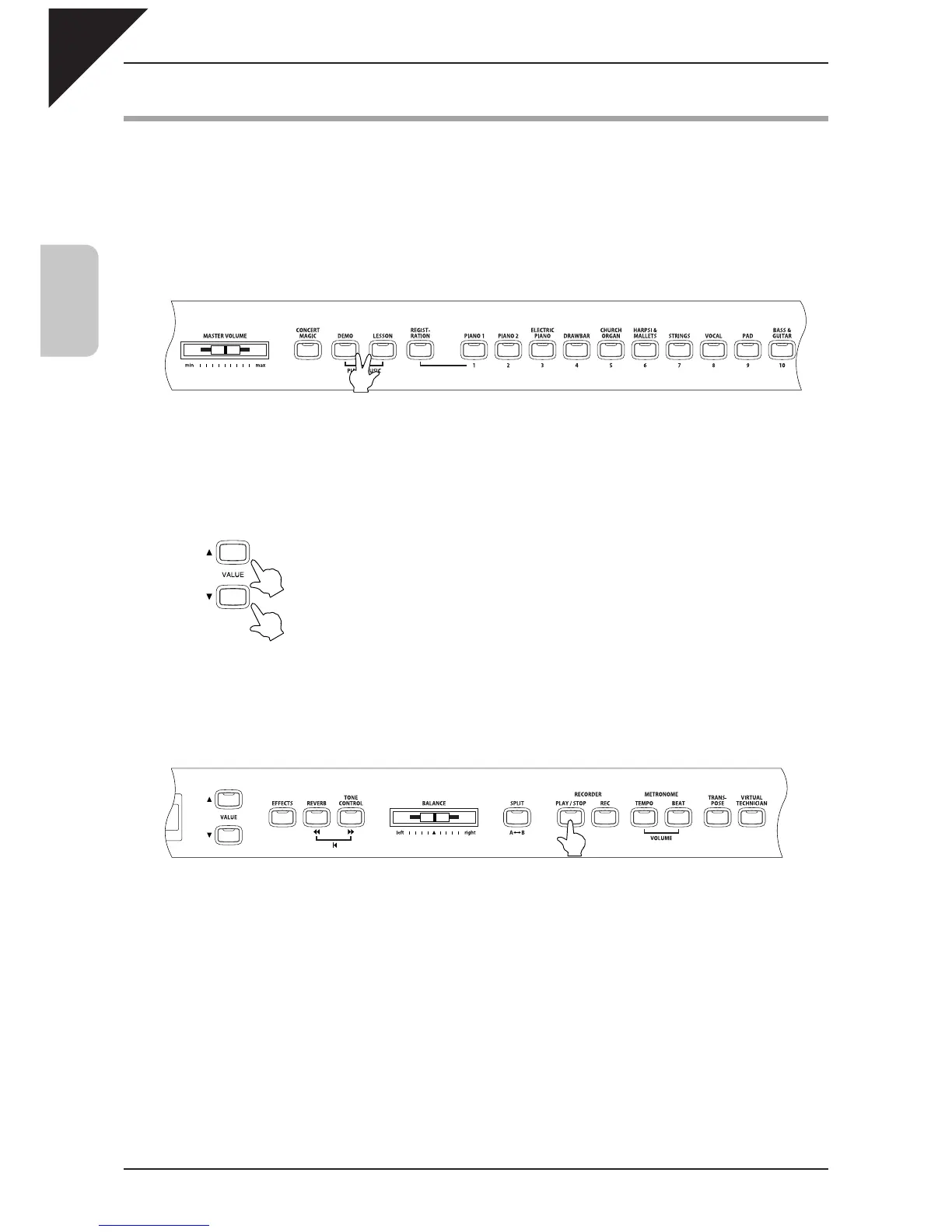
Pressing the DEMO button and the LESSON button simultaneously lets you enter the piano music mode. The
CA piano provides over two hours of pre-recorded classical piano music for your listening pleasure.
All of the song titles are listed in a separate reference booklet entitled "Internal Song Lists."
Step 1
Press the DEMO and LESSON buttons simultaneously.
The LED indicators for these buttons will be turned on, and the piano music selection screen will be displayed.
Step 2
Use the VALUE buttons
S
or
T
to select your desired song.
Songs can be changed while the selected song is being played.
Step 3
Start the song by pressing the PLAY / STOP button.
To stop the song, press the same button again.
Step 4
Press the DEMO and LESSON buttons simultaneously again to exit the piano music mode.
Press them at the same time.



 To Next Page