Page
63
8
Menu Functions
2) Lower Octave Shift
This allows the octave of the lower section to be shifted up one, two, or three octaves higher when you use the
split function.
Step 1
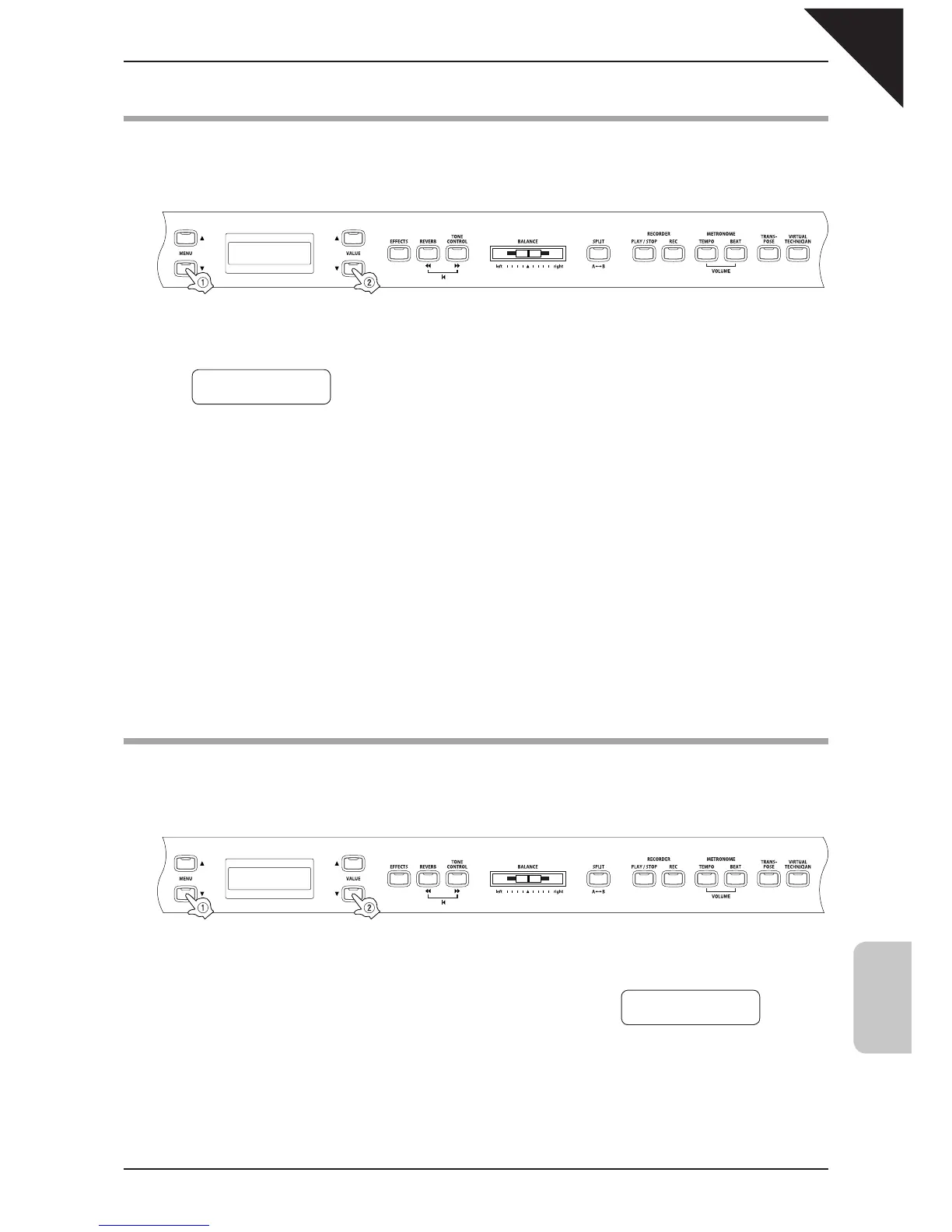
Use the MENU buttons to select the lower octave shift function.
The second line on the display shows the value.
Step 2
Use the VALUE buttons to set the value.
Set the octave range within a range of 0 to + 3.
Step 3
When you are fi nished, press any one of the SOUND SELECT buttons to exit the menu.
The lower octave shift function setting defaults to "0" each time the power is turned off. You can use the user memory
function (page 76), to save your desired lower octave shift setting. This way your current lower octave shift setting will
remain even after the power is turned off.
3) Lower Pedal On / Off
This determines if the sustain pedal will be active for the lower sound when in SPLIT mode. The default setting
is Off which means the sustain pedal is not active for the lower sound.
Step 1
Use the MENU buttons to select the lower pedal on/off function.
The second line on the display shows ON or Off.
Step 2
Use the VALUE buttons to turn the lower pedal function on or off.
2 LowerOctShift
= 0
3 Lower Pedal
= Off



 To Next Page