Page
77
8
Menu Functions
Step 1
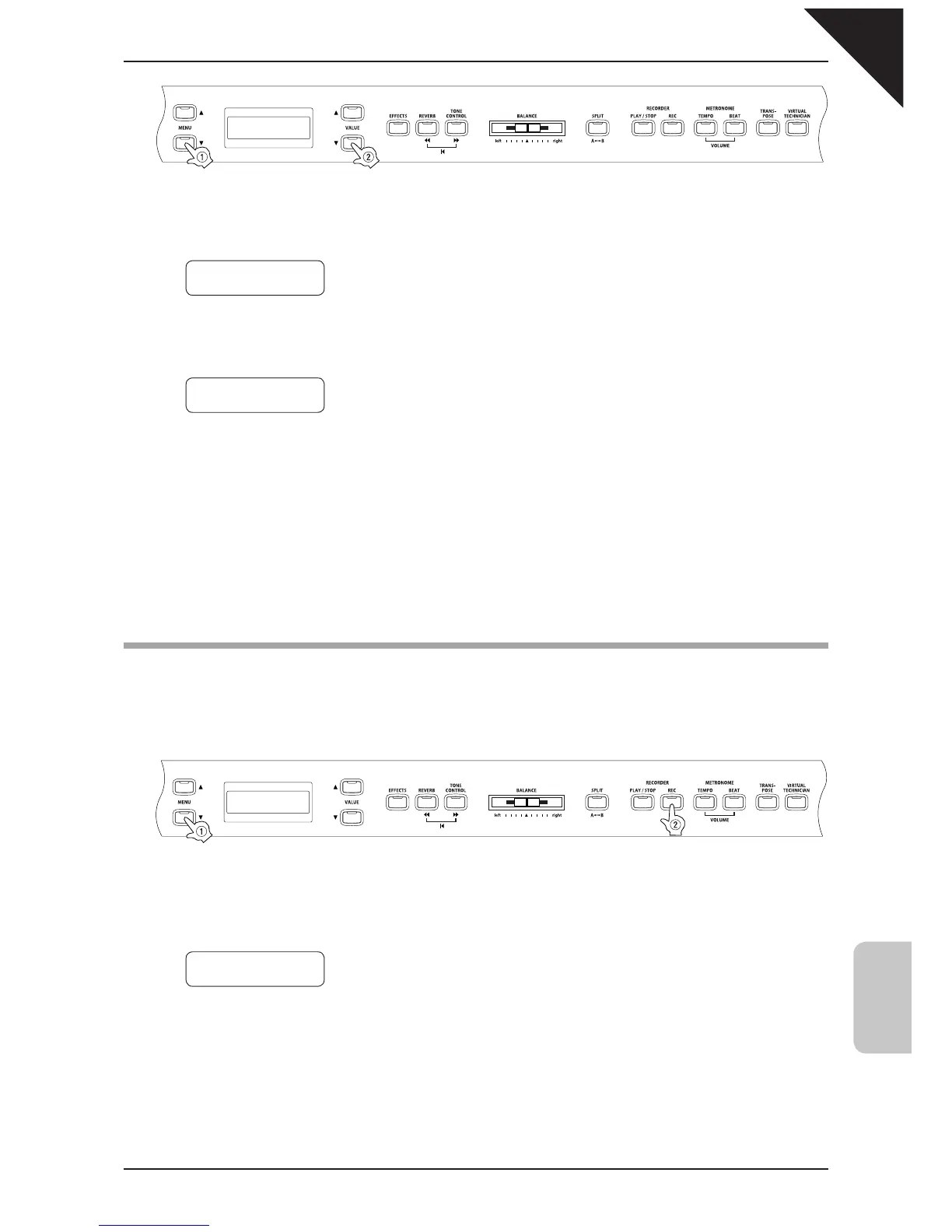
Use the MENU buttons to select the user memory function.
Step 2
Press the REC button to execute the save operation.
The save operation is completed when the display shows "Save complete."
Step 3
When you are fi nished, press any one of the SOUND SELECT buttons to exit the menu.
15) Factory Reset
This screen will be displayed only when the user memory function has been used.
This function resets the CA piano to the factory settings. All parameters you saved in “User Memory” will be re-
set to the factory preset values.
Step 1
Use the MENU buttons to select the factory reset function.
Step 2
Press the REC button to restore factory settings, and exit the menu.
14 User Memory
Save ≥Press REC
14 User Memory
Save Completed
15 Factory Reset
Reset≥Press REC



 To Next Page