Page
33
4
Using the Recorder
Step 4
After you have made any desired settings, press the PLAY / STOP button to play back the song.
Step 5
To stop, press the PLAY / STOP button again.
The CA piano enters standby mode.
While the recorder is in standby mode, you may select a song and part to be played back next.
Step 6
To exit the recorder and return to the normal operation, press any SOUND SELECT button.
3) Deleting a Song or Part
You can delete songs or parts within a song that were not recorded as you wished or that you do not want to
keep any more.
Step 1
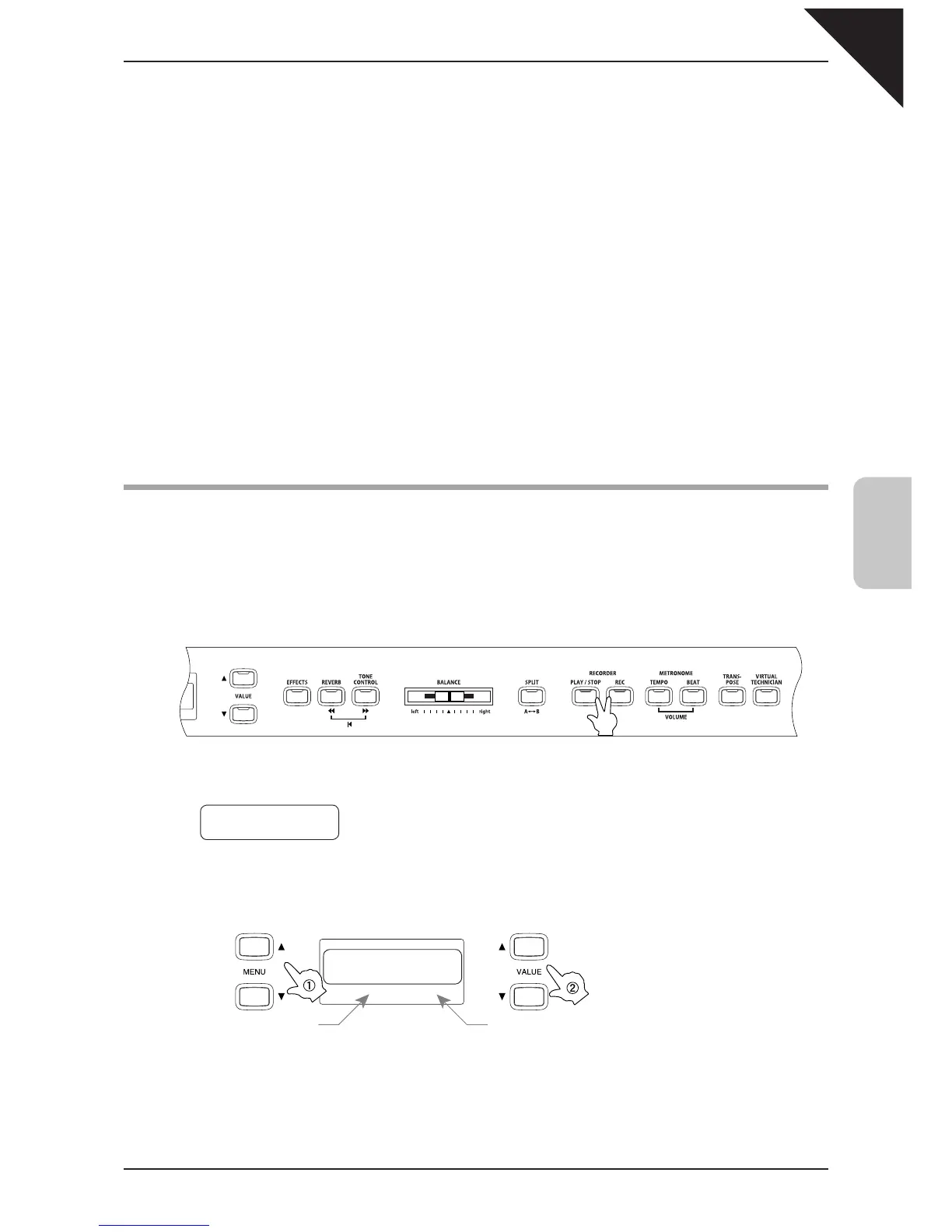
Press the PLAY / STOP and REC buttons at the simultaneously.
The LED indicators of the PLAY / STOP and REC buttons fl ash.
Step 2
Select a song by using the MENU buttons, and then select a part using the VALUE buttons.
Select a tune. Select a part.
To Del Press REC
Song
1 Part=1&2*
To Del Press REC
Song
1 Part=1&2*
Press them at the same time.
Button fl ashes Button fl ashes



 To Next Page