Page
40
5
Using
the Lesson Function
Playing along with an etude or song and recording your own performance
Using the minus-one play function, you can play the right / left-parts of an etude/song, record your performance,
and listen to your performance afterwards.
Loop cannot be used when you are recording your performance.
Step 1
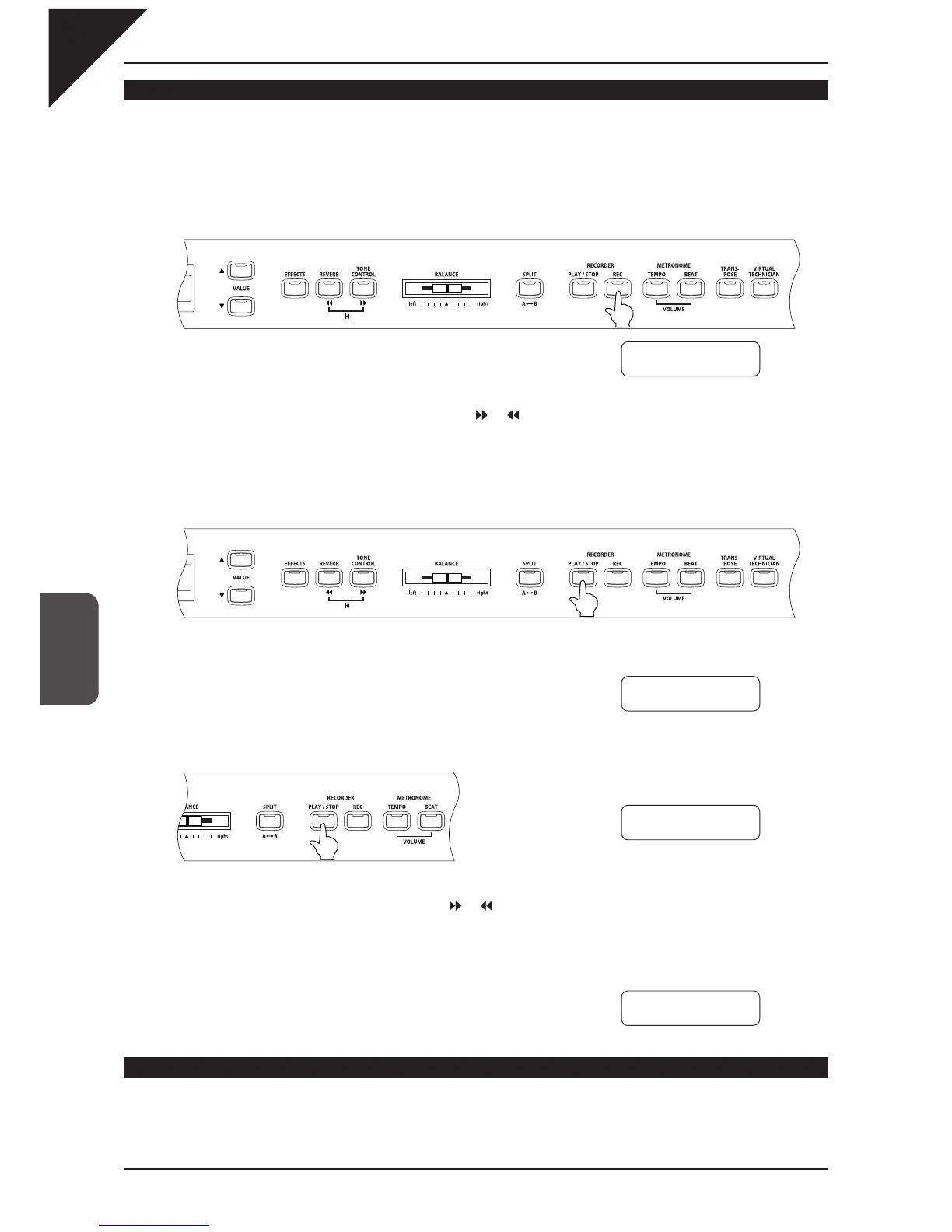
Press the REC button.
The LED indicators for the REC and PLAY / STOP buttons turn on.
After the one bar count-in, the etude/song plays and the CA piano be-
gins recording.
To change the start bar for your recording, use the
or button to select the desired bar before starting to re-
cord.
The volume of the left / right-hand part of the etude/song can be adjusted with the BALANCE slider.
Step 2
To stop recording, press the PLAY / STOP button.
Etude/song play back and recording stops, and the LED indicators for the REC and PLAY / STOP buttons turn
off. The recorded performance can be deleted by pressing the REC and PLAY / STOP buttons at the same time.
The recorded performance will also be erased when a different etude/
song is selected.
Step 3
Press the PLAY / STOP button again.
After the one bar count-in, the etude/song plays and the recorded performance begins.
To change the start point for playback, use the
or buttons.
The volume of the left / right-hand part of the song can be changed with the BALANCE slider.
Step 4
Press the PLAY / STOP button.
Song playback and the recorded performance stops.
Exiting the lesson function
Step 1
Press the LESSON button.
Book Name -01
Bar=
5- 1 Œ=092
Book Name -01
Bar=
12- 3 Œ=092
Book Name -01
Bar=
5- 1 Œ=092
Book Name -01
Bar=
9- 1 Œ=092



 To Next Page