Page
71
8
Menu Functions
9)
Sending Program (Sound Type) Change Numbers
This function allows the CA piano to transmit program change numbers.
You can send any number from 1 to 128.
Step 1
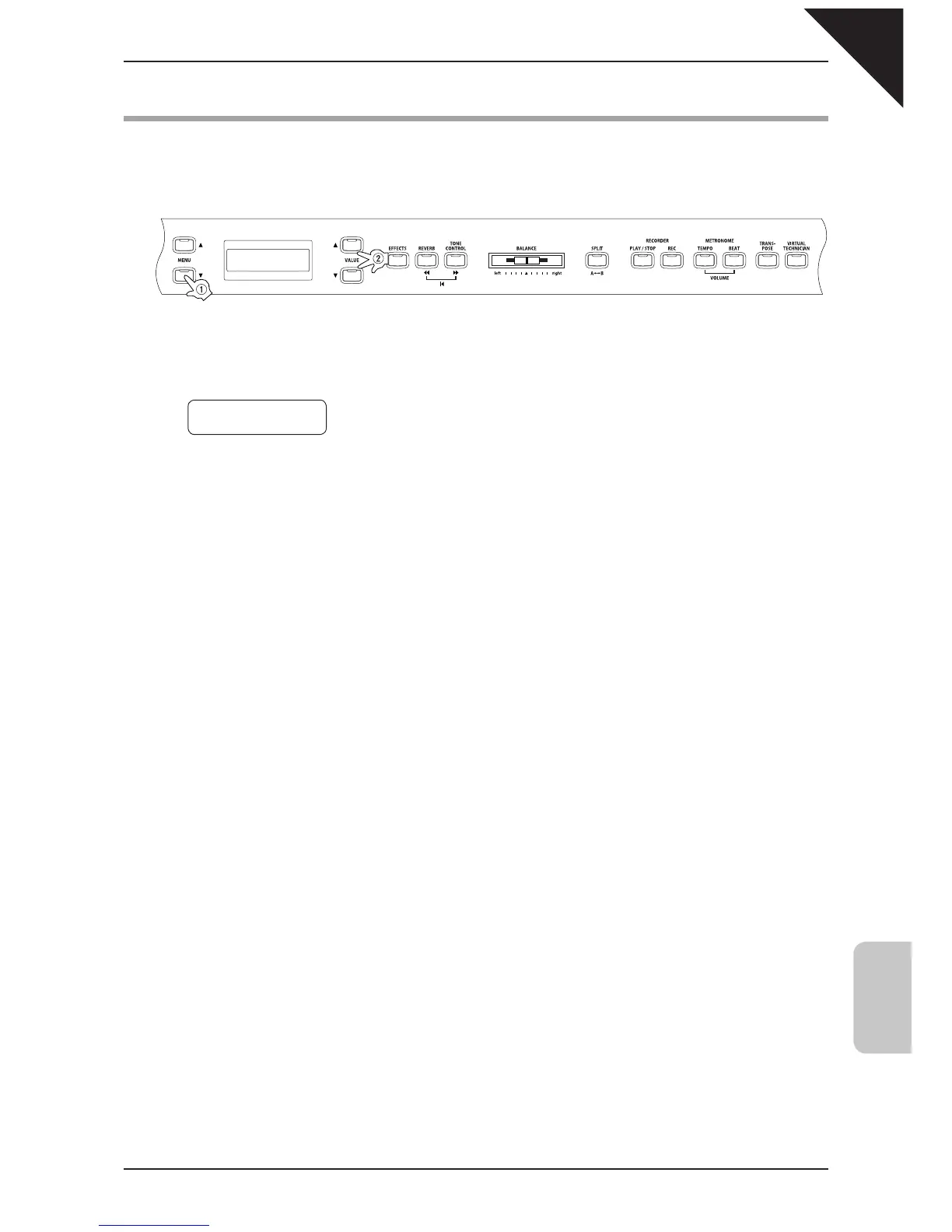
Use the MENU buttons to select the send PGM # function.
The second line on the display shows the program number.
Step 2
Use the VALUE buttons to specify the program change number to be transmitted within the range of 1 to
128.
Step 3
To send the program change number, press both VALUE buttons (
ST
) simultaneously.
Step 4
When you are fi nished, press any one of the SOUND SELECT buttons to exit the menu.
9 Send PGM #
=
1 (UP+DOWN)
Press them at the same time.



 To Next Page