Page
30
4
Using the Recorder
4. Using the Recorder
1) Recording a Song (REC Button)
The CA piano’s recorder is a 10 song (5 songs in the CA51), two track recorder. It records your playing much
like a tape recorder, and it is just as easy to use. The CA piano records a song as digital data instead of audio
data and stores the song inside the piano. Because the song is stored as digital information you can modify the
song when you play it back. You can, for example, record each of the two tracks separately, adjust the tempo
without changing the pitch or use a different effect setting from one you have recorded. Once you understand
the recorder, you will fi nd it to be a useful tool for both practicing and playing the piano.
Selecting a song and part to be recorded
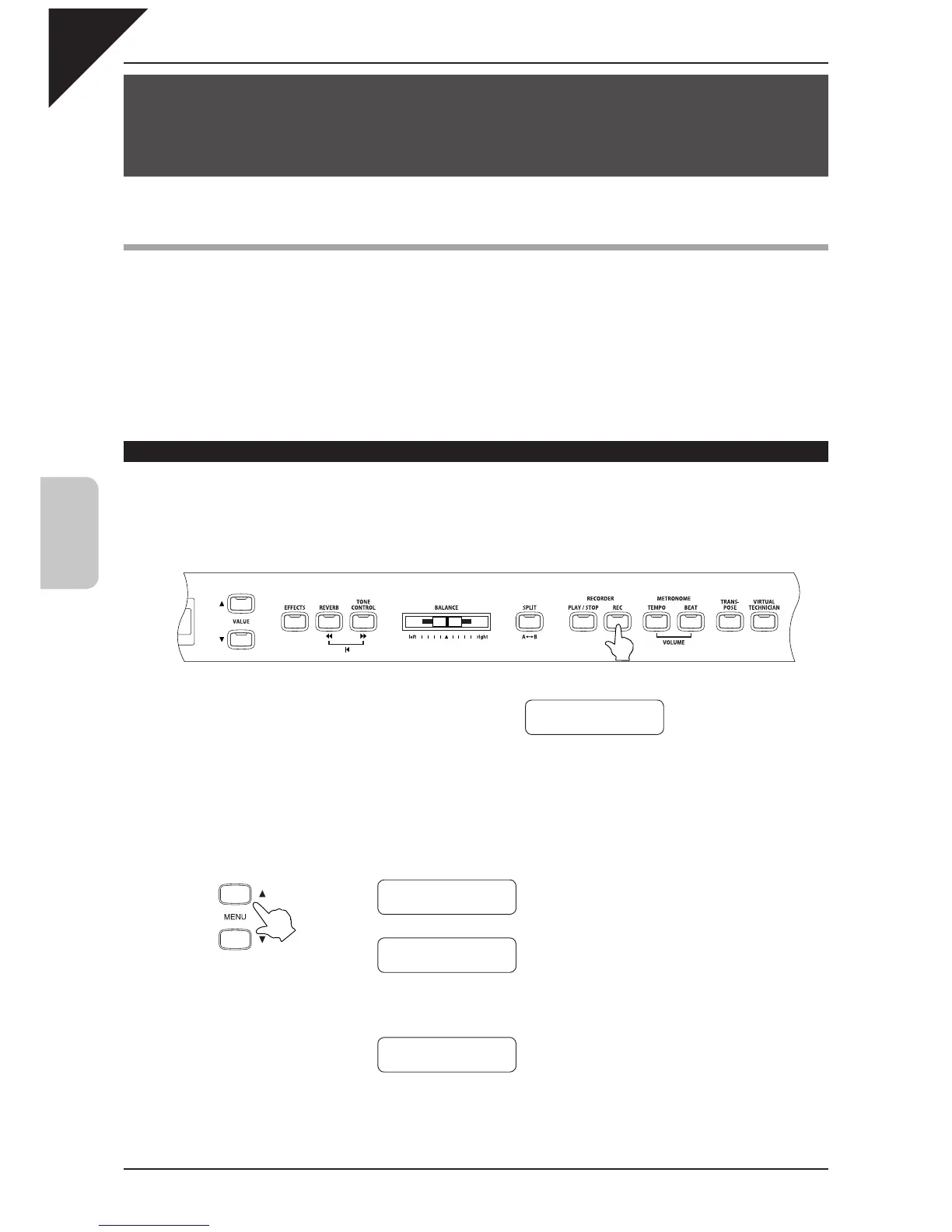
Step 1
Press the REC button.
The display shows the song and part numbers.
The LED indicator on the REC button fl ashes.
If you just want to record a song without making any changes you can proceed to step 4 at this time.
Step 2
Use the MENU buttons to select a song to be recorded.
Record
Song
1 Part=1
Ç
È
Ç
È
Ç
È
…
MENU buttons
Record
Song
1 Part=1
Record
Song
2 Part=1
Record
Song
5 Part=1



 To Next Page