Page
61
8
Menu Functions
8. Menu Functions
The menu functions allow you to adjust the various functions that control the CA piano’s tuning, system and
MIDI functions. You can adjust the settings for the following functions. Also, functions 1) to 7) can be memorized
as part of a registration (page 25).
1) Wall EQ (CA91), Brilliance (CA51) 10) Local control
2) Lower octave shift 11) Program (sound type) number transmission on /
off
3) Lower pedal on / off
4) Layer octave shift 12) Multi timbre mode
5) Layer dynamics 13) Channel mute (only in multi timbre mode)
6) Damper hold 14) Memory backup
7) Tuning 15) Factory reset
(only when memory backup is executed)
8) MIDI transmit / receive channel
9) Program (sound type) number transmission
When the MENU
S
button is pressed, the fi rst menu item is displayed. When the MENU
T
is pressed, the 15th
(14th for CA71) menu item is displayed. You can scroll through the various menu items in ascending / descend-
ing order by repeatedly pressing the MENU buttons.
1) Wall EQ (CA91 Only)
The Wall EQ function is used to optimize the CA91’s sound depending on whether it is located against a wall or
in a location away from a wall.
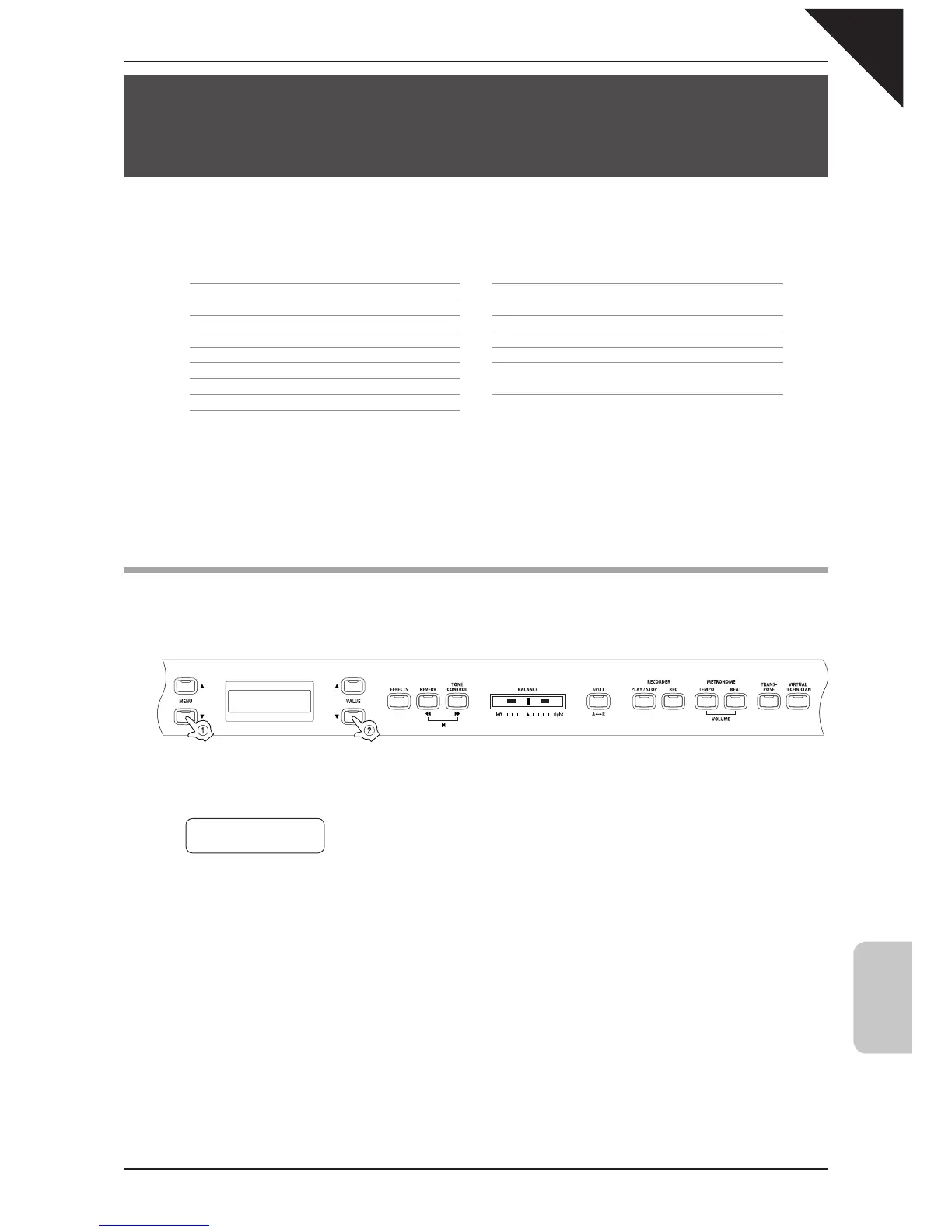
Step 1
Press the MENU button to select the wall EQ function.
The second line on the display shows the current setting.
Step 2
Use the VALUE buttons to turn the wall EQ function on or off.
When set to on, the sound character is optimized for placement with the back of the piano against a wall.
When set to off, sound character is optimized for placement with the back of the piano away from a wall.
The wall EQ function does not affect the sound when using headphones.
Step 3
When you are fi nished, press any one of the SOUND SELECT buttons to exit the menu.
The Wall EQ setting defaults to "Off" each time the power is turned off. You can use the user memory function (page
76), to save your desired Wall EQ setting. This way your current Wall EQ setting will remain even after the power is
turned off.
1 Wall EQ
= Off



 To Next Page