Page
54
7
Using the Virtual
Technician Functions
4) Key-off Effect
Especially for low-pitched tones, when a key is played and released quickly and strongly, there will be the sound
of the damper touching the strings immediately before the sound stops. The key-off effect simulates this phe-
nomenon, and you can adjust the key-off volume to your taste.
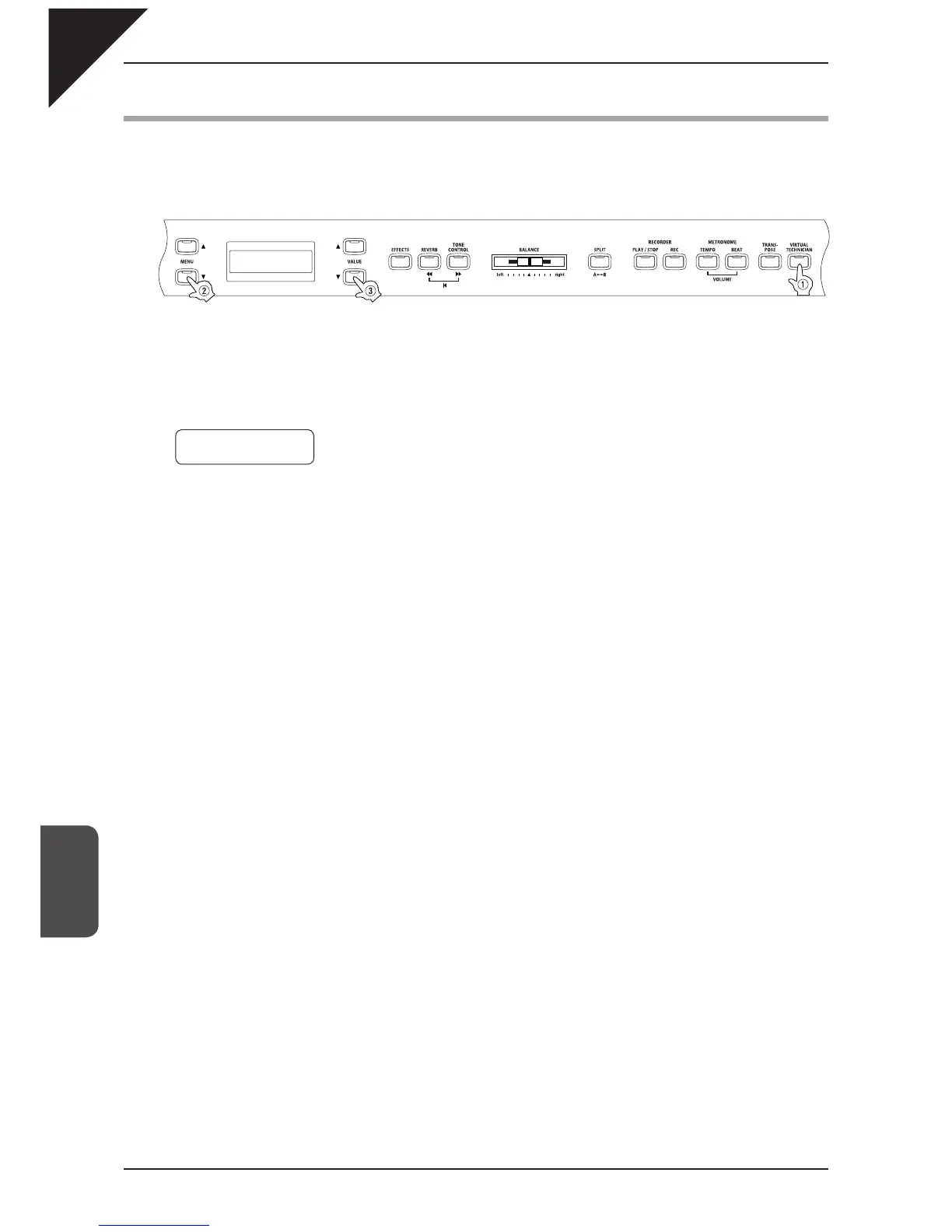
Step 1
After pressing the VIRTUAL TECHNICIAN button, use the MENU buttons to select the key-off effect
function. You can adjust the volume of the key-off effect.
Step 2
Use the VALUE buttons to set the volume within a range of "Off", 1 to 10. 5 is the default setting.
The key-off effect will not be active when "Off" is selected.
Step 3
After setting the desired key-off volume, you can exit the virtual technician function by pressing the
VIRTUAL TECHNICIAN button.
The key-off volume defaults to "5" each time the power is turned off. You can use the user memory function (page 76),
to save your desired volume. This way your current key-off volume will remain even after the power is turned off.
The key-off effect is effective only for the acoustic piano sounds.
4 KeyOff Effect
= 5



 To Next Page