Page
23
3
Playing the Piano
User tone control settings
*CA91/CA71 only
This screen appears only when "User" is selected in tone control.
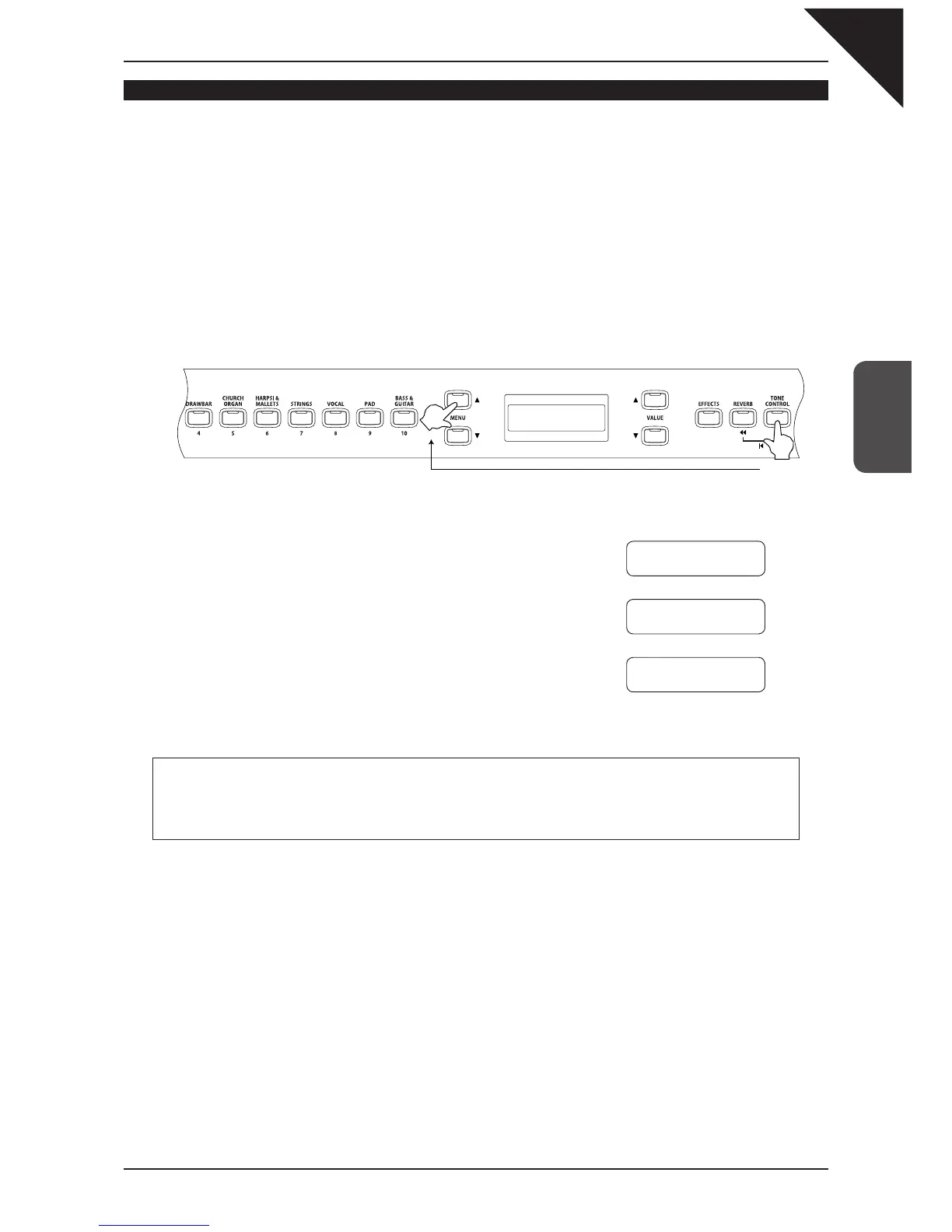
Step 1
While holding down the TONE CONTROL button, use the VALUE buttons to select "User."
Step 2
While holding down the TONE CONTROL button, use the MENU buttons to select the user setting
function.
Repeatedly pressing the MENU button
S
or
T
selects each of the user frequency bands and displays
current value.
Step 3
Without releasing the TONE CONTROL button, use the
VALUE buttons
S
or
T
to adjust the level of the selected
frequency band within a range of -6 and +6.
Step 4
Release the TONE CONTROL button when you have
completed editing the user EQ settings.
Sound board speakers (CA91)
As with an upright piano, sounds are produced from the backside of the sound board.
If you wish to lower the sound volume of the sound board, set the Low value to -6.
Hold down the button.
Ç
È
Ç
È
User
Low
= -2
User Mid
= 3
User High
= 1



 To Next Page