Page
42
5
Using
the Lesson Function
Listening to an exercise
Step 1
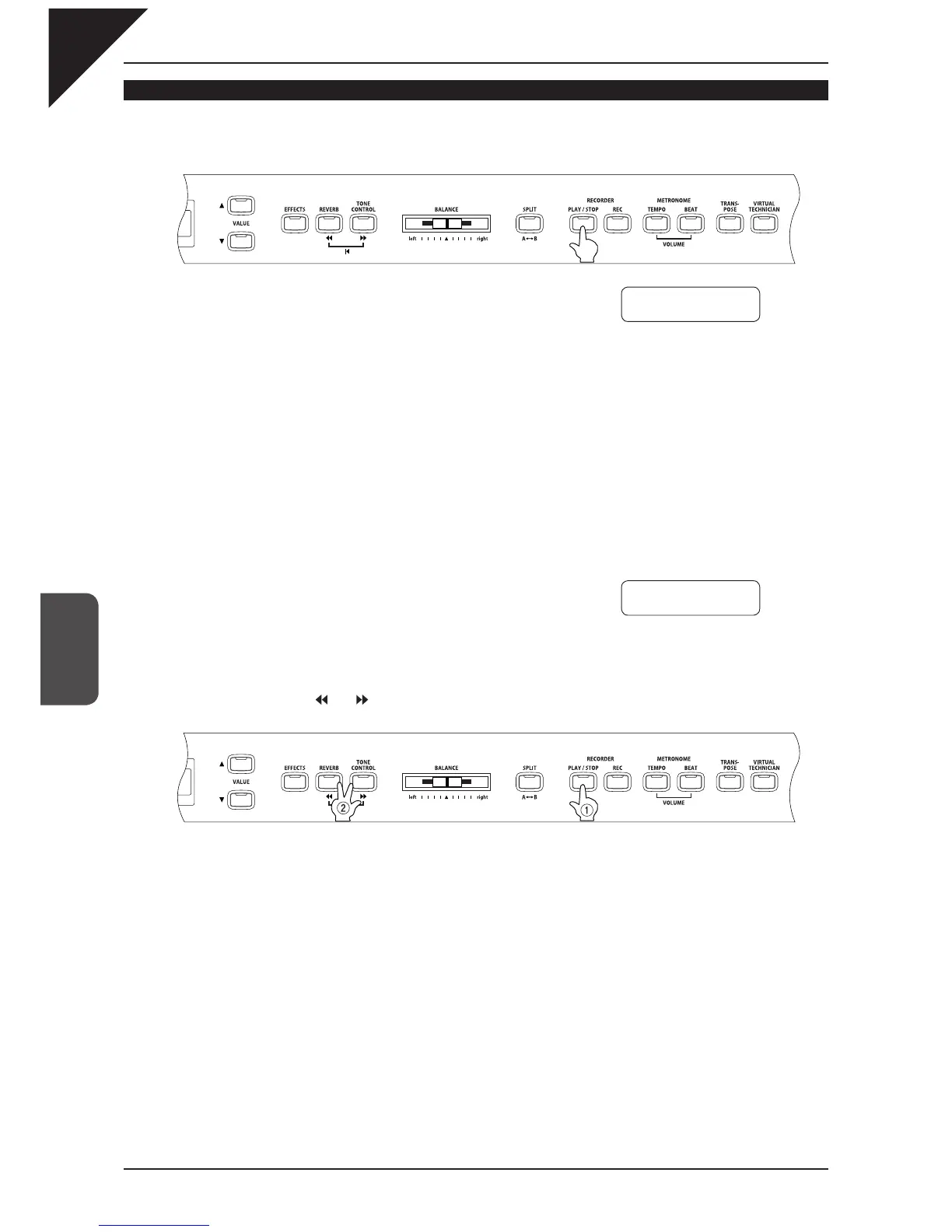
Press the PLAY / STOP button of the RECORDER.
There will be a one bar count-in before the exercise begins playing.
The bar and beat number is displayed during the count-in before the fi rst bar of the exercise.
The fi rst bar number of the exercise is zero if there are pick up notes before the fi rst bar.
The metronome will not continue after the count-in bar, but you may turn it on by pressing the TEMPO or BEAT
button of the metronome.
To change the tempo, use the VALUE buttons while holding down the TEMPO button.
Press the
T
button to decrease the tempo, and press the
S
button to increase the tempo.
To reset the tempo, press the VALUE
S
and
T
buttons at the same time.
Step 2
Press the PLAY / STOP button of the RECORDER once again.
The exercise play back stops.
If the PLAY / STOP button is pressed again, there will be a one bar count-in, and the exercise play back re-
sumes.
If you wish to listen to the exercise from the beginning, fi rst stop the exercise by pressing the PLAY / STOP but-
ton, and then press the and buttons at the same time.
As with the etudes or Alfred songs, you may play an exercise from a specifi c bar or use the loop function. Refer
to page 37 (
Playing an etude or song from a specifi c bar) and page 39 (
Repeating and practicing specifi c
sections of an etude or song) for details.
Press this button fi rst.
Hanon
-12
Bar=
0- 1 Œ=060
Hanon -12
Bar=
7- 1 Œ=060



 To Next Page