Page
67
8
Menu Functions
7) Tuning
Tuning allows you to adjust the piano’s pitch. You may need to adjust the tuning when you play with other instru-
ments.
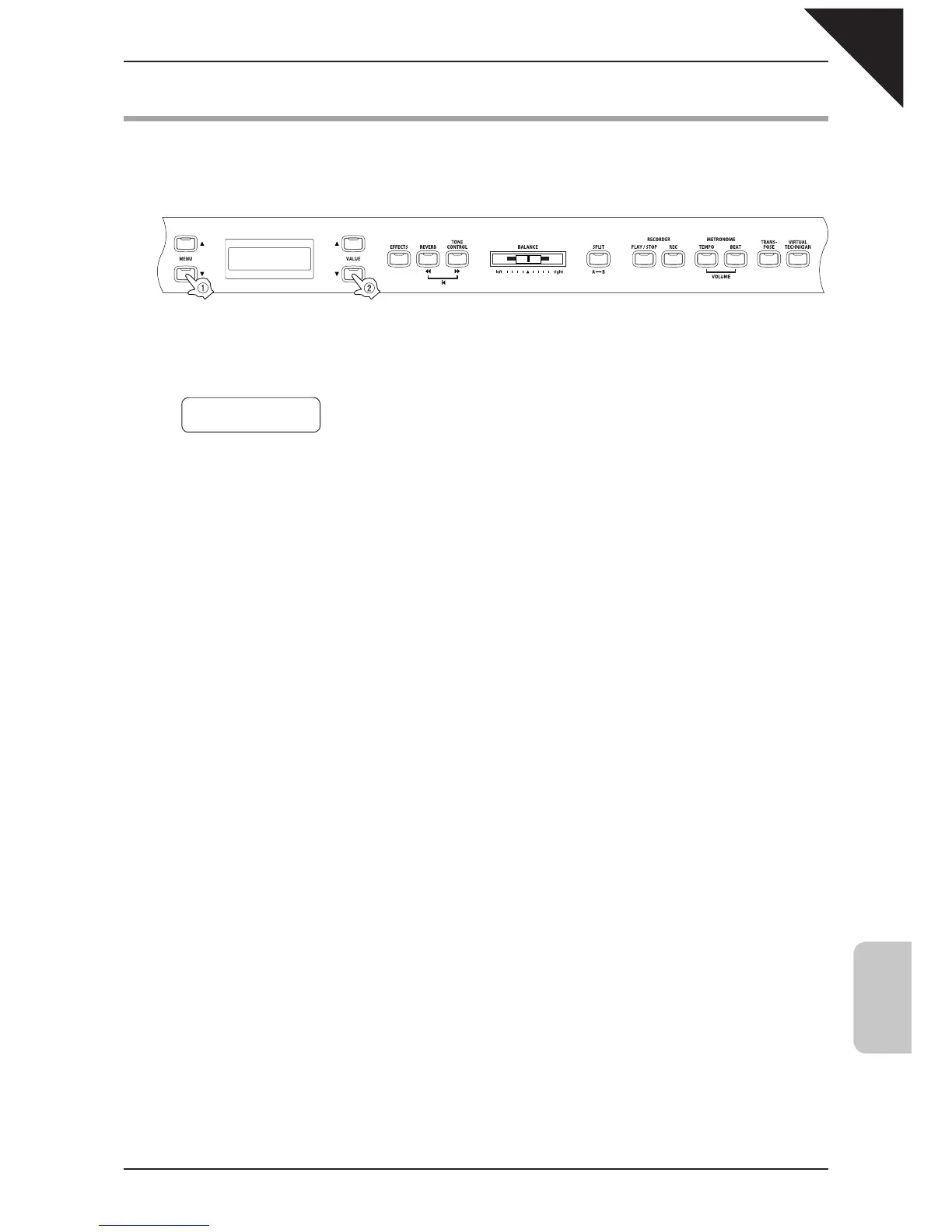
Step 1
Use the MENU buttons to select the tuning function.
The second line on the display shows the value.
Step 2
Use the VALUE buttons to set the pitch within a range of 427.0 to 453.0 (Hz).
The pitch can be changed by 0.5 Hz each time one of the VALUE buttons is pressed.
Step 3
When you are fi nished, press any one of the SOUND SELECT buttons to exit the menu.
The tuning function setting defaults to "440.0 Hz" each time the power is turned off. You can use the user memory
function (page 76), to save your desired tuning setting. This way your current tuning setting will remain even after the
power is turned off.
7 Tuning
= 440.0



 To Next Page