Page
41
5
Using
the Lesson Function
2) Using the Finger Exercises
Select one of the exercises and practice it.
When you play and record the selected exercise, your performance can be evaluated by the CA piano:
Mistakes (wrong notes)
Uneven timing
Uneven note volume
The evaluation result will be shown on the LCD display to allow you to objectively review your own performance.
Use the included music book "FINGER EXERCISES" for practice.
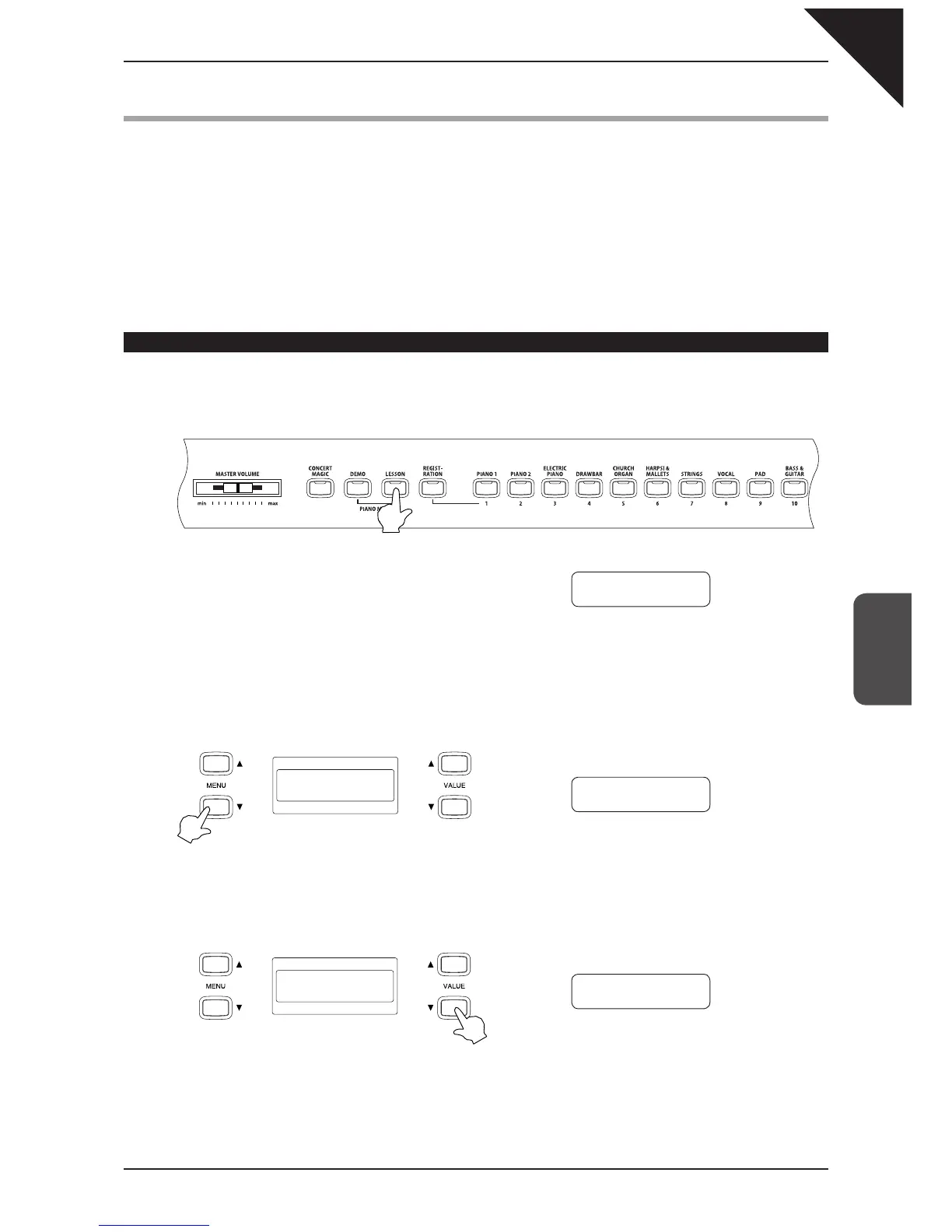
Selecting an exercise
Step 1
Press the LESSON button.
The Lesson selection screen appears. The fi rst line shows the
exercise category name and exercise number. The second
line shows the current bar, beat, and tempo.
Step 2
Press the MENU
T
button to select Hanon.
Step 3
Use the VALUE buttons to select an exercise.
Book Name -01
Bar=
1- 1 Œ=092
Hanon -01
Bar=
1- 1 Œ=060
Hanon -12
Bar=
1- 1 Œ=060



 To Next Page