Page
37
5
Using
the Lesson Function
Playing an etude or song from a specifi c bar
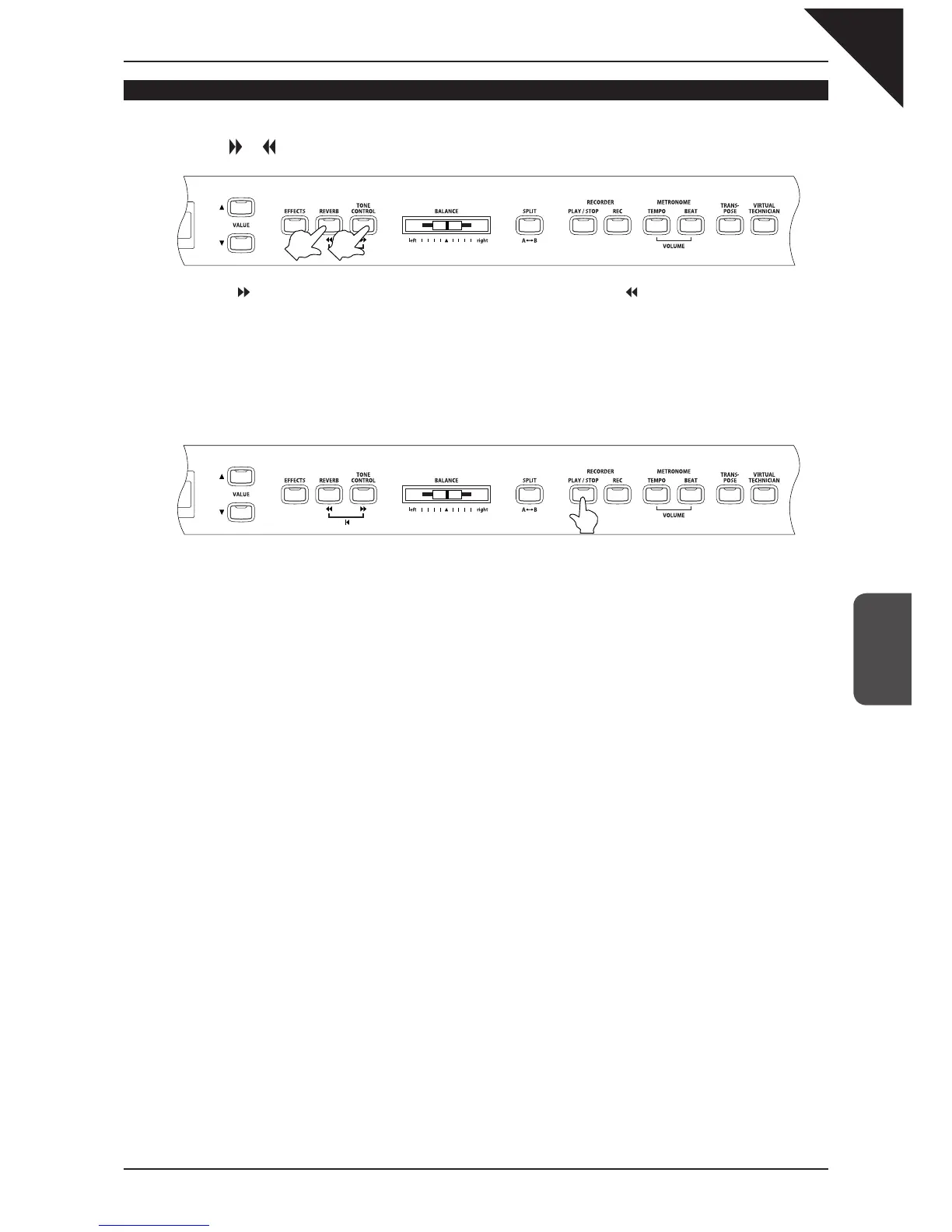
Step 1
Press the or button to locate the bar in which you want to begin play back.
Press the button to advance the etude/song one bar at a time. Press the button to rewind the etude/song
one bar at a time. To fast-forward or fast-rewind the etude/song, hold down the corresponding button.
You may use this function while an etude/song is being played.
Step 2
Press the PLAY / STOP button.
After the one bar count-in, the music starts from the specifi ed bar number.



 To Next Page