Page
72
8
Menu Functions
10) Local Control
This determines whether the CA piano’s sound will be played from the piano’s keyboard (“ON”) or only from an
external MIDI device (“OFF”). Even with local control “off” the CA piano’s keyboard will still transmit on the se-
lected MIDI channel to an external MIDI device or personal computer.
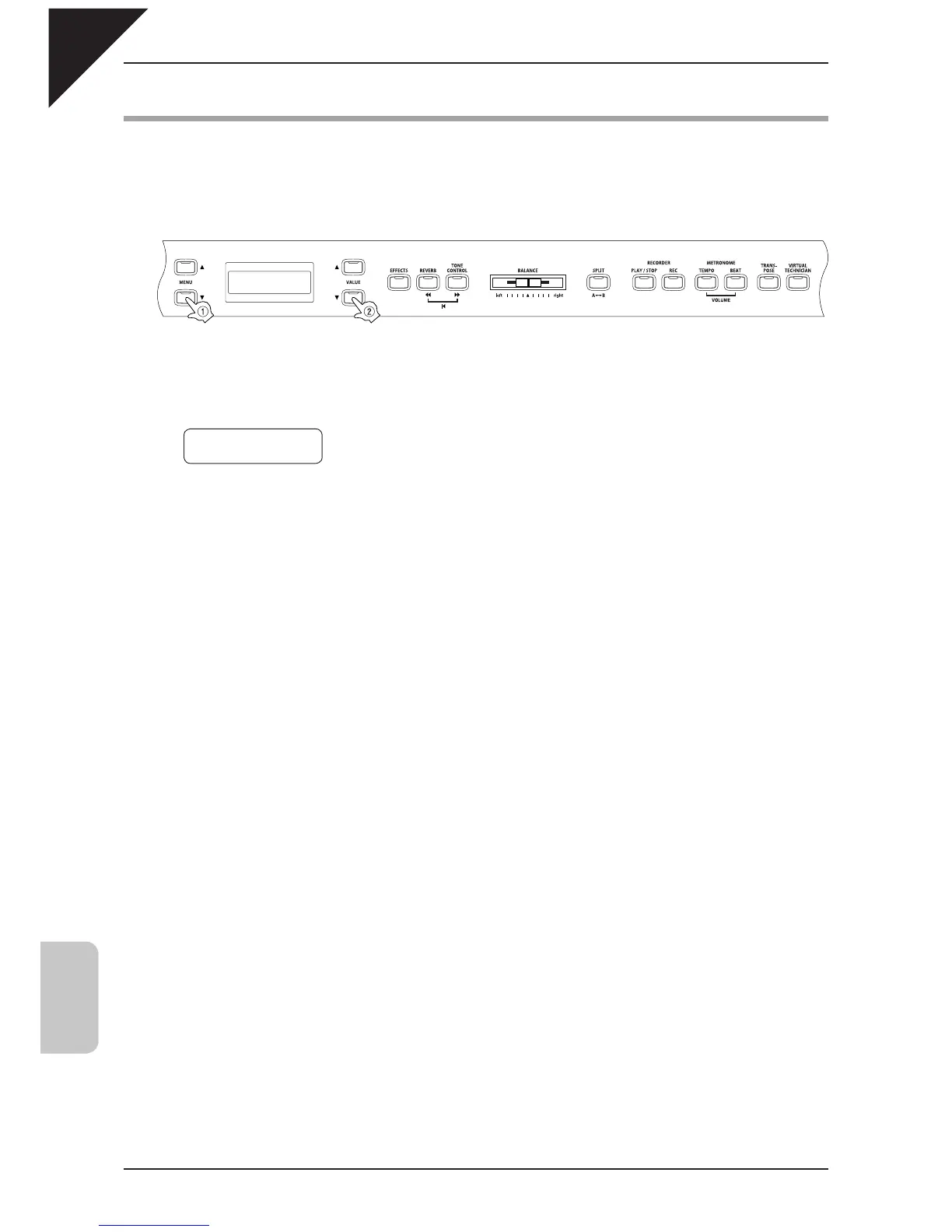
Step 1
Use the MENU buttons to select the local control on/off function.
The second line on the display shows On or Off.
Step 2
Use the VALUE buttons to select On or Off.
Step 3
When you are fi nished, press any one of the SOUND SELECT buttons to exit the menu.
The local control setting defaults to "On" each time the power is turned off. You can use the user memory function (page
76), to save your desired local control setting. This way your current local control setting will remain even after the
power is turned off.
10 Local Control
= On



 To Next Page