Page
58
7
Using the Virtual
Technician Functions
Step 2
Use the VALUE buttons to select a temperament type.
Step 3
After selecting the desired temperament type, you can exit the virtual technician function by pressing the
VIRTUAL TECHNICIAN button.
The temperament type defaults to "equal temperament (piano)" each time the power is turned off. You can use the
user memory function (page 76), to save your desired temperament type. This way your current temperament type will
remain even after the power is turned off.
Creating a user temperament
This screen appears only when user temperament is selected.
Each half step can be set within a range of -50 to +50 (100 cents = half step).
Step 1
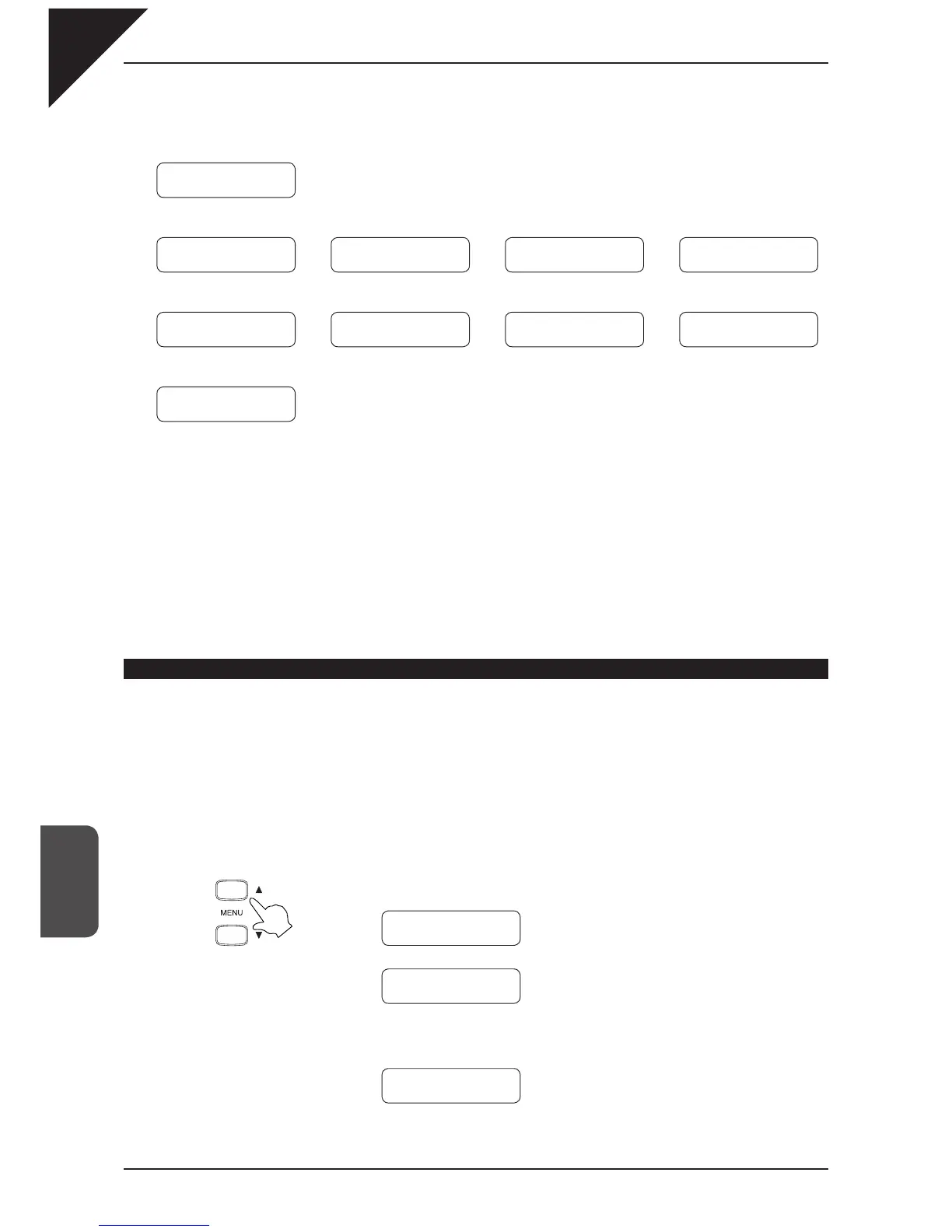
After selecting the user temperament type, use the MENU buttons to select the cent value setting screen.
A different half step tone is displayed each time the MENU
S
button is pressed.
Ç
È
Ç
È
Ç
È
…
MENU buttons
Ç
È
Ç
È
6 Temperament
C = 0
6 Temperament
C# = 0
6 Temperament
B = 0
To create a user temperament, please read the section "
Creating a user temperament" be-
low.
After selecting a desired temperament type read the section "7) Key of Temperament" (page
59) on selecting a key signature for the temperament before continuing.
Equal temperament
Ç
È
Pure temperament <major>
Pure temperament <minor>
Pythagorean temperament
Meantone temperament
Æ
Å
Equal temperament (stretch)
Ç
È
User temperament
Equal temperament (fl at)
Kirnberger III temperament
Werckmeister III temperament
Ç
È
VALUE buttons
6 Temperament
= Equal(P.only)
6 Temperament
= Pure(minor)
6 Temperament
= Pythagorean
6 Temperament
= Meantone
6 Temperament
= Equal
6 Temperament
= Equal(Flat)
6 Temperament
= Kirnberger
6 Temperament
= Werckmeister
6 Temperament
= User
6 Temperament
= Pure(Major)
Æ
Å
Æ
Å
Æ
Å
Æ
Å
Æ
Å



 To Next Page