Page
34
4
Using the Recorder
Step 3
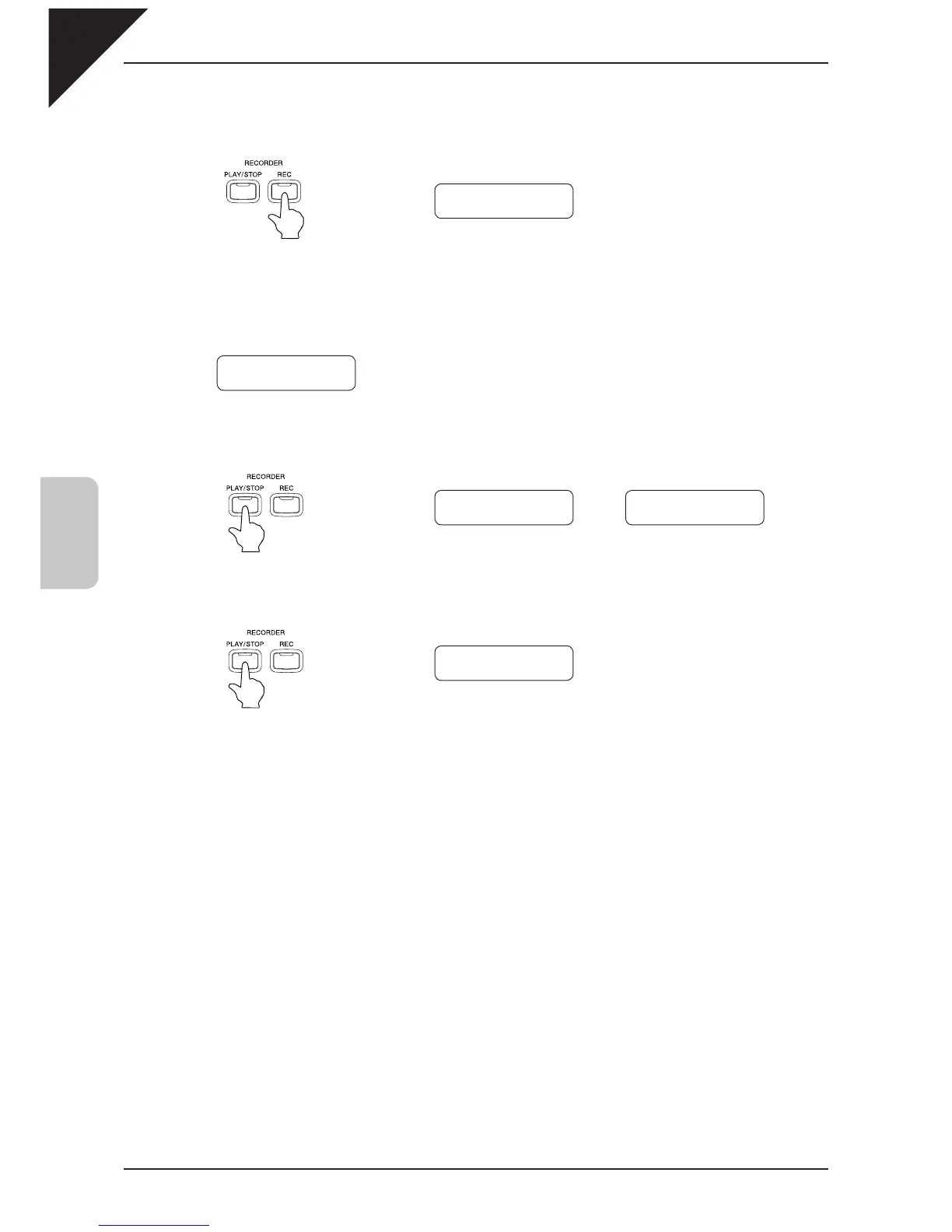
Press the REC button to delete. The LCD display will ask you if you’re sure.
Step 4
Press the REC button again to delete the selected song and part data.
* To cancel the delete operation in Step 3, press the PLAY / STOP button.
The display returns to the play back standby screen when the PLAY / STOP button is pressed again.
Repeat the same procedures to delete multiple songs / parts.
If you wish to delete all the recorded songs, turn on the power while pressing the PLAY / STOP and REC buttons at
the same time.
Sure? Press REC
Song
1 Part=1&2*
Delete Completed
Song
1 Part=1&2*
Select Song/Part
Song
1 Part=1&2*
Æ
To
Del Press REC
Song
1 Part=1&2*
Delete Canceled
Song
1 Part=1&2*



 To Next Page