Appendix B. Using the OPC Server and Client
RF ValProbe® User’s Manual 73
B.7 Setting Up the OPC Client (cont.)
•
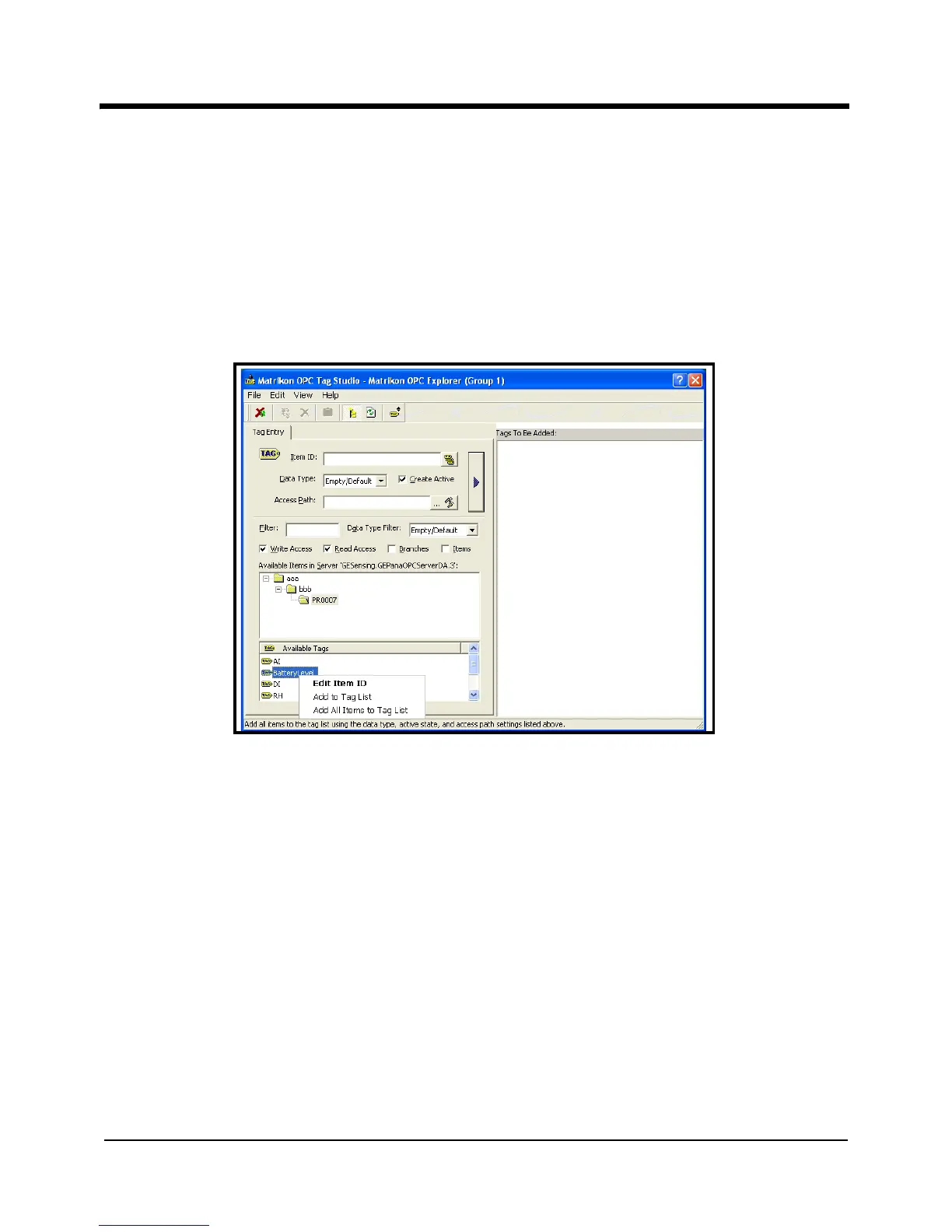
Add to Tag List allows you to add the highlighted tag to the list of “Tags to be
Added” in the right pane.
• Add All Items to Tag List enables you to add all the tags in the bottom pane to the
right pane with a single click.
Figure 38: The Tag Entry Window
e. Once you have added the tags to the right window, open the File menu and click on
Update Tags and Return to Explorer.
The main Client window reopens, with the tags displaying current data in the right pane,
as shown in Figure 39 on the next page.



 To Next Page