27
4
4
Features of your vehicle Safe Exit Warning (SEW)
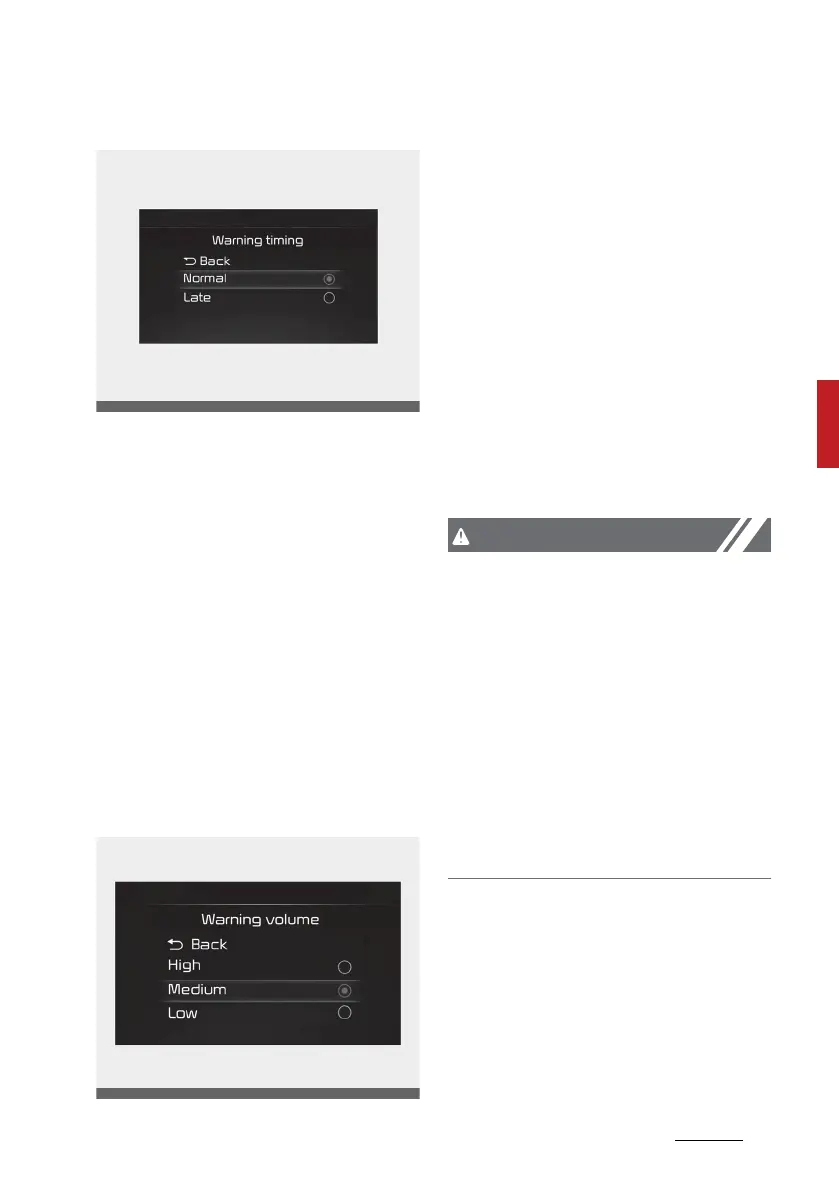
Warning timing
With the ENGINE START/STOP but
-
ton in the ON position, and select
'User Settings (LCD display) or Set
-
tings → Vehicle (Infotainment Sys
-
tem screen) → Driver assistance →
Warning timing' to change the initial
warning activation time for Blind-
Spot Safety system.
When the vehicle is first delivered,
warning timing is set to 'Normal'. If
you change the warning timing, the
warning time of other Driver Assis
-
tance functions may change.
Warning volume
With the ENGINE START/STOP but
-
ton in the ON position, and select
'User Settings (LCD display) or Set
-
tings → Vehicle (Infotainment Sys
-
tem screen) → Driver assistance →
Warning volume' to change the
warning volume to 'High', 'Medium'
or 'Low' for Blind-Spot Safety sys
-
tem.
If you change the warning volume,
the warning volume of other Driver
Assistance functions may change.
Set the warning volume after you
learn it sufficiently.
䳜 The setting of the Warning Timing
and Warning Volume applies to all
functions of the Safe Exit Warn
-
ing.
䳜 Even though 'Normal' is selected
for warning timing, if the vehicles
approaches at high speed from
the rear, the initial warning acti
-
vation time may seem late.
䳜 Select 'Late' for warning timing
when traffic is light and when
driving speed is slow.



 To Next Page