Features of your vehicle
724
Instrument cluster
The temperature unit (from C to F
or from F to C) can be changed by:
䳜 Type A Cluster
Press the TRIP button for 5 seconds,
the Fuel Economy unit is blink. Press
the TRIP button again, the tempera
-
ture unit is blink. And then press the
RESET button, the temperature unit
is changed. Press the TRIP button for
more than one second.
䳜 Type B Cluster
- User Settings mode in the Clus
-
ter (if equipped) : You can
change the temperature unit in
the 䳖Other - Temperature unit䳗.
* For more details, refer to "LCD
display" on page 4-75.
- Settings menu in the Infotain
-
ment System screen (if
equipped) : You can change the
temperature unit in the 䳖Set
-
tings → Vehicle → Unit → Tem
-
perature unit → C/F䳗.
* For detailed information, scan
the QR code in a separately sup
-
plied Car Infotainment System
Quick Reference Guide.
- Climate control system (for
Automatic climate control sys
-
tem): whilst pressing the OFF
button, press the AUTO button
for 3 seconds or more. The
temperature unit of the instru
-
ment cluster and climate con
-
trol system will change at once.
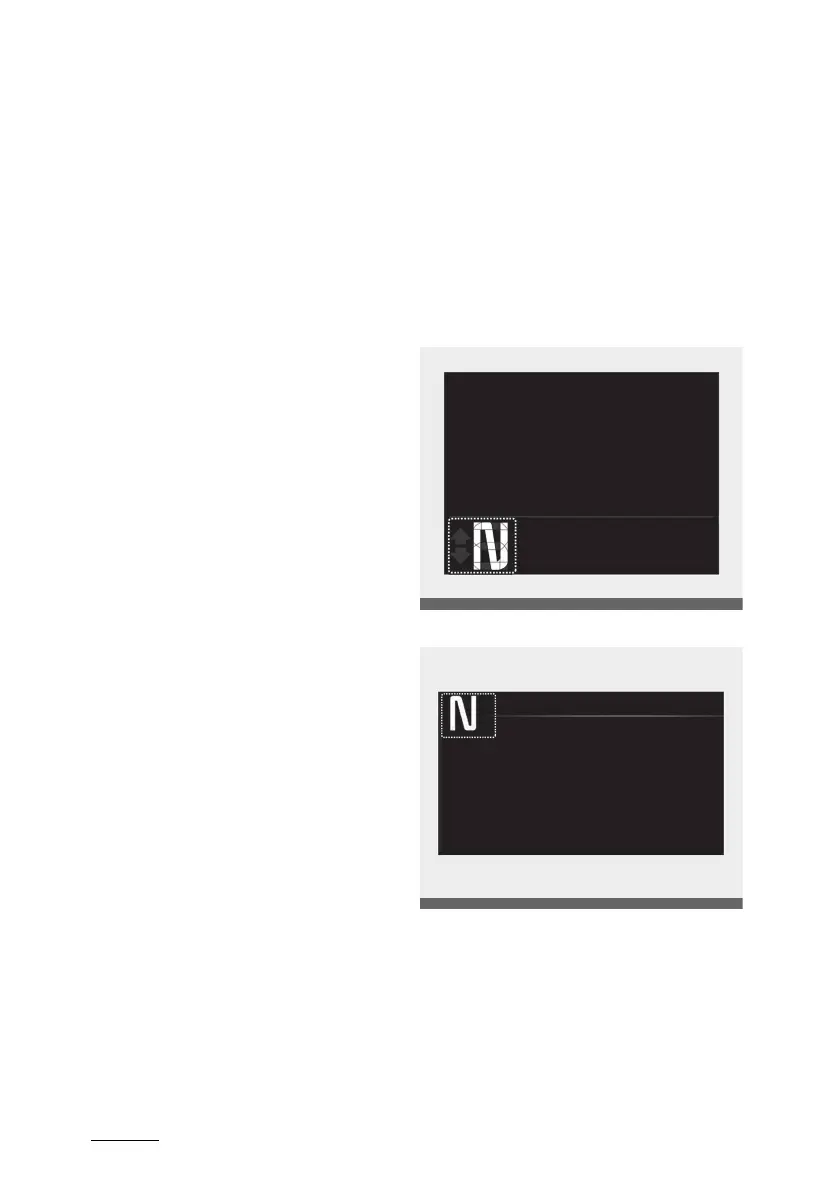
Transmission Shift Indicator
Intelligent variable transmission
Shift indicator (if equipped)
This indicator displays which auto
-
matic transmission shift lever is
selected.
Type A
Type B
䳜 Park: P
䳜 Reverse: R
䳜 Neutral: N
䳜 Drive: D
䳜 Sports Mode: 1, 2, 3, 4, 5, 7, 8



 To Next Page