111
4
4
Features of your vehicle Rear View Monitor (RVM)
The image shown on the screen
may differ from the actual distance
of the object. Make sure to directly
check the vehicle's surroundings for
safety.
Function operation
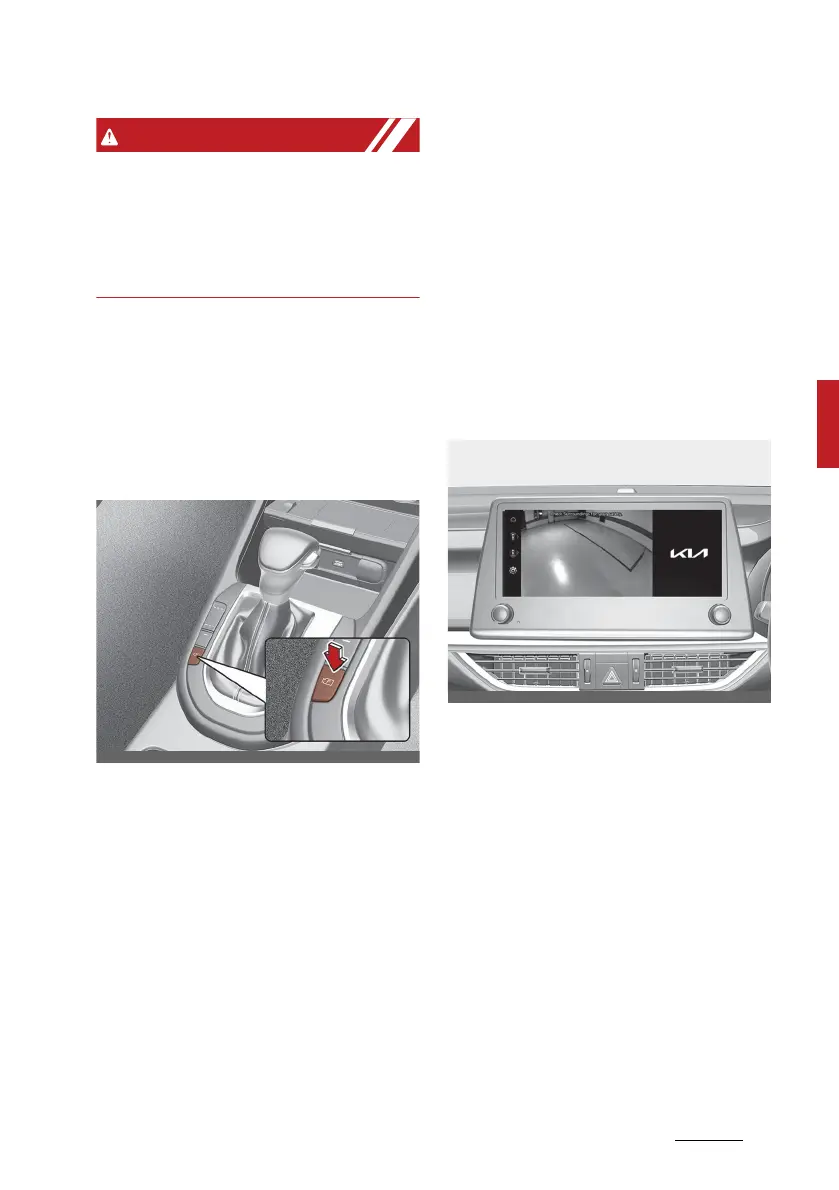
Rear View Monitor controller (if
equipped)
Parking/View button
䳜 Press the Parking/View button to
turn Rear View Monitor on or off.
Rear view
Operating conditions
䳜 If the gear is shifted to R
(Reverse), whilst rear view is dis
-
played on the screen.
Off conditions
䳜 The rear view will not be turned
off with the gear R (Reverse).
䳜 If the gear is shifted from R
(Reverse) to P (Park), the rear
view will be turned off.
䳜 The rear view will turn off when
the Parking/View button is
pressed.
Rear view whilst driving (if
equipped)
Rear view whilst driving is a driving
assist function that shows the
image behind the vehicle on the
screen regardless of vehicle speed
whilst driving.
Operating conditions
䳜 The ENGINE START/STOP button
is ON.
䳜 The Parking/view button is
pressed when gearshift status is
D (Drive), N (Neutral).



 To Next Page