83
4
4
Features of your vehicle LCD display
Convenience (if equipped)
If the service interval is activated and the time and distance is adjusted,
messages are displayed in the following situations each time the vehicle is
turned on.
䳜 Service in: Displayed to inform the driver the remaining mileage and days
to service.
䳜 Service required: Displayed when the mileage and days to service has
been reached or passed.
If any of the following conditions occur, the mileage and number of days to
service may be incorrect.
䳜 The battery cable is disconnected.
䳜 The battery is discharged.
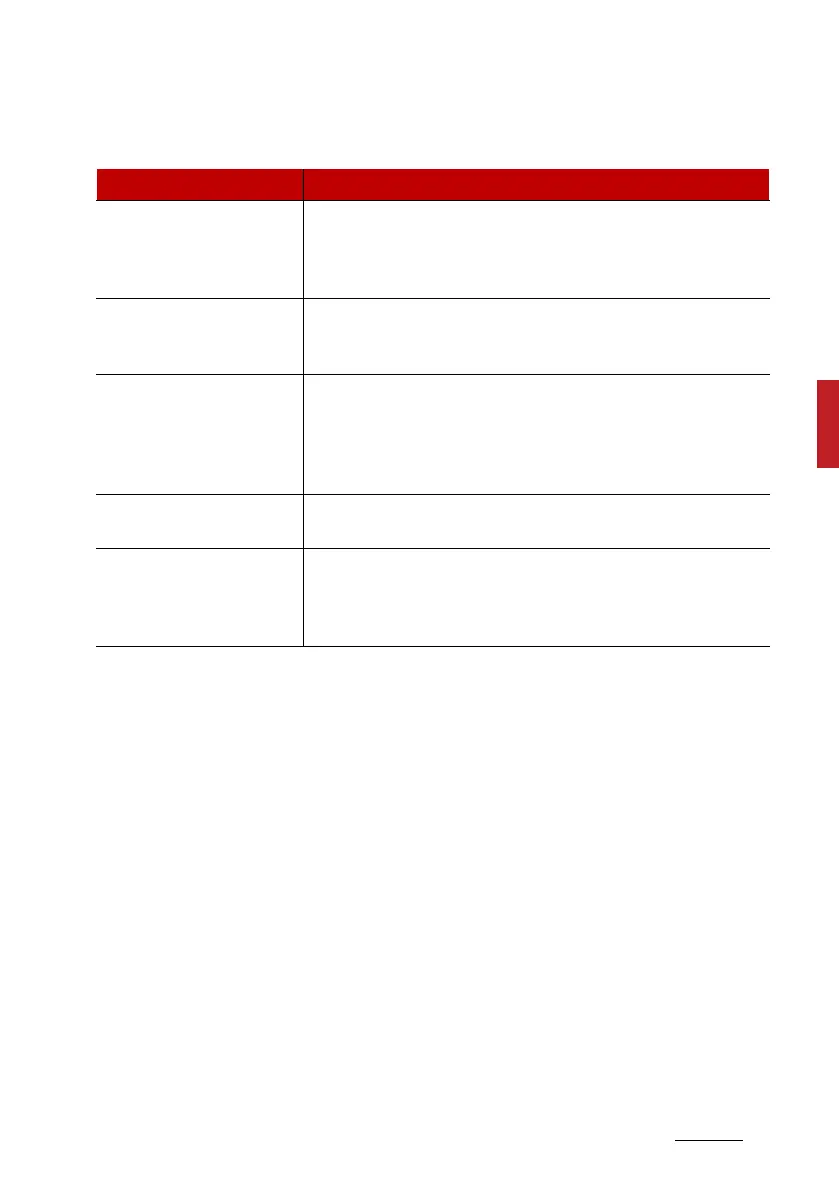
Items Explanation
Seat Easy Access (if
equipped)
䳜 Off/Norma/Extended
To select the function.
* For more details, refer to "Driver position memory sys
-
tem (if equipped, for power seat)" on page 3-10.
Rear Occupant Alert (if
equipped)
䳜 To activate or deactivate Rear Occupant Alert function.
* For more details, refer to "Rear Occupant Alert (ROA)
system" on page 4-24.
Service Interval
䳜 Enable Service Interval : If this item is checked, the Ser
-
vice Interval function will be activated.
䳜 Adjust Interval : If the Service Interval menu is activated,
you may adjust the time and distance.
䳜 Reset : To reset the Service Interval function.
Welcome Mirror/Light (if
equipped)
䳜 To activate or deactivate the Welcome Mirror/Light
function.
Wireless Charging Sys
-
tem (if equipped)
䳜 To activate or deactivate the Wireless Charging System
function.
* For more details, refer to "Wireless smart phone charging
system (if equipped)" on page 4-178.



 To Next Page