93
4
4
Features of your vehicle Trip Computer
Instant Fuel Economy (2)
䳜 This mode displays the instant
fuel economy during the last few
seconds when the vehicle speed is
more than 8 km/h (5 MPH).
- Fuel economy range: 0.0 ~ 30
L/100km, km/L or 0.0 ~ 50.0
MPG
To change the Fuel Economy unit
(km/L ↔ L/100km)
Press the TRIP button for 5 sec
-
onds, the Fuel Economy unit is blink.
And then press the RESET button,
the Fuel Economy unit is changed.
Press the TRIP button for more
than one second.
Service Reminder (if equipped)
If the remaining mileage or time
reaches 1,500 km (900 miles) or 30
days, the service symbol ( ) will
blink for several seconds each time
you set the ignition switch or
ENGINE STRAT/STOP button to the
ON position.
If you exceed the specified service
interval, the service symbol ( ) will
blink each time you turn ON the
vehicle.
If the service interval is not set, the
service symbol ( ) will not be dis
-
played.
If it is not available to set service
interval on your vehicle, have the
system serviced by a professional
workshop. Kia recommends to con
-
sult an authorised Kia dealer/service
partner.
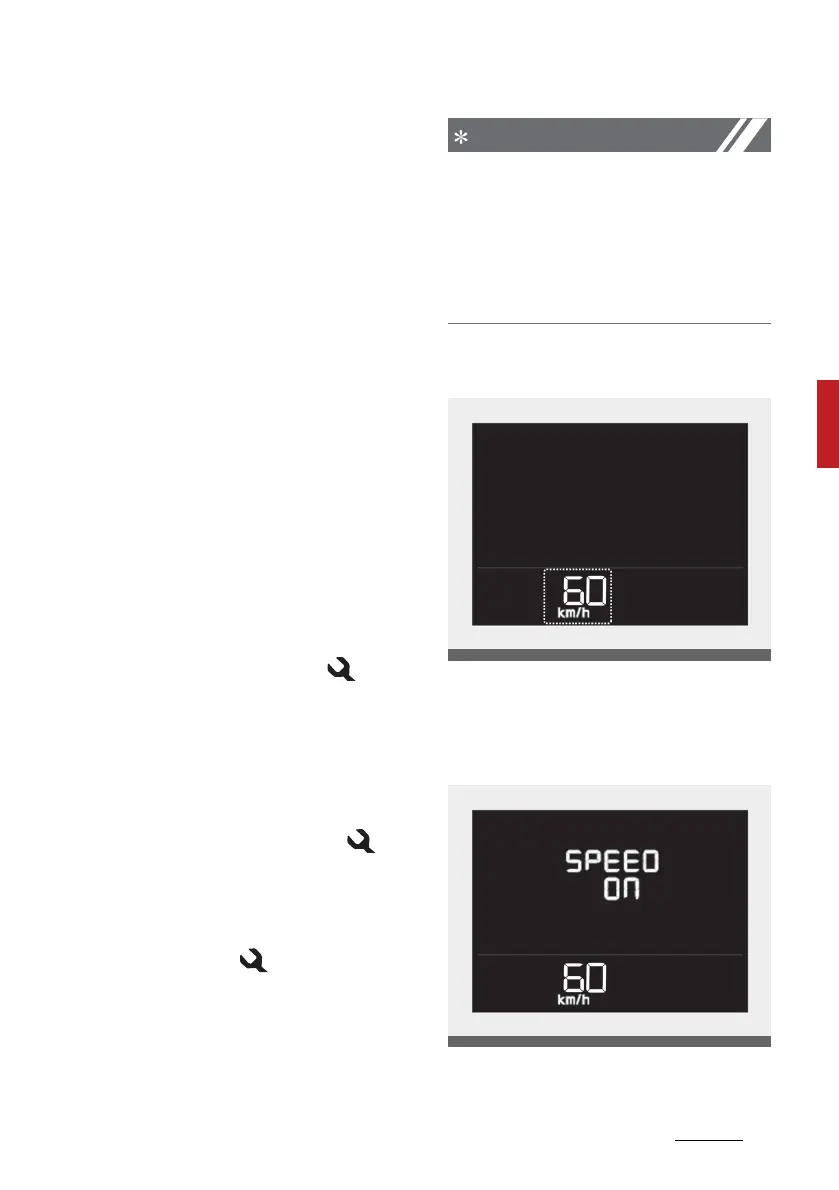
Digital speedometer
This mode displays the current
speed of the vehicle.
Digital speed ON/OFF mode



 To Next Page