Driving your vehicle
1366
Smart Cruise Control (SCC)
If you push the switch, vehicle
speed will resume to the preset
speed.
Check the driving condition before
press the switch. Driving speed
may sharply increase or decrease
when you press the switch.
To turn off the function
Press the Driving Assist button to
turn Smart Cruise Control off.
If your vehicle is equipped with Man
-
ual Speed Limit Assist, press and
hold the Driving Assist button to
turn off Smart Cruise Control. How
-
ever Manual Speed Limit Assist will
turn on.
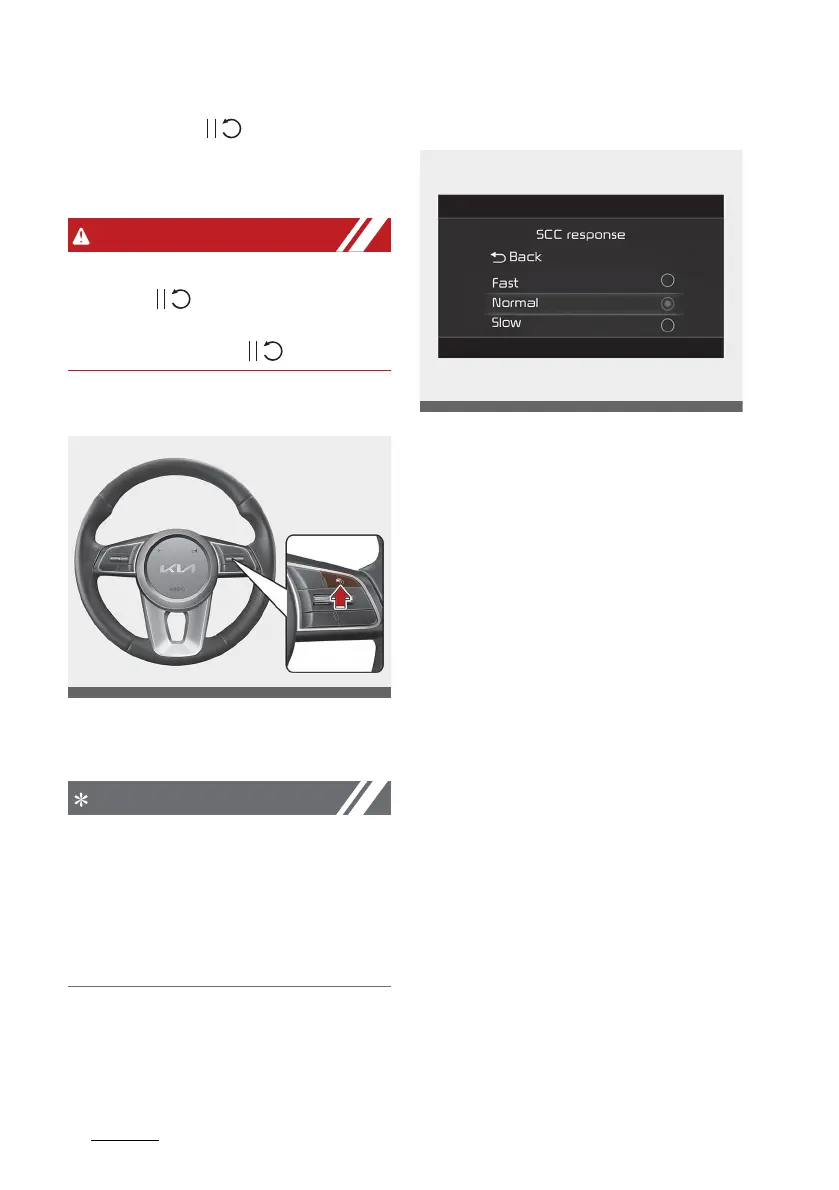
SCC response
The sensitivity of vehicle speed
when following the front vehicle to
maintain the set distance can be
adjusted. With the ignition switch or
ENGINE START/STOP button in the
ON position, select 'Driver assistance
→ SCC response' from the 'Setup →
Vehicle (LCD Display) or Settings →
Vehicle (Infotainment System
screen)' menu to set one of the
three stages you prefer.



 To Next Page