SECTION 2 - SET-UP
1-2-5
2-5
© 2018 Konami Gaming Inc. P/N 810352
CONCERTO CRESCENT
(Original Instructions)
CHANGING LOCKS
lock diMensions
The following shows the standard lock dimensions�
.87
.68
.39
.73
.62
1.28
.58
(ALL DIMENSIONS ARE IN INCHES)
lock HardWare
The following shows the standard lock hardware�
lock caMs
The following shows the standard lock cams required for this
machine�
CAM, LOCK,
LOGIC UNIT
DOOR
CAM, DOOR,
BV
CAM, LOCK,
MAIN DECK
190020
192688
192744
LOCKING CAMS
PART # DESCRIPTION
190048 CAM, DOOR,
BV (CASHBOX)
NOTE: Locks are supplied for shipping purposes only.
It is recommended that all locks be replaced with owner/
operator approved and secured locks.
GENERAL LOCK INSTRUCTIONS
1� Remove 9/32-28 UNF Nut and Cam from Shaft�
2� Remove 3/4-28 UNF Nut from Lock�
3� Remove Key Cylinder�
4� Install new Key Cylinder�
5� Secure with 3/4-28 UNF Nut�
6� Install Cam and 9/32-28 UNF Nut on Shaft�
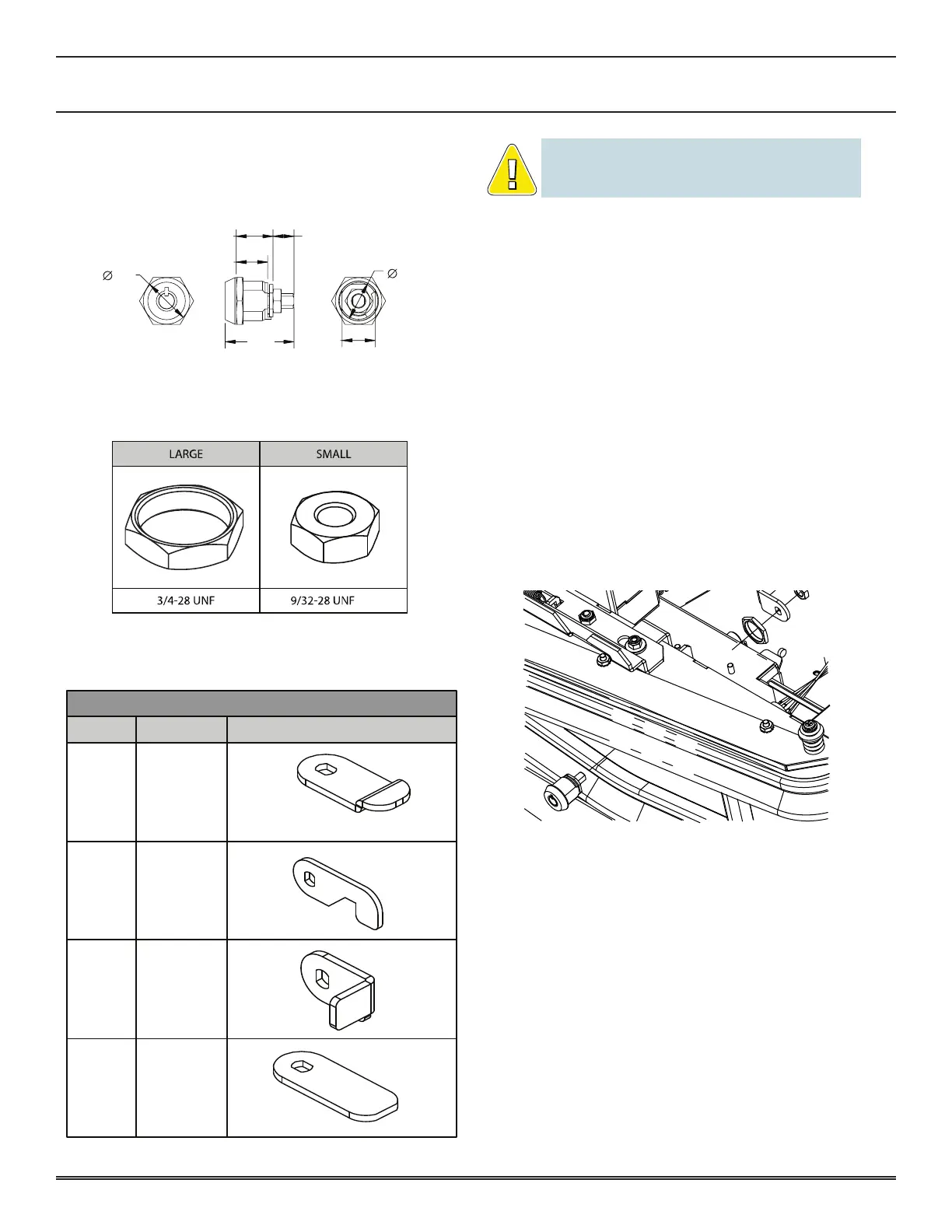
Main deck door lock
1� Open Main Deck Door�
2� Replace Lock�
3� Turn key 90° clockwise to open Main Deck Door�
4� Return Door to the original position�
5� Make sure that the Lock is installed properly by locking
and unlocking the Door�
If any of the following problems arise before turning on the
power, check that the above procedure was performed
properly�
• The door will not open and close easily�
• The door release does not engage easily�
• The key cannot be removed or turned�
If the MAIN DOOR OPEN message appears after turning the
power on, check that the above procedure was performed
properly� The probable causes of the error are:
• The lock is not installed properly�
• The sub door switch is not depressed completely�
If the MAIN DOOR ACCESSED message appears after
turning the power on, turn the Reset key switch�
Go to DIAGNOSTIC DOOR in the KMS Diagnostics to check
Main Door switch�















 To Next Page