102
© 2019 Konami Gaming Inc.P/N 810497 KXP Setup Manual
DIAGNOSTIC
KMS
PRinteR
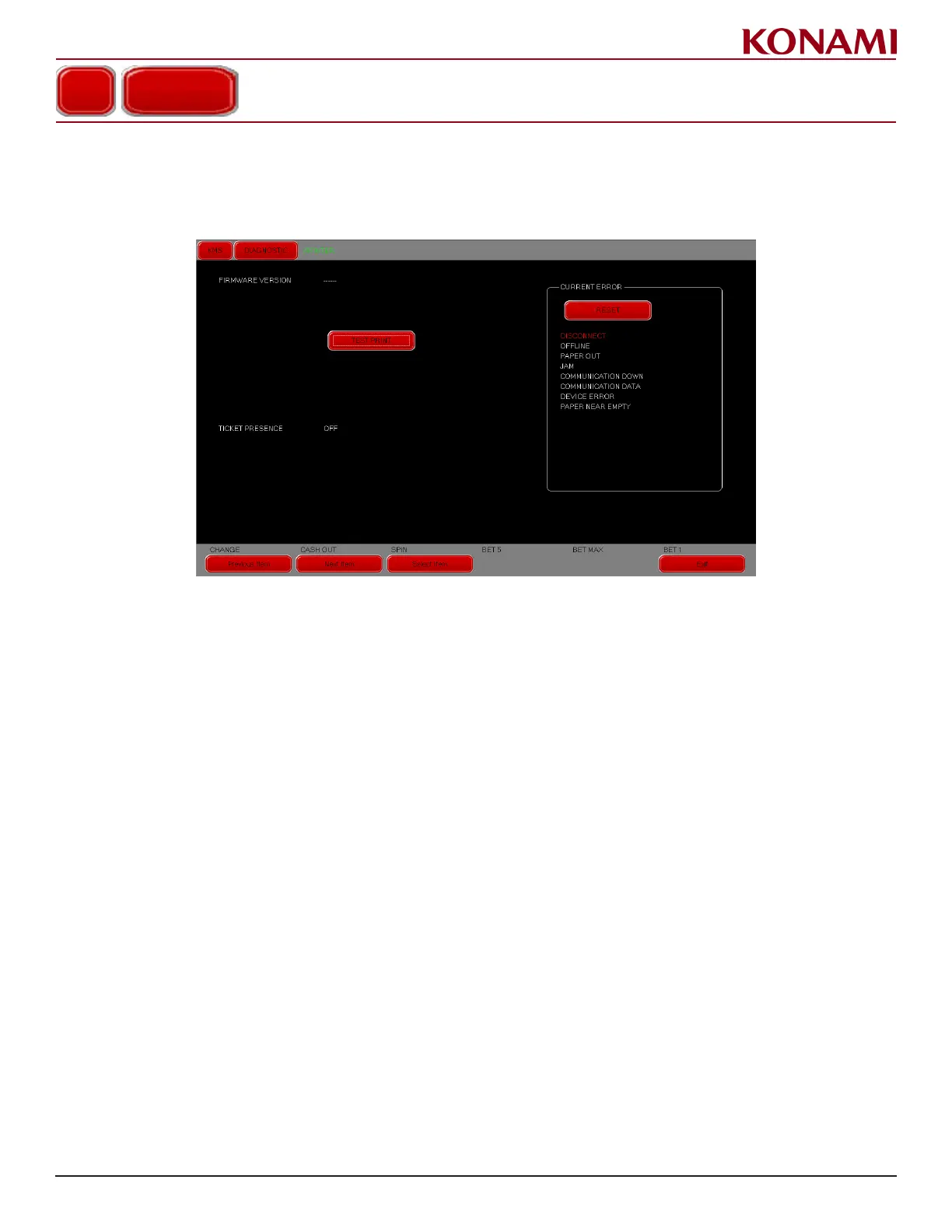
1. Press PRINTER to enter the PRINTER diagnostic screen. The following screen is displayed.
This screen is for checking the PRINTER status.
2. If errors are listed in the CURRENT ERROR eld, remove errors, then press RESET.
3. To print out a void ticket for testing, press TEST PRINT.
4. Press EXIT to return to the DIAGNOSTIC menu.
PRINTER














 To Next Page