69
© 2019 Konami Gaming Inc.P/N 810497 KXP Setup Manual
KMS
SETUP
GAME COMMON SETUP
1. toPPeR
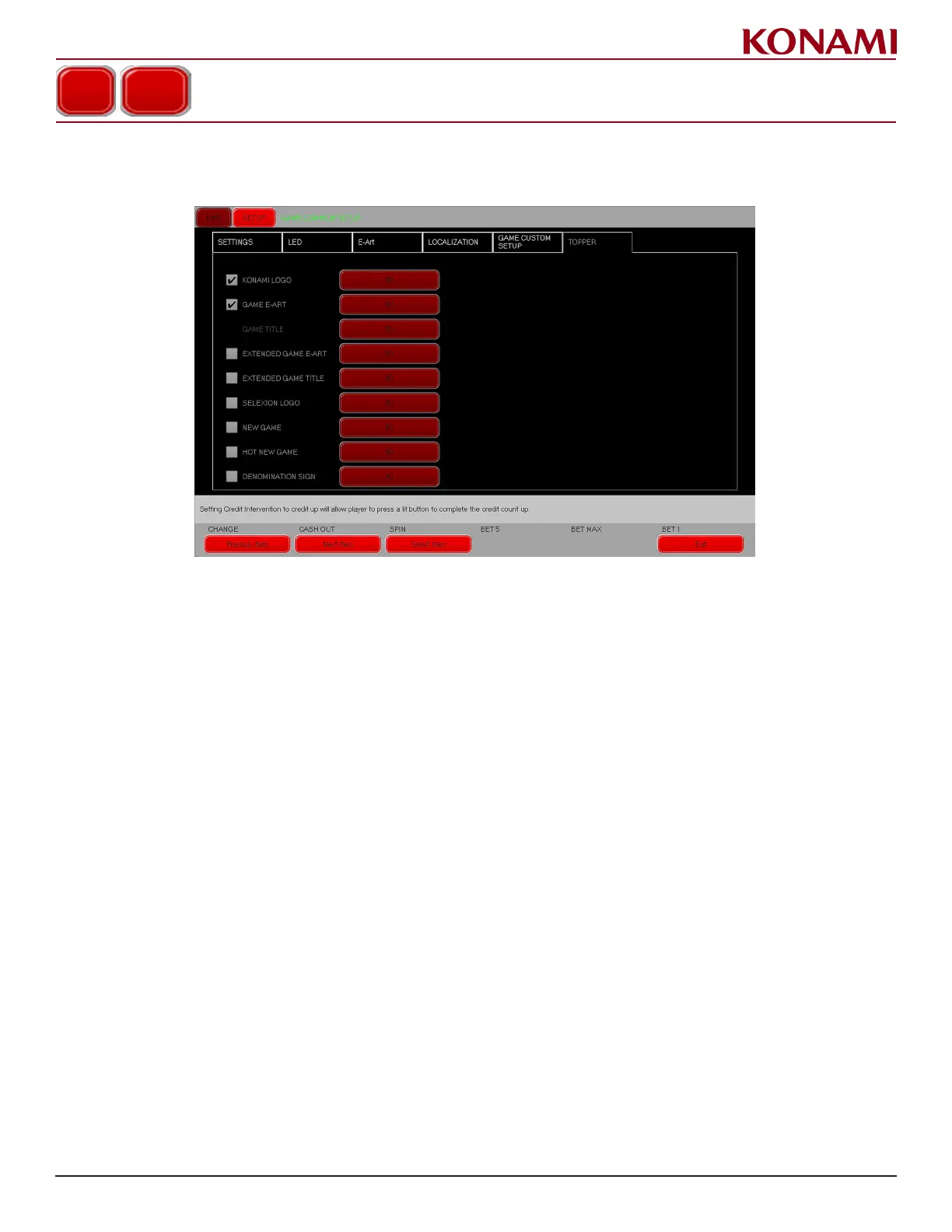
1. Press the TOPPER tab to enter the TOPPER screen. The following screen is displayed.
2. Select the art to be displayed in the topper and the duration (in seconds) to be displayed. The following
options are available: KONAMI LOGO, GAME E-ART, EXTENDED GAME E-ART, EXTENDED GAME TITLE,
SELEXION LOGO, NEW GAME, HOT NEW GAME, or DENOMINATION SIGN.
3. Press EXIT to return to the SETUP menu.














 To Next Page