32
© 2019 Konami Gaming Inc.P/N 810497 KXP Setup Manual
KMS
AUDIT
meteRS
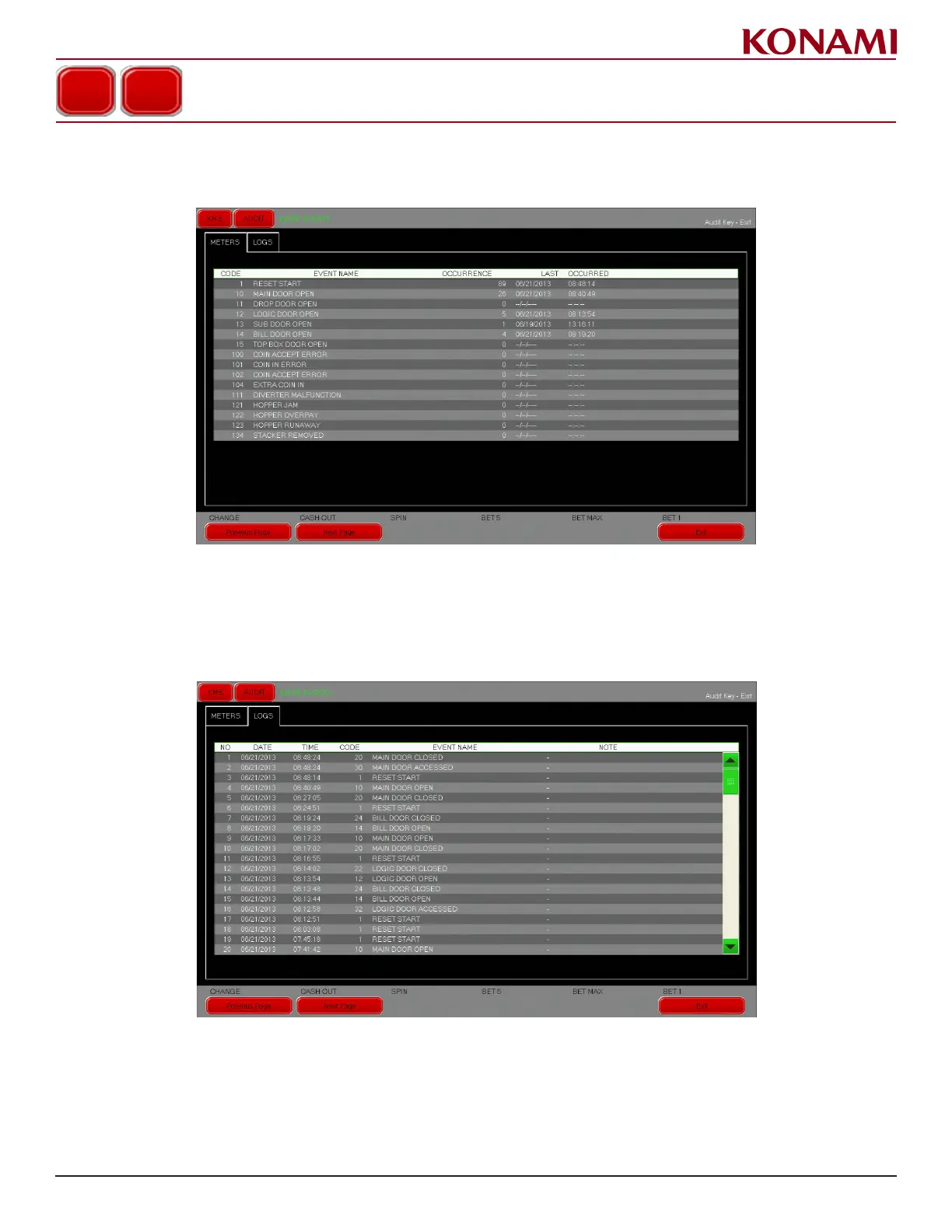
1. Press the METERS tab to enter the METERS screen. The following screen is displayed.
2. The METERS screen shows the status on the game events.
logS
1. Press the LOGS tab to enter the LOGS screen. The following screen is displayed.
2. The LOGS screen shows the status and the history of game events.
3. Press EXIT to return to the AUDIT menu.
GAME EVENTS














 To Next Page