103
© 2019 Konami Gaming Inc.P/N 810497 KXP Setup Manual
DIAGNOSTIC
KMS
SOUND
Sound
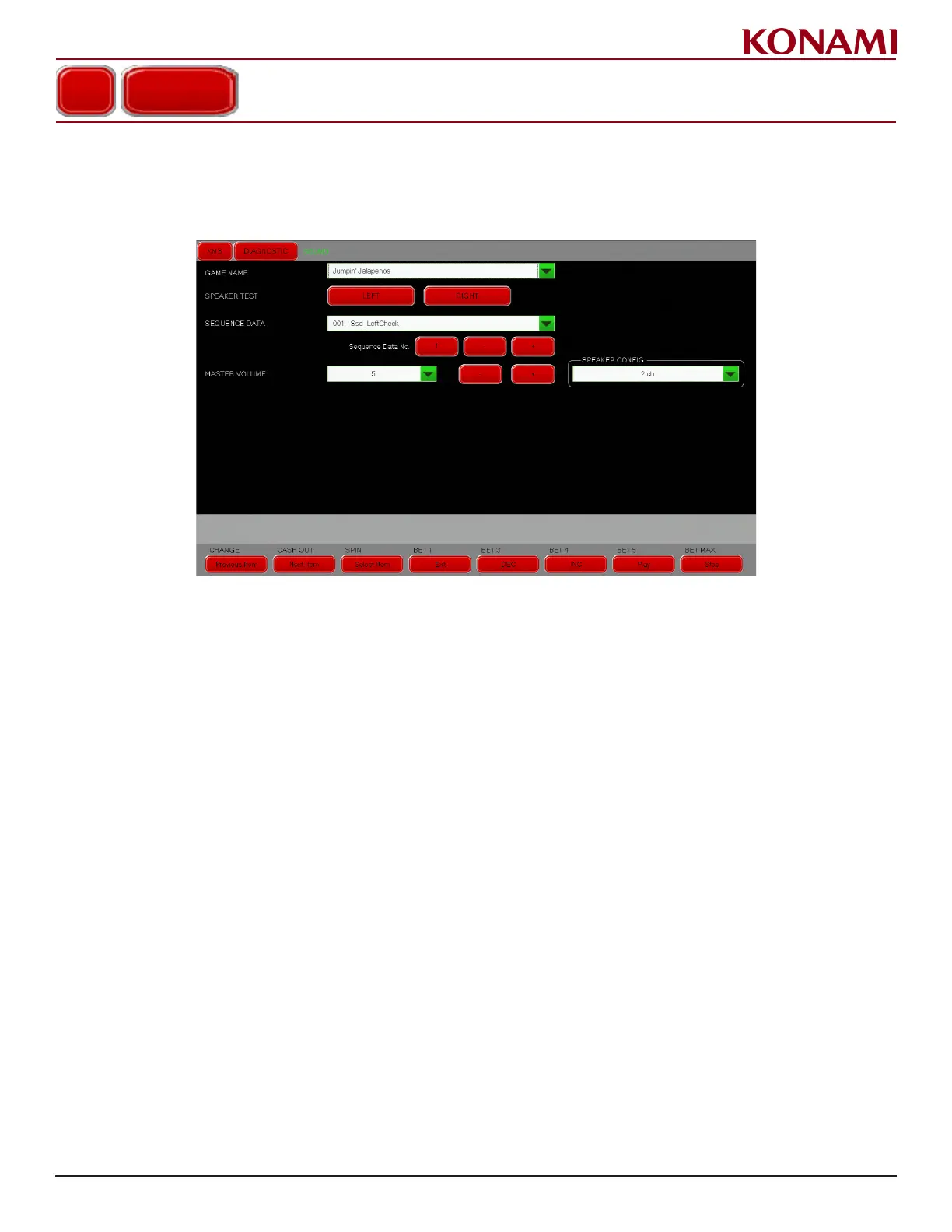
1. Press SOUND to enter the SOUND diagnostic screen. The following screen is displayed.
This screen is for checking SOUND operations.
2. Press the pull down menu button to change the value for GAME NAME, SEQUENCE DATA, MASTER
VOLUME, and SPEAKER CONFIG.
3. Press the applicable red button to set SPEAKER TEST, SEQUENCE DATA NO., and MASTER VOLUME.
4. Press EXIT.
5. Press SAVE to accept the settings or press CANCEL to exit without saving.














 To Next Page