123
© 2019 Konami Gaming Inc.P/N 810497 KXP Setup Manual
KMS
AUDIT
audit meteRS
1. From the KMS menu, press AUDIT.
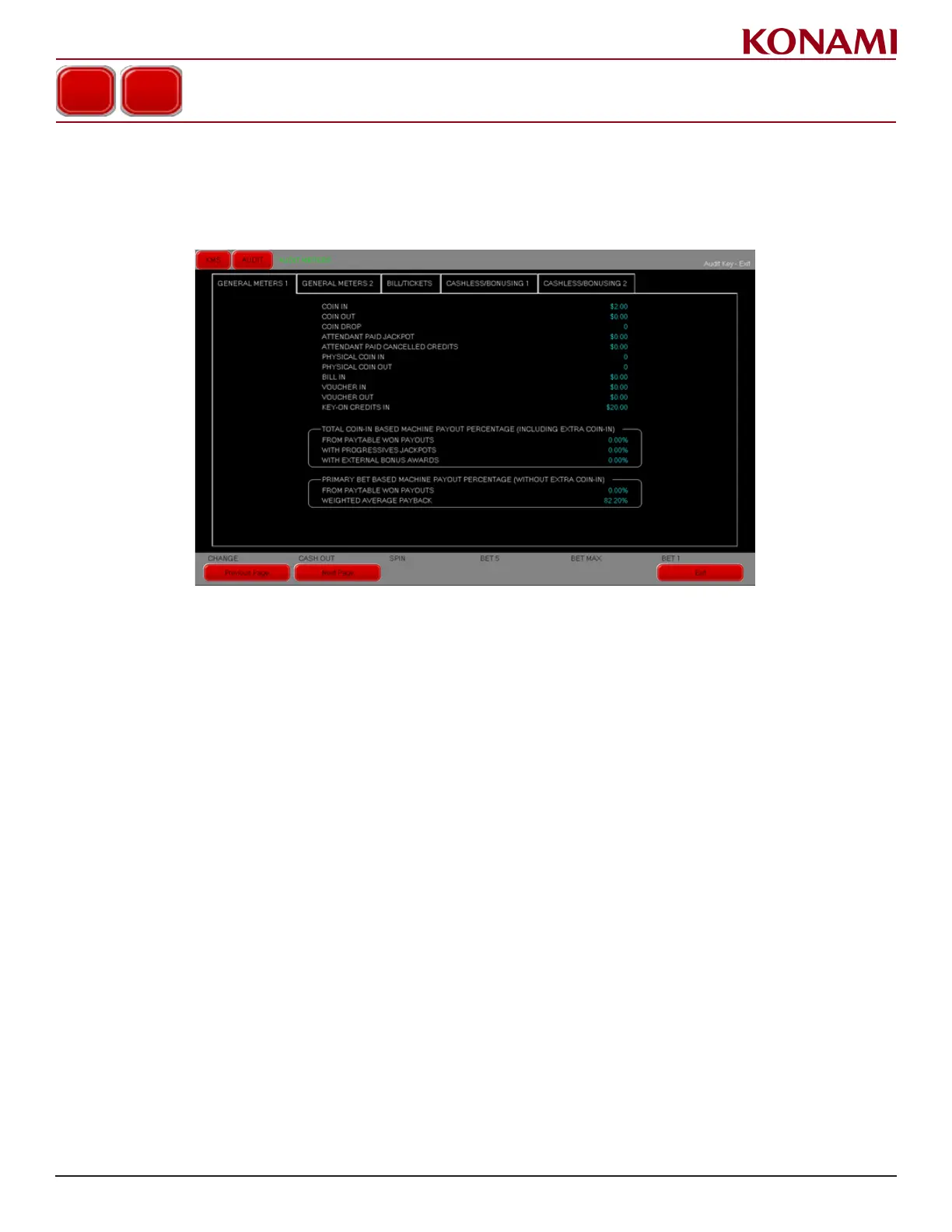
2. Press AUDIT METERS to enter the AUDIT METERS screen in the General Meters 1 tab. The following screen
is displayed.
3. Key-On Credits In data is displayed on this screen. The initial meter value on RAM Clear is 0. The value
accumulates the sum of all Key-On Credit transactions completed over the lifetime of the machine or until
the next RAM Clear.
NOTE: The Key-On Credit In audit meter must be shown in currency units.
4. Press EXIT to return to the AUDIT METERS screen.
5. Press EXIT again to return to the AUDIT menu.
6. Press EXIT a third time to return to the KMS menu.
AUDIT METERS














 To Next Page