81
© 2019 Konami Gaming Inc.P/N 810497 KXP Setup Manual
DIAGNOSTIC
KMS
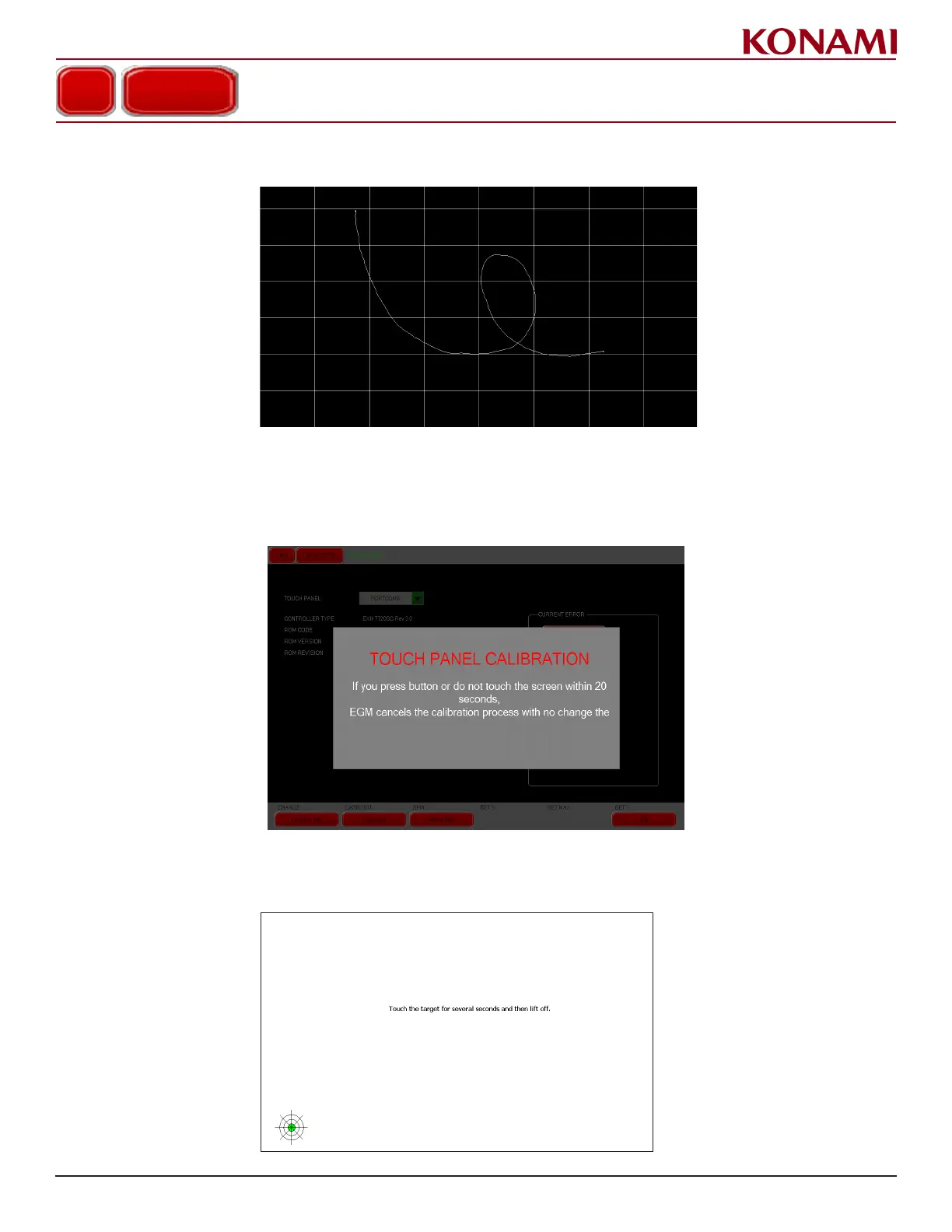
4. Finger-draw on the screen to check the operation of the touch screen. A line will be displayed indicating that
the touch screen is working properly.
5. Press EXIT to return to the TOUCH PANEL screen.
caliBRation
1. Press CALIBRATION to enter the CALIBRATION diagnostic screen. The following screen is displayed.
toucH Panel caliBRation teSt
2. Touch the green target in the lower left of the screen as shown on the following to start Calibration.
TOUCH PANEL














 To Next Page