75
© 2019 Konami Gaming Inc.P/N 810497 KXP Setup Manual
KMS
SETUP
dual PRogReSSive SetuP
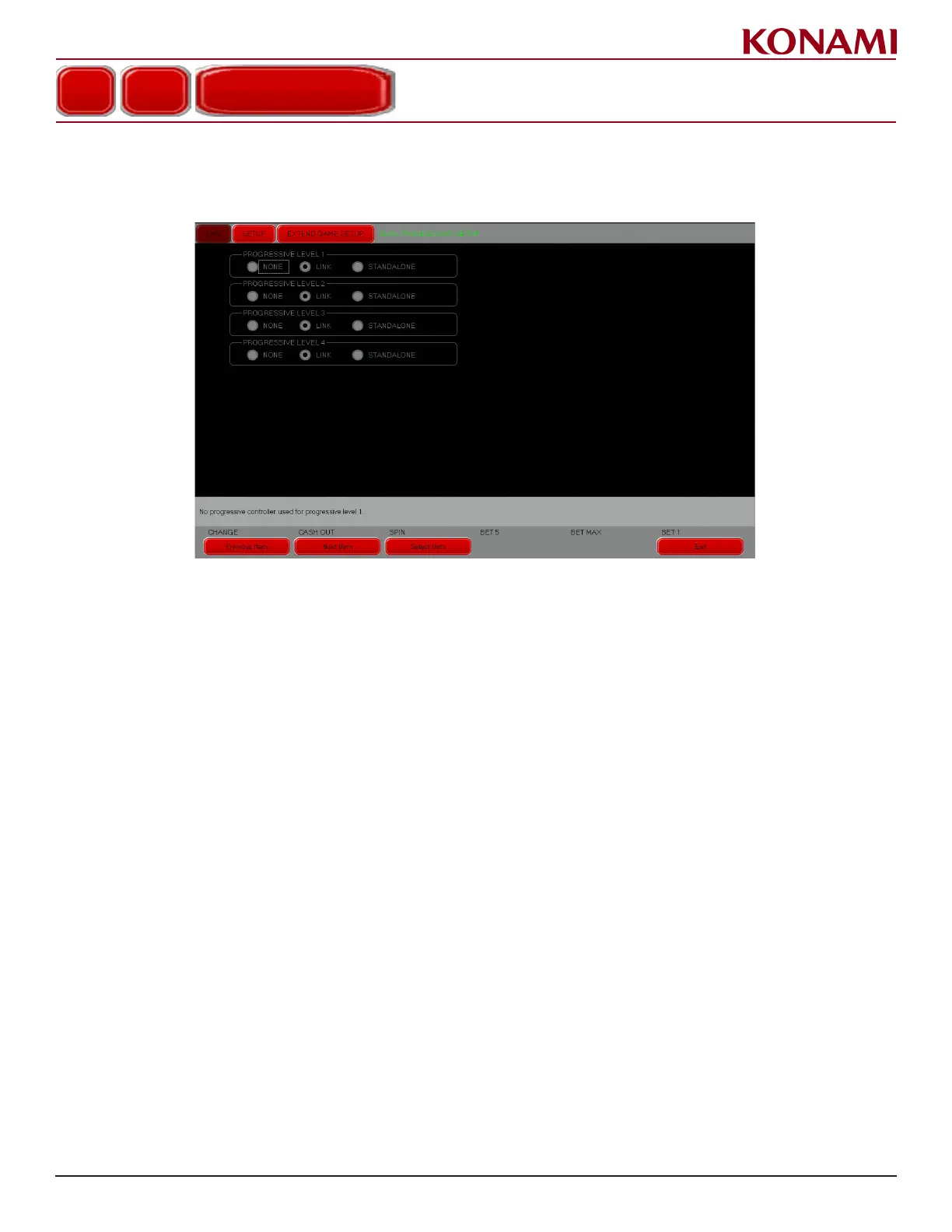
1. Press DUAL PROGRESSIVE SETUP to enter the DUAL PROGRESSIVE SETUP screen. The following
screen is displayed.
2. Press the radio button next to each option to set each Progressive level. Progressive options are Link,
Standalone, or None.
3. Press EXIT to return to the EXTEND GAME SETUP screen.
4. Press EXIT again to return to the SETUP menu.
EXTEND GAME SETUP
DUAL PROGRESSIVE SETUP














 To Next Page