107
© 2019 Konami Gaming Inc.P/N 810497 KXP Setup Manual
DIAGNOSTIC
KMS
MACHINE ID
macHine id
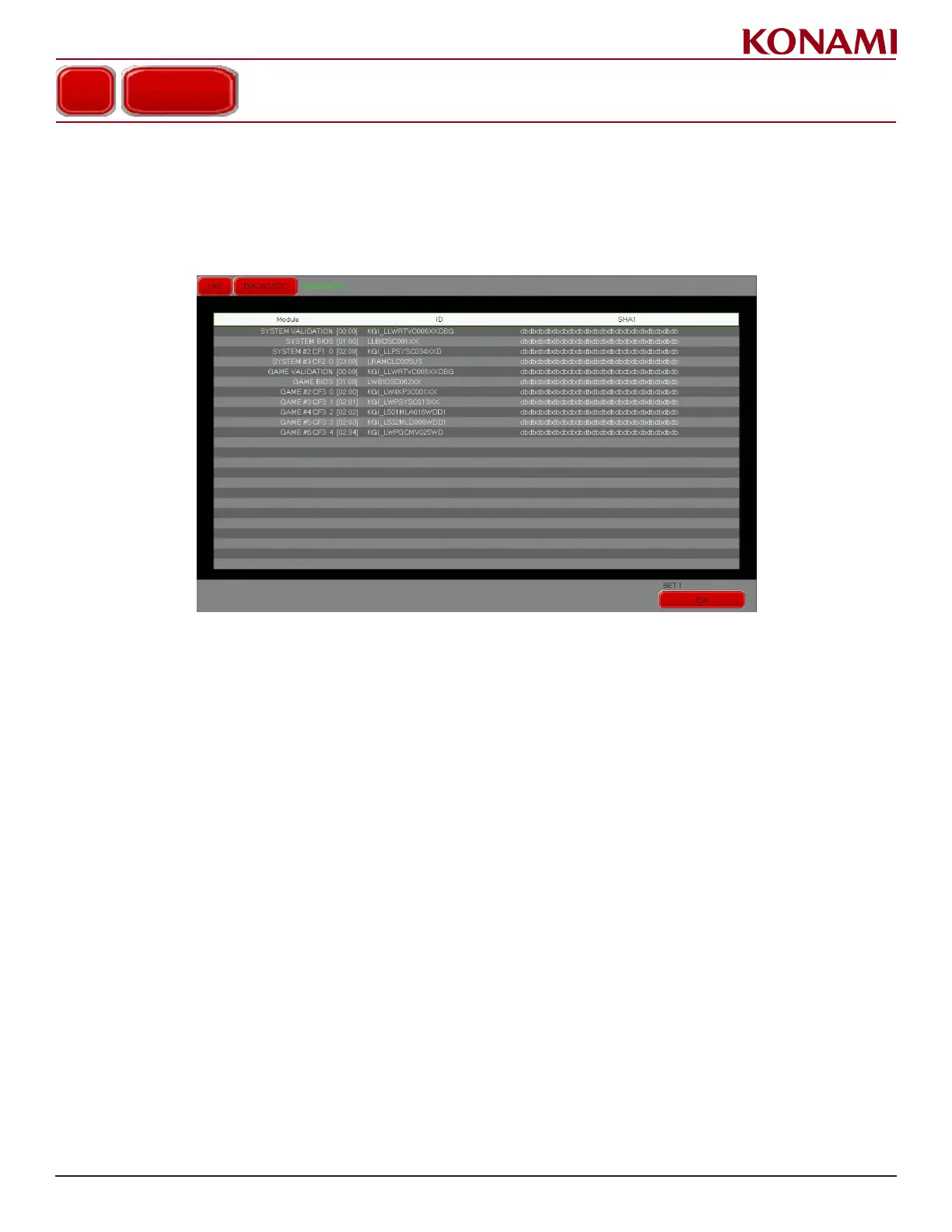
1. Press MACHINE ID to enter the MACHINE ID diagnostic screen. The following screen is displayed.
This screen is for checking the SYSTEM MACHINE ID and GAME MACHINE ID.
This screen is informational, and is not congurable.
On International versions of the game, a Status column will show the status for each game theme as follows:
• DEACTIVATED – license explicitly deactivated or has not been licensed.
• ACTIVATED – license is valid and active.
• EXPIRED – LIMITED license has expired and needs to be renewed.
2. Press EXIT to return to the DIAGNOSTIC menu.














 To Next Page