108
© 2019 Konami Gaming Inc.P/N 810497 KXP Setup Manual
DIAGNOSTIC
KMS
locale SetuP
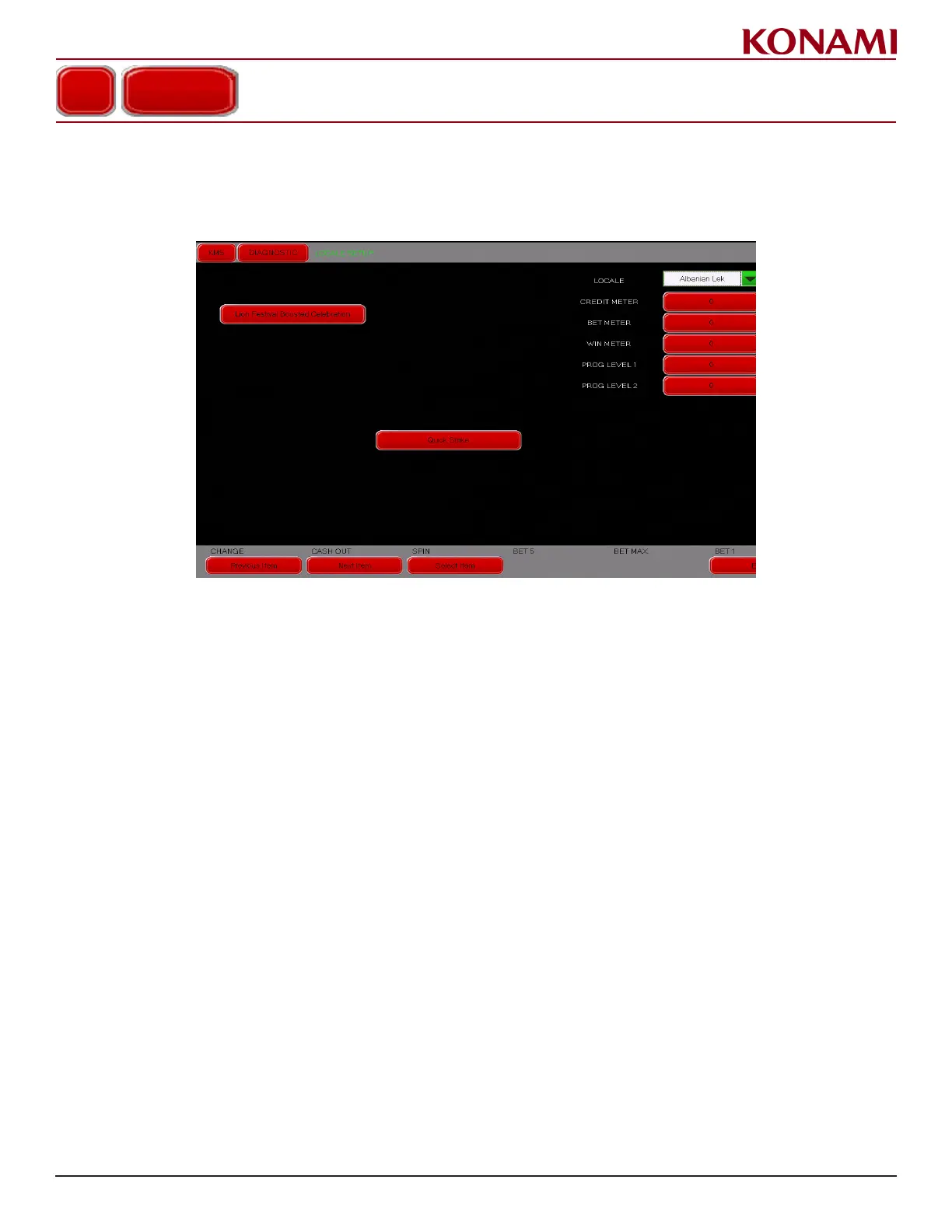
1. Press LOCALE SETUP to enter the LOCALE SETUP diagnostic screen. The following screen is displayed.
The LOCALE SETUP screen is only available on international versions of the software.
2. Press the pull down menu button to change the Locale monetary unit.
3. Press the applicable red button to change CREDIT METER, BET METER, WIN METER, PROG LEVEL 1,
and PROG LEVEL 2.
4. Press EXIT to return to the DIAGNOSTIC menu.
LOCALE SETUP














 To Next Page