41
© 2019 Konami Gaming Inc.P/N 810497 KXP Setup Manual
KMS
SETUP
cRedit SetuP
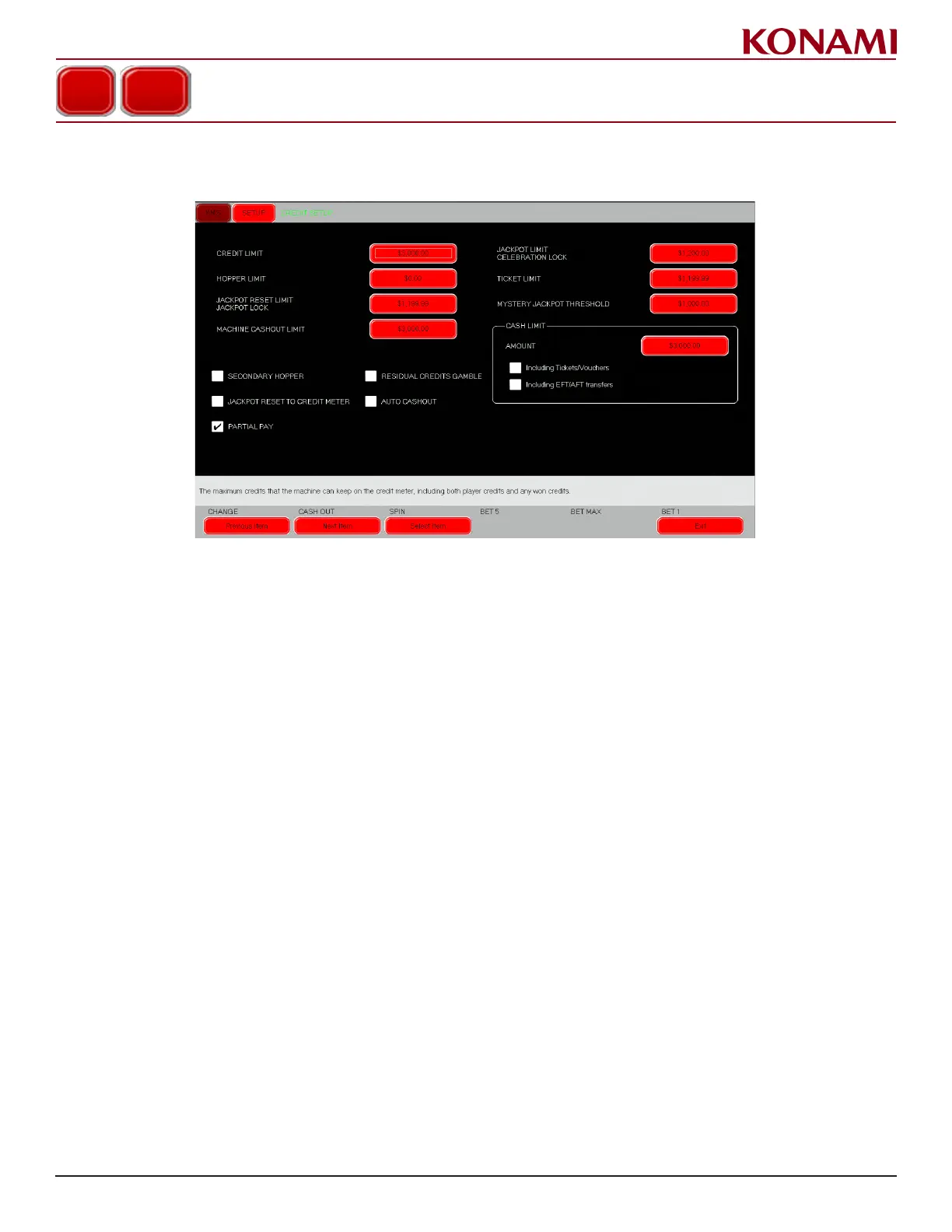
1. From the SETUP menu, press CREDIT SETUP. The following screen is displayed.
2. Press the applicable red button to change each item. A numeric keyboard is displayed.
3. Specify the desired setting. Press ENTER. Repeat this process for each additional eld.
4. Enable/disable the following by checking or unchecking the box: SECONDARY HOPPER, JACKPOT RESET
TO CREDIT METER, PARTIAL PAY, RESIDUAL CREDITS GAMBLE, and AUTO CASHOUT.
CREDIT SETUP














 To Next Page