11
© 2019 Konami Gaming Inc.P/N 810497 KXP Setup Manual
KMS
AUDIT
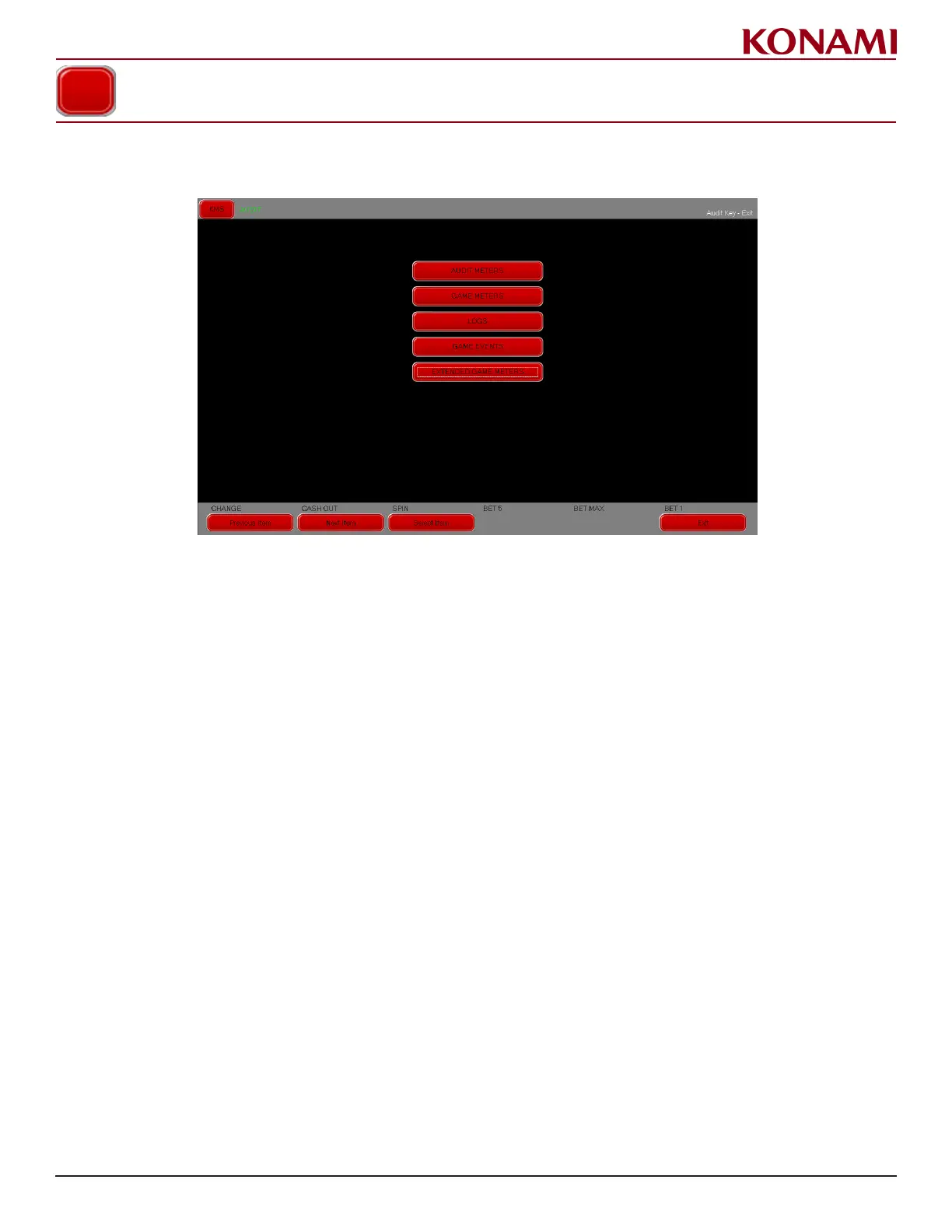
1. From the KMS menu press AUDIT. The following screen is displayed.
2. Options available in the AUDIT menu are AUDIT METERS, GAME RECALL, LOGS, GAME EVENTS,
EXTENDED GAME METERS.
The EXTENDED GAME METERS tab is only available if there are additional progressive games available.
3. Select a Tab to change options. Alternatively, use the Previous Page/Next Page buttons to move between tabs.
4. Select a button to view the options for each screen.
5. Press EXIT to return to the AUDIT menu.
AUDIT














 To Next Page