44
© 2019 Konami Gaming Inc.P/N 810497 KXP Setup Manual
KMS
SETUP
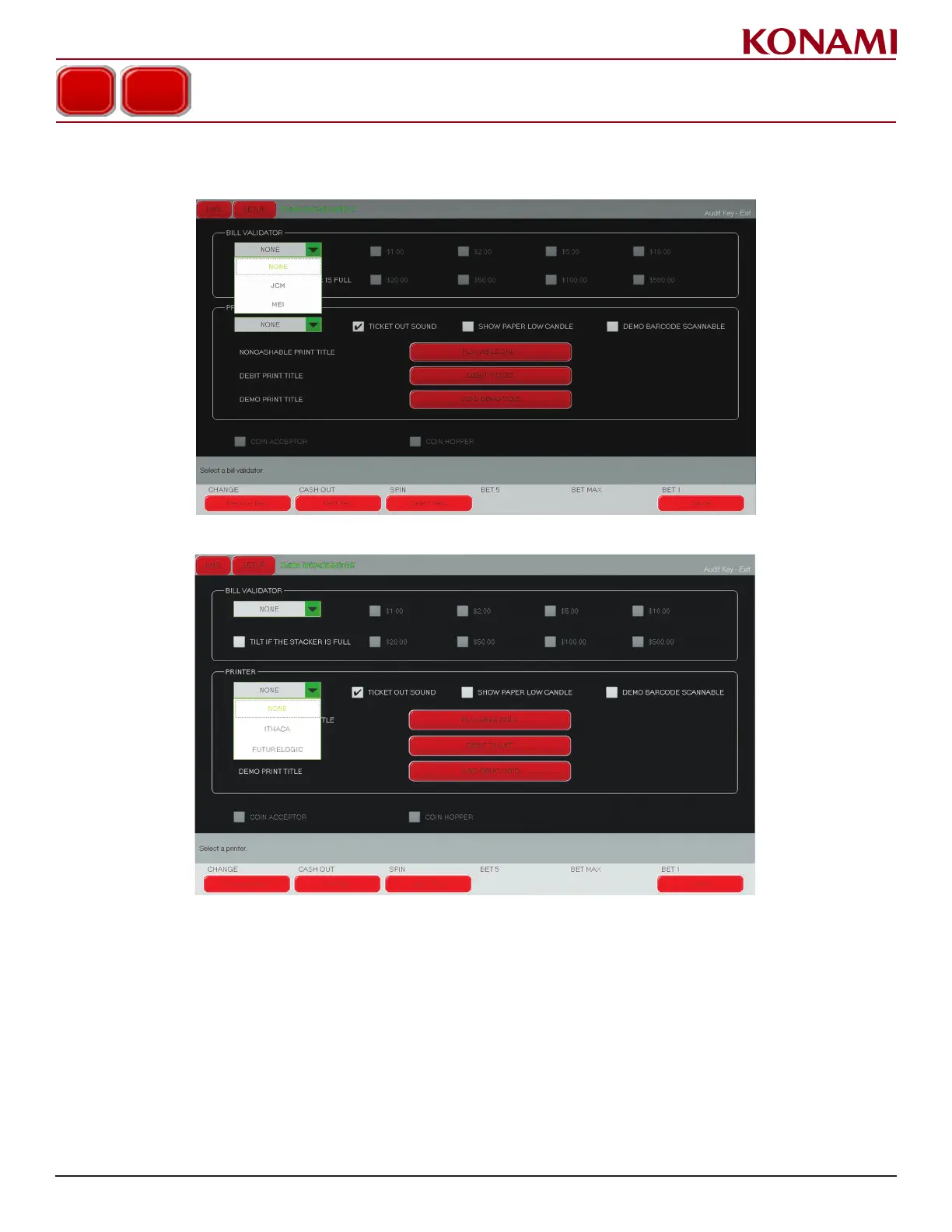
CASH DEVICE SETUP
Bill validatoR
1. In the BILL VALIDATOR eld, press the pull down menu button and choose the type of bill validator being used
2. In the PRINTER TYPE eld, press the pull down menu button and select the type of printer being used.
3. Enable/disable the following by checking or unchecking the box: TILT IF THE STACKER IS FULL, TICKET
OUT SOUND, SHOW PAPER LOW CANDLE, DEMO BARCODE SCANNABLE, COIN ACCEPTOR, and
COIN HOPPER.














 To Next Page