91
© 2019 Konami Gaming Inc.P/N 810497 KXP Setup Manual
DIAGNOSTIC
KMS
Reel
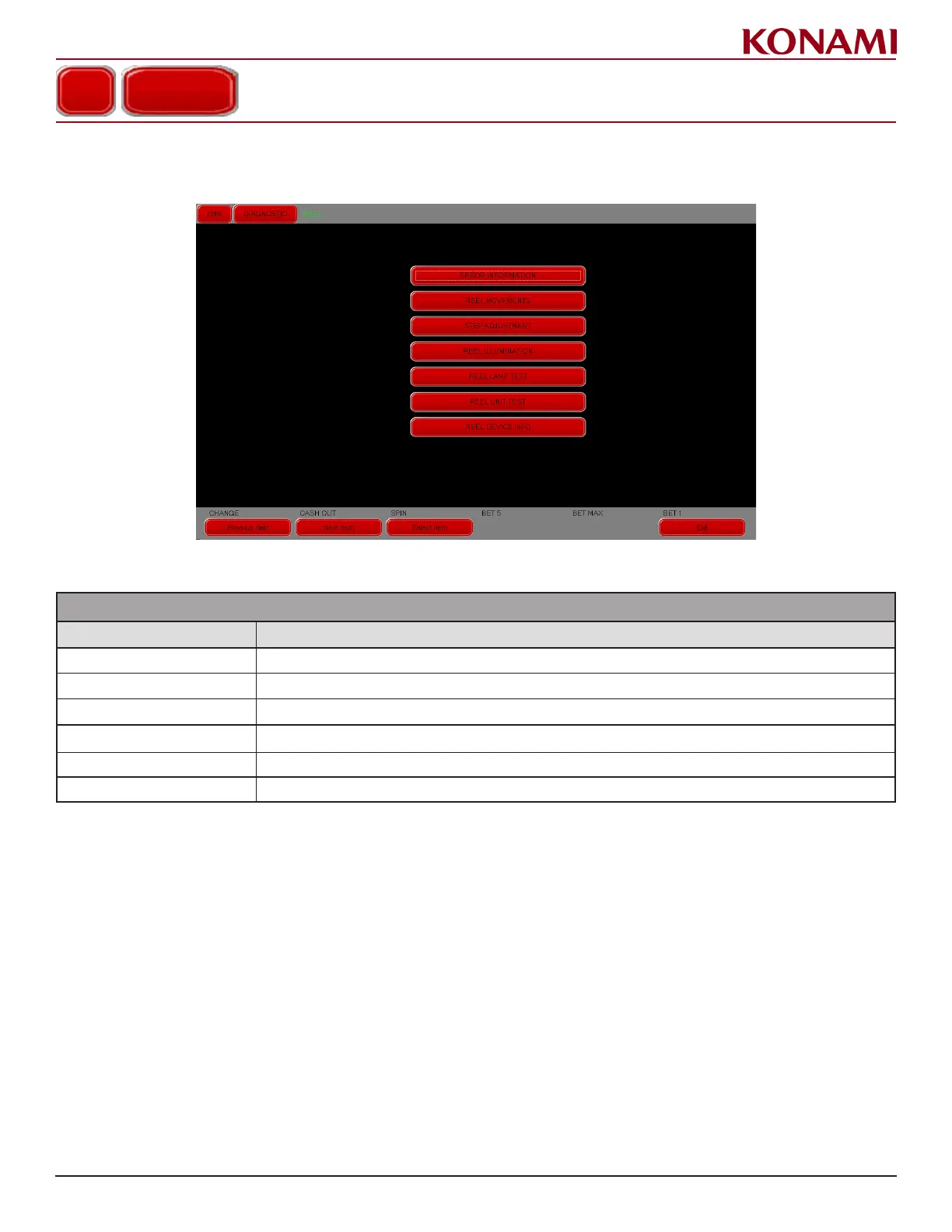
1. Press REEL to enter the REEL diagnostic screen. The following screen is displayed.
2. The following table describes the functions for each item in the REEL screen.
REEL
ITEM DESCRIPTION
ERROR INFORMATION Displays Error Information on the reels and reel controller.
REEL MOVEMENTS Checks the various reel movements.
STEP ADJUSTMENT Adjusts and changes the reel stop position.
REEL LAMP TEST Checks the reel LED illumination pattern and LED status.
REEL UNIT TEST Tests the reel unit.
REEL DEVICE INFO Displays i-socket and FPGA of reel control board version.
REEL














 To Next Page