105
© 2019 Konami Gaming Inc.P/N 810497 KXP Setup Manual
DIAGNOSTIC
KMS
communication
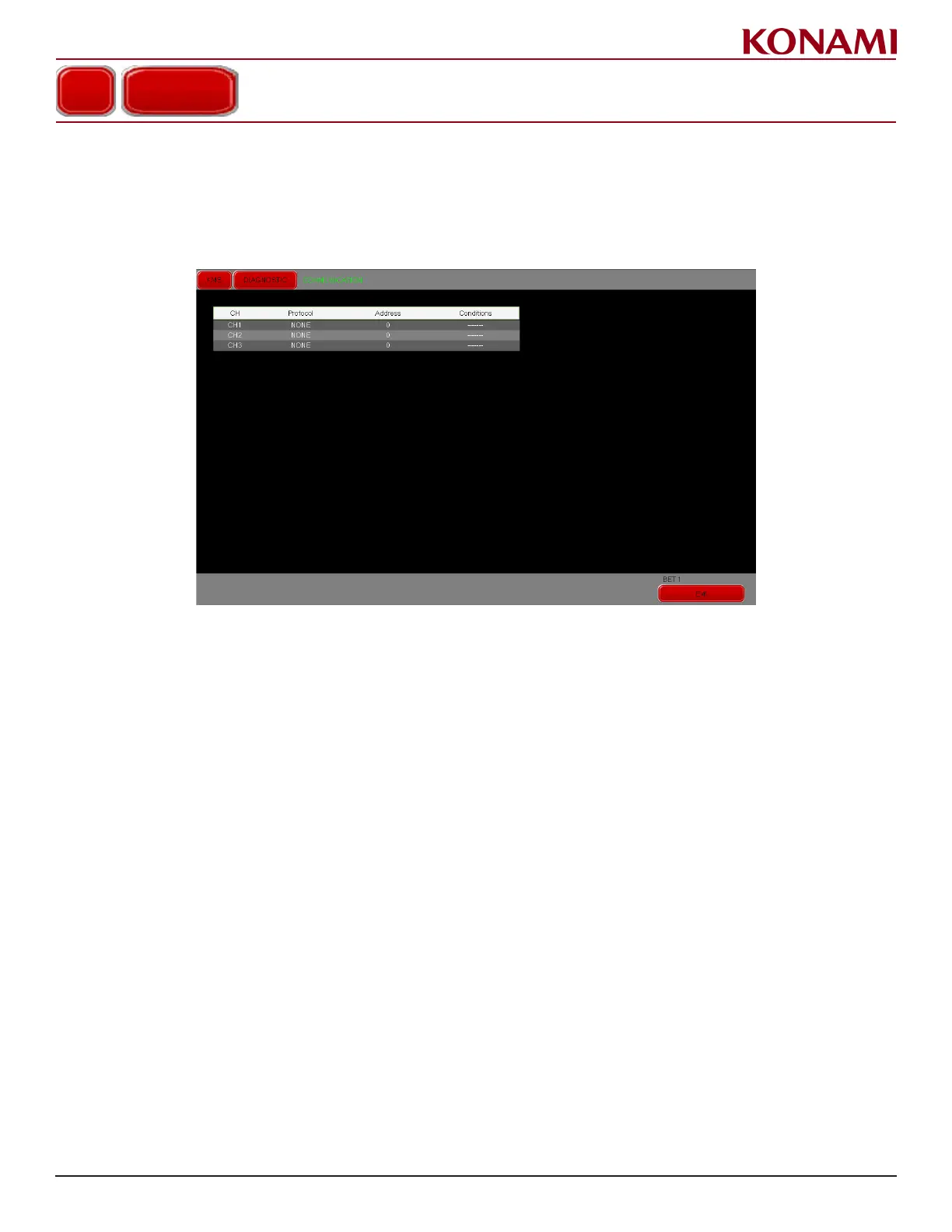
1. Press COMMUNICATION to enter the COMMUNICATION screen. The following screen is displayed.
This screen is for checking the COMMUNICATION status.
This screen is informational, and is not congurable.
2. The conditions for CH1 to CH3 are shown in the table displayed on the screen.
3. Press Exit to return to the DIAGNOSTIC menu.
COMMUNICATION














 To Next Page