87
© 2019 Konami Gaming Inc.P/N 810497 KXP Setup Manual
DIAGNOSTIC
KMS
coin HoPPeR
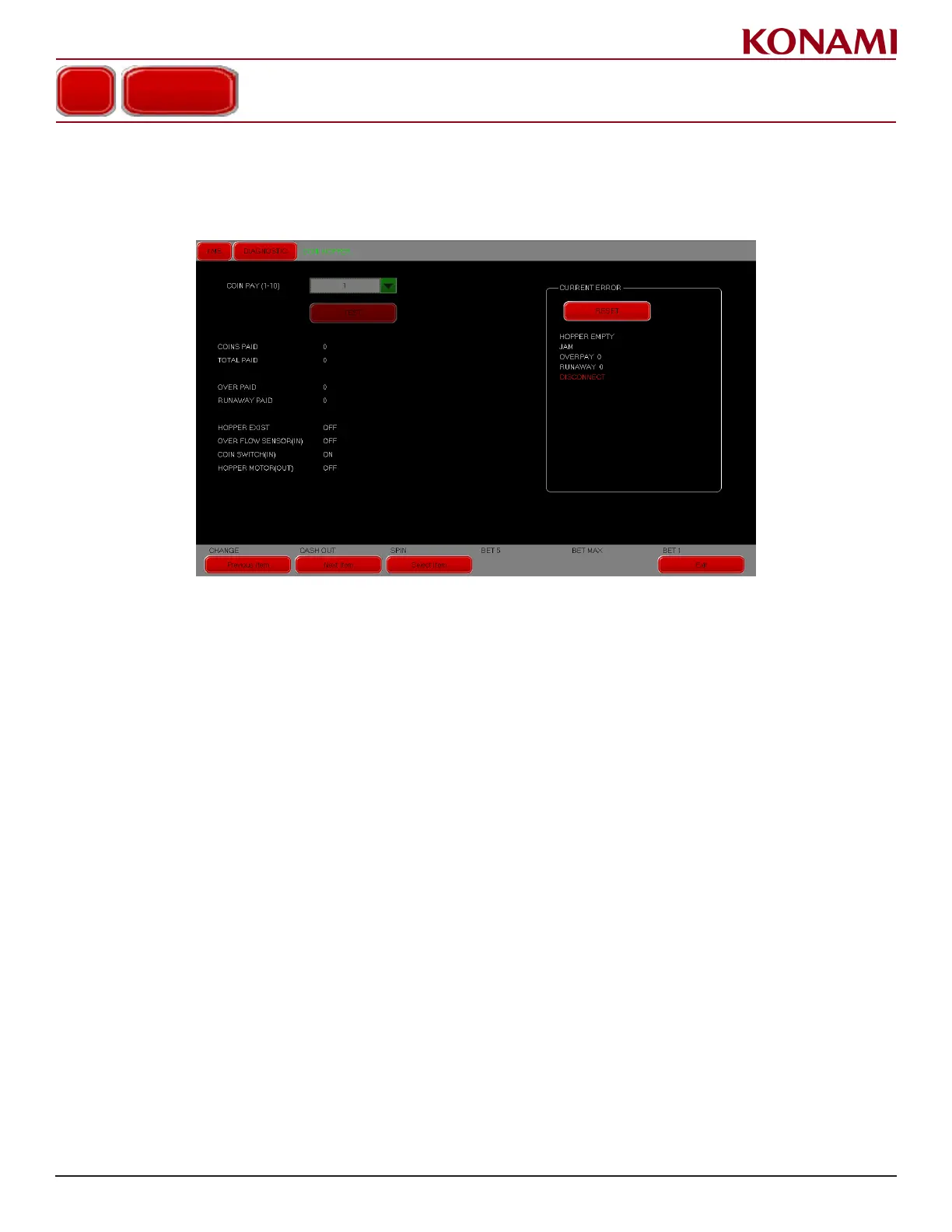
1. Press COIN HOPPER to access the COIN HOPPER diagnostic screen. The following screen is displayed.
This screen is for checking the Coin Hopper operations.
2. Press the pull down menu button to change the value of COIN PAY - 1 to COIN PAY - 2.
3. Press "2" to enter the selection.
4. If any error listed, remove the error rst, and then press RESET to reset the error conditions.
5. Press Exit to return to the DIAGNOSTIC menu.
COIN HOPPER














 To Next Page