Operation–Play mode
23
Keyboard-related settings
•You can transpose the keyboard in semitone steps. For details, see “Setting
mode - [13] TRANSPOSE (Transpose setting)” (
☞
p.40).
•You can change the velocity curve. For details, see “Setting mode - [9]
KBD VELOCITY (Keyboard Velocity setting)” (
☞
p.38).
•You can specify the MIDI channel on which note data is transmitted. For
details, see “Setting mode - [14] GLOB.CH (Global MIDI Channel
setting)” (
☞
p.41).
•You can specify the USB-MIDI port from which the note data is
transmitted. For details, see “Setting mode - [8] PORT (USB-MIDI Port
setting)” (
☞
p.36).
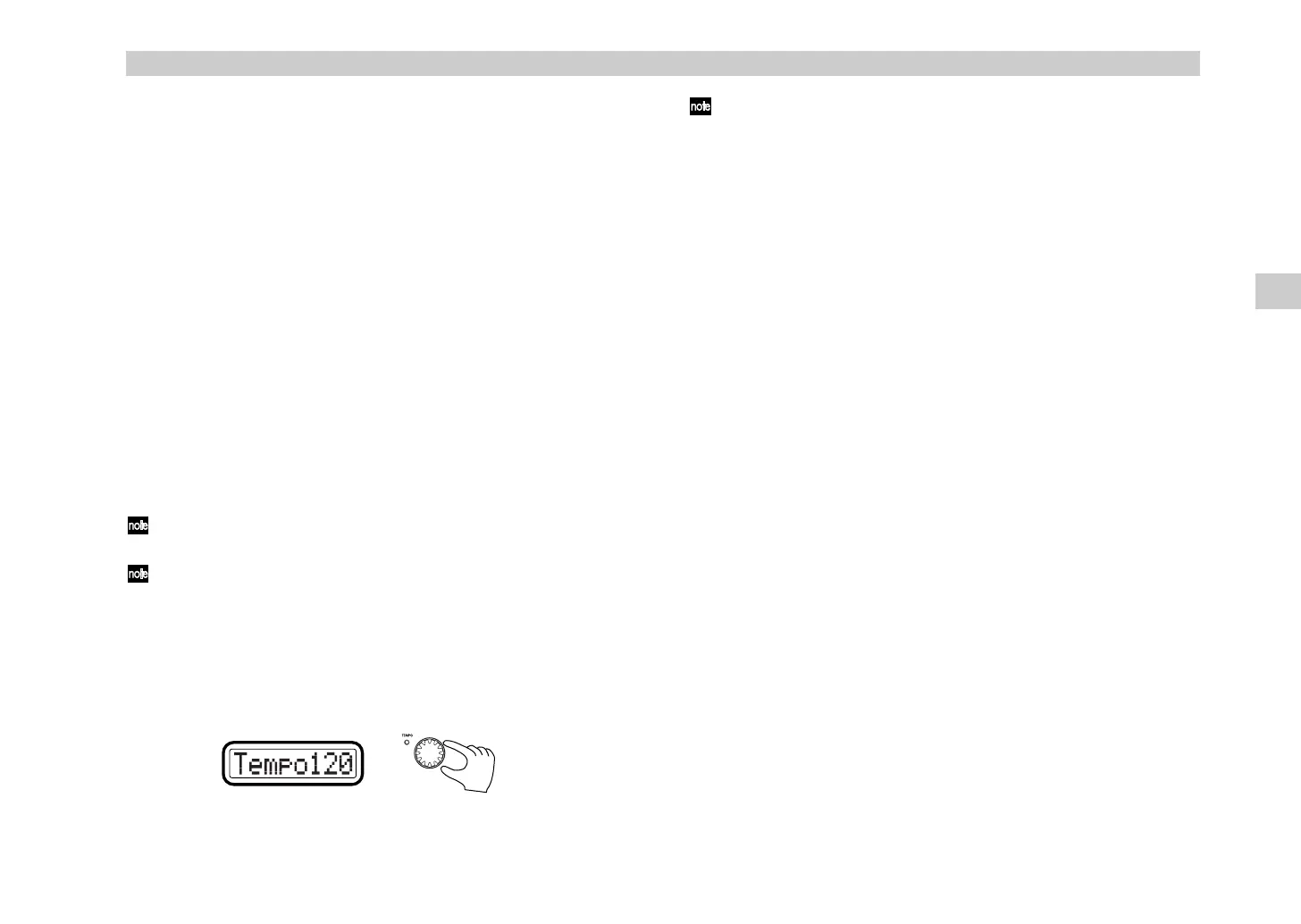
6. [VALUE] dial
This dial adjusts the tempo of the MIDI Clock. If you are synchronizing a
connected device or application to the microKONTROL’s MIDI Clock, use
the [VALUE] knob to control the tempo.
The adjustable range is
Clock Off
,
020–300
. If you select
Clock Off
, MIDI
Clock will not be transmitted. MIDI Clock is transmitted from the port that
transmits in Message mode. (
☞
p.36 “Setting mode–[8] PORT (USB-MIDI
Port setting)”)
When the microKONTROL is powered-on, the MIDI clock tempo will
always be set to 120.
By holding down the [SETTING] key while you turn the [VALUE] dial
you can set the tempo in units of one decimal place. In this case the
range will be
20.0–300.0
.
Display
When you turn the [VALUE] dial, the main display will show the tempo of
the MIDI clock. The TEMPO LED located at the upper left of the [VALUE]
dial blinks at quarter-note intervals of the specified MIDI clock tempo.
By using Message mode [8] Tap, you can set the tempo by striking pad
[8] at the desired timing. For details, see “Message mode - [8] TAP (Tap
message)” (
☞
p.45).
Play mode
%& !"



 To Next Page