Operation–Setting mode
38
[9] KBD VELOCITY (Keyboard Velocity setting)
The Keyboard Velocity setting selects the velocity curve of the keyboard.
When you play the keyboard, notes will be transmitted with a velocity value
according to the selected velocity curve or a fixed velocity value. You can
select one of eight curves or specify a fixed velocity value.
1
Hold down the [SETTING] key and press pad [9].
The [SETTING] key and pad [9] will light, and you will be in the
Keyboard Velocity setting page. The main display will indicate
“Velocity Type” (select the velocity type).
2
Use the [VALUE] dial to select the velocity curve.
If you select a curve, the setting will be saved when you press the
[ENTER] key (blinking).
☞
Step 4
V-Curve1 – V-Curve3 (Velocity Curve 1–3)
These curves begin to produce higher velocities when you play
strongly. V-Curve3 will tend to produce higher velocities.
V-Curve4, V-Curve5 (Velocity Curve 4, 5)
These are typical curves. V-Curve5 produces high velocity values even
when played less strongly.
V-Curve6 (Velocity Curve 6)
This curve produces high velocity values even when not played very
strongly.
V-Curve7 (Velocity Curve 7)
This curve produces little change for medium-strength playing,
creating a more consistent effect.
V-Curve8 (Velocity Curve 8)
This curve is slightly more flat than curve 7, and produces little change
for medium-strength playing, creating a more consistent effect.
Since curves 7 and 8 produce less change for medium-strength playing,
they are suitable when you do not need velocity or when you want to
make the note strength consistent. However, since there will be greater
change for softly-played notes, these curves can be more difficult to
control. Choose a curve that is suitable for your playing strength and
the result that you want to obtain.
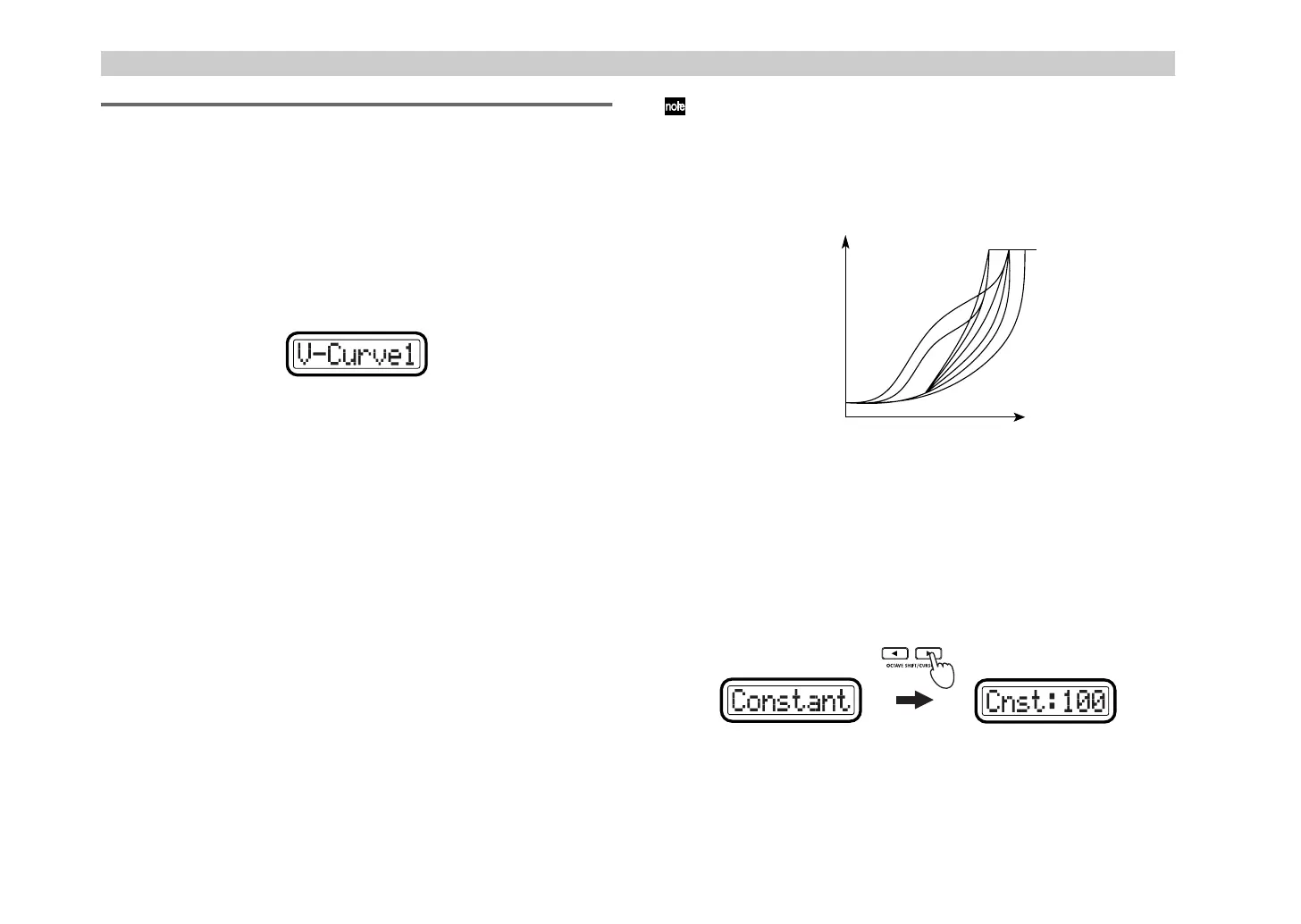
Constant
Notes will be transmitted with the specified velocity value, and the
actual played velocity will be ignored.
3
If you select
Constant
as the “Velocity Type,” press the OCTAVE
SHIFT/CURSOR [
®
] key to proceed to “Cnst (Constant)” and use the
[VALUE] dial to set the velocity value. The range is
1–127
.
4
Press the [ENTER] key.
The settings will be saved, and you will return to Play mode.
4
5
Strength
(MIDI Velocity)
ppp
MIN (1)
Velocity
MAX
(127)
3
8
7
6
2
1
fff
(1) (127)
(Green)(Red)
&+ !"



 To Next Page