Operation–Message mode
45
[7] CONTINUE (Continue message)
This transmits the realtime message
Continue [FB]
.
1
Hold down the [MESSAGE] key and press pad [7].
Pad [7] will briefly go dark, and the realtime message Continue will be
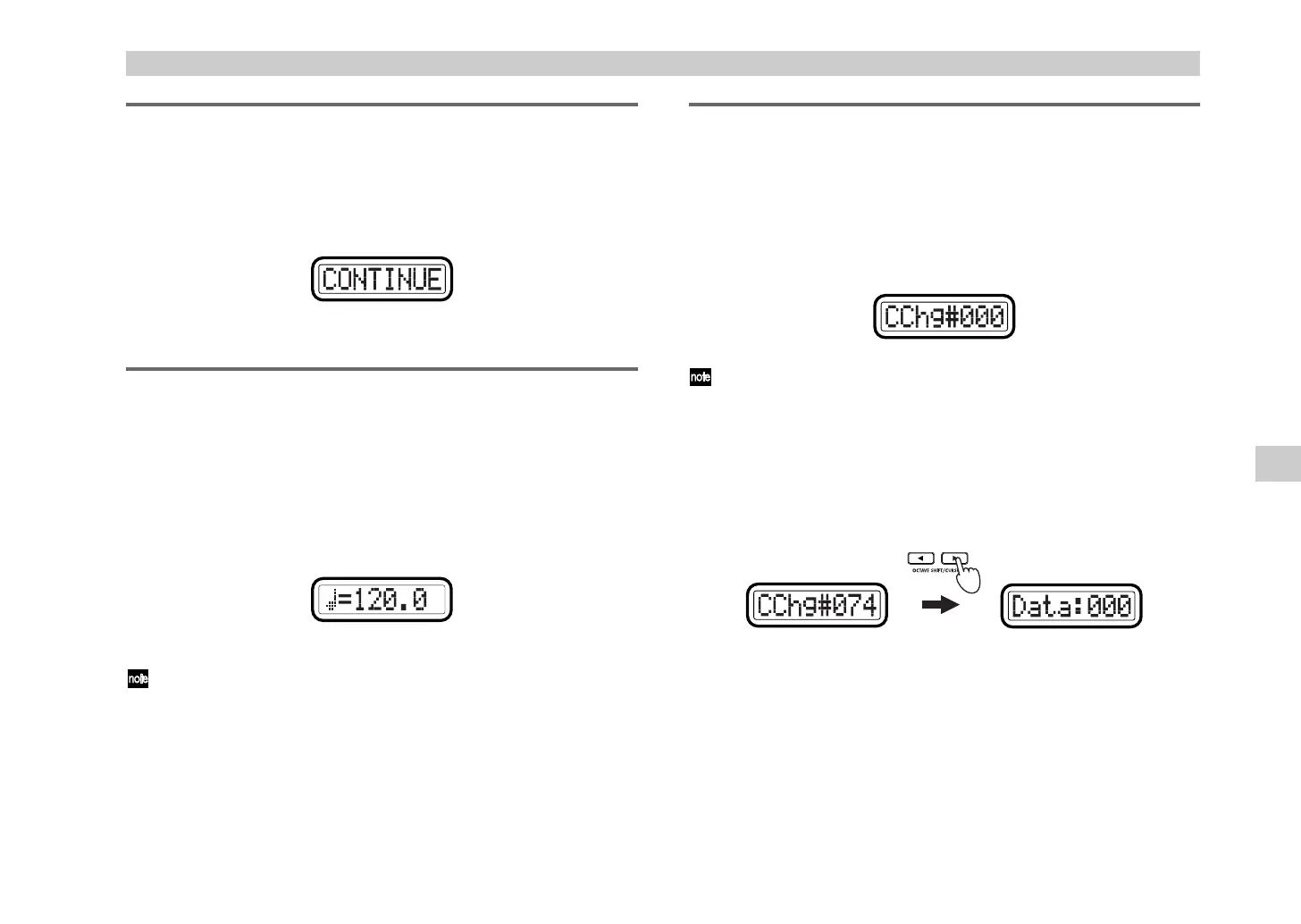
transmitted. The main display will indicate “CONTINUE.”
Release the [MESSAGE] key to return to Play mode.
[8] TAP (Tap message)
You can set the tempo of a sequencer etc. by pressing pad [8] at regular
intervals.
1
Hold down the [MESSAGE] key and press pad [8] two or more times at
the desired tempo.
Pad [8] will briefly go dark, and the main display will indicate the
tempo (to the first decimal place) of the timing clock messages the
microKONTROL is transmitting.
Release the [MESSAGE] key to return to Play mode.
If you hold down the [EXIT] key and press the [MESSAGE] key to select
the Mode Lock state, you can set the tempo simply by pressing pad [8]
without having to hold down the [MESSAGE] key.
[9] CTRL (Control Change message)
This lets you specify and transmit any desired control change message.
The message will be transmitted once with the single value you specify.
1
Hold down the [MESSAGE] key and press pad [9].
The [MESSAGE] key and pad [9] will light, and you will enter the
CTRL (Control Change message) page. The main display will indicate
“Message Select” (select the control change message).
The selectable parameter or value will blink within the display.
2
Use the [VALUE] dial or the pads to select the control change you want
to transmit. The range is
0–127
. (
☞
p.4 “About the trigger pad
functions–Input numerical values”)
3
Press the OCTAVE SHIFT/CURSOR [
®
] key to proceed to “Data”
(specify the value of the message).
4
Use the [VALUE] dial or the pads to specify the value of the message.
The range is
0–127
.
5
Press the OCTAVE SHIFT/CURSOR [
®
] key to proceed to “MIDI
Channel” (specify the MIDI channel).
Message mode
'( !"



 To Next Page