Operation–Setting mode
30
Sostenut (Sostenuto)
Assigns the Sostenuto message (CC#66) to the pedal.
A value of 127 will be transmitted when you press the pedal, and a
value of 0 when you release the pedal.
When you operate the pedal in Play mode, the main display will show
“Sostn--”.
Soft (Soft Pedal)
Assigns the Soft Pedal message (CC#67) to the pedal.
A value of 127 will be transmitted when you press the pedal, and a
value of 0 when you release the pedal.
When you operate the pedal in Play mode, the main display will show
“Soft--”.
Portmnt (Portamento)
Assigns the Portamento message (CC#65) to the pedal.
Values of 127 and 0 will be transmitted alternately each time you press
the pedal.
When you operate the pedal in Play mode, the main display will show
“Porta--”.
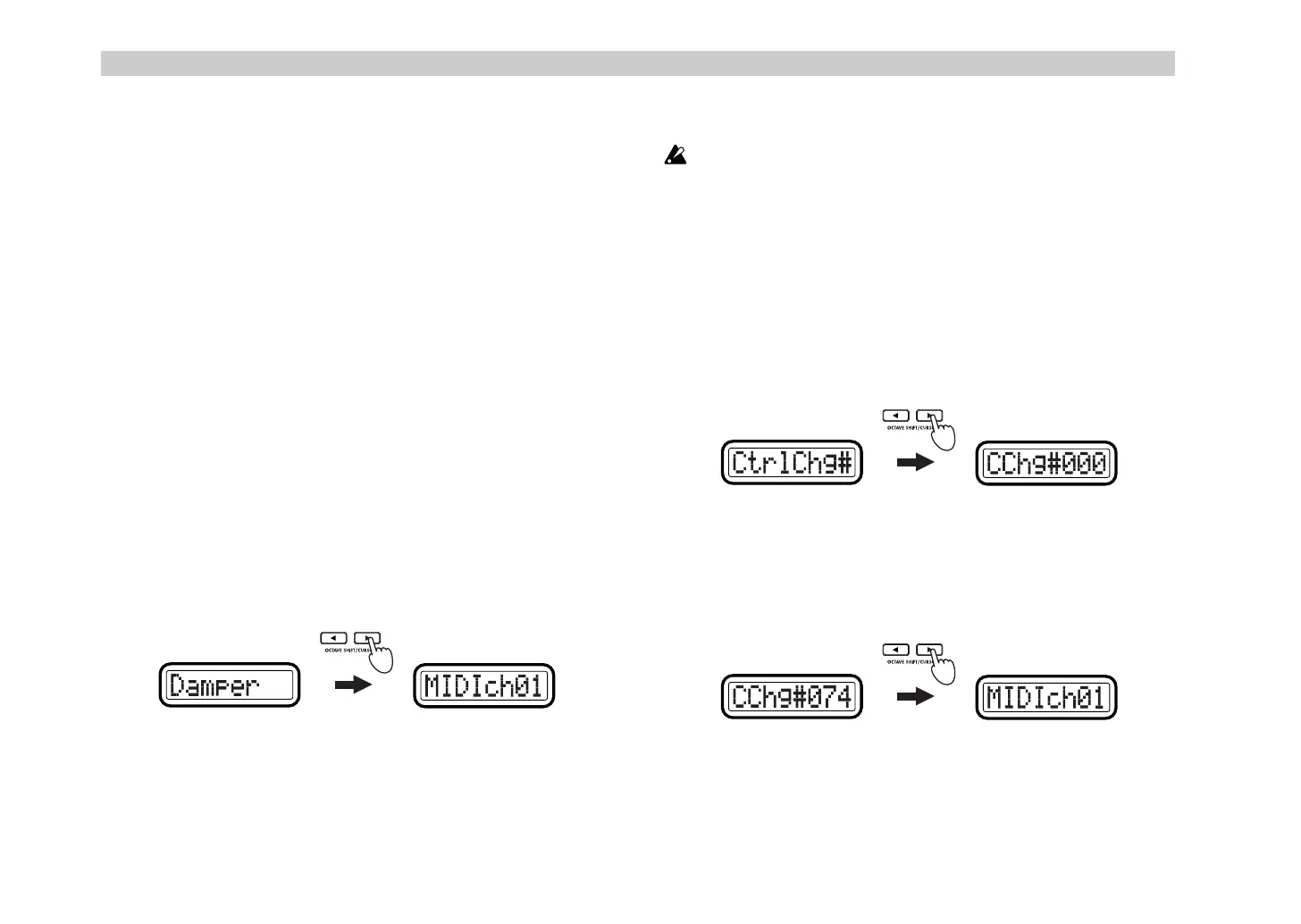
CtrlChg# (Control Change)
Assigns a Control Change message to the pedal. If you select
CtrlChg#
,
press the OCTAVE SHIFT/CURSOR [
®
] key to proceed to “Control
Change Select.”
☞
“Assigning a control change”
3
Press the OCTAVE SHIFT/CURSOR [
®
] key to proceed to “MIDI
Channel” (specify the MIDI channel).
4
Use the [VALUE] dial or the pads to select the MIDI channel on which
the MIDI message will be transmitted. The range is
1–16 (ch)
. (
☞
p.4
“About the trigger pad functions–Input numerical values”)
5
Press the [ENTER] key.
The settings will be updated, and you will return to Play mode.
If you want to keep the new settings, you must save them in Scene
mode. If you turn off the power or select a different scene without
saving, your new settings will be lost. (
☞
p.54 “Scene mode–[16]
WRITE”)
■
Assigning a control change
If you select
CtrlChg#
in “MessageSelect,” you’ll need to make settings for
the “Control Change Select,” “MIDI Channel,” and “SW Type.”
1
In “Message Select,” select
CtrlChg#
. Then press the OCTAVE SHIFT/
CURSOR [
®
] key to proceed to “Control Change Select” (select the
control change number).
2
Use the [VALUE] dial or the pads to select the control change number.
The range is
0–127
.
3
Press the OCTAVE SHIFT/CURSOR [
®
] key to proceed to “MIDI
Channel” (select the MIDI channel).
(Green)(Red)
(Green)(Red)
(Green)(Green)
&- !"



 To Next Page